
Free Blur Image Online
Apply a Gaussian blur to any photo in one click.
Click to select an image
or drag and drop here
Supports JPEG, PNG, WebP • Maximum file size: 100MB
Key Features of Our Blur Image Tool
Drop a photo in. Get a blurred one back. Free and fast.
Instant Preview
Drop in your photo and our blur image tool applies a Gaussian blur the moment it loads. No sliders to drag, no buttons to press, no waiting. Drop in, see the blurred result, download.
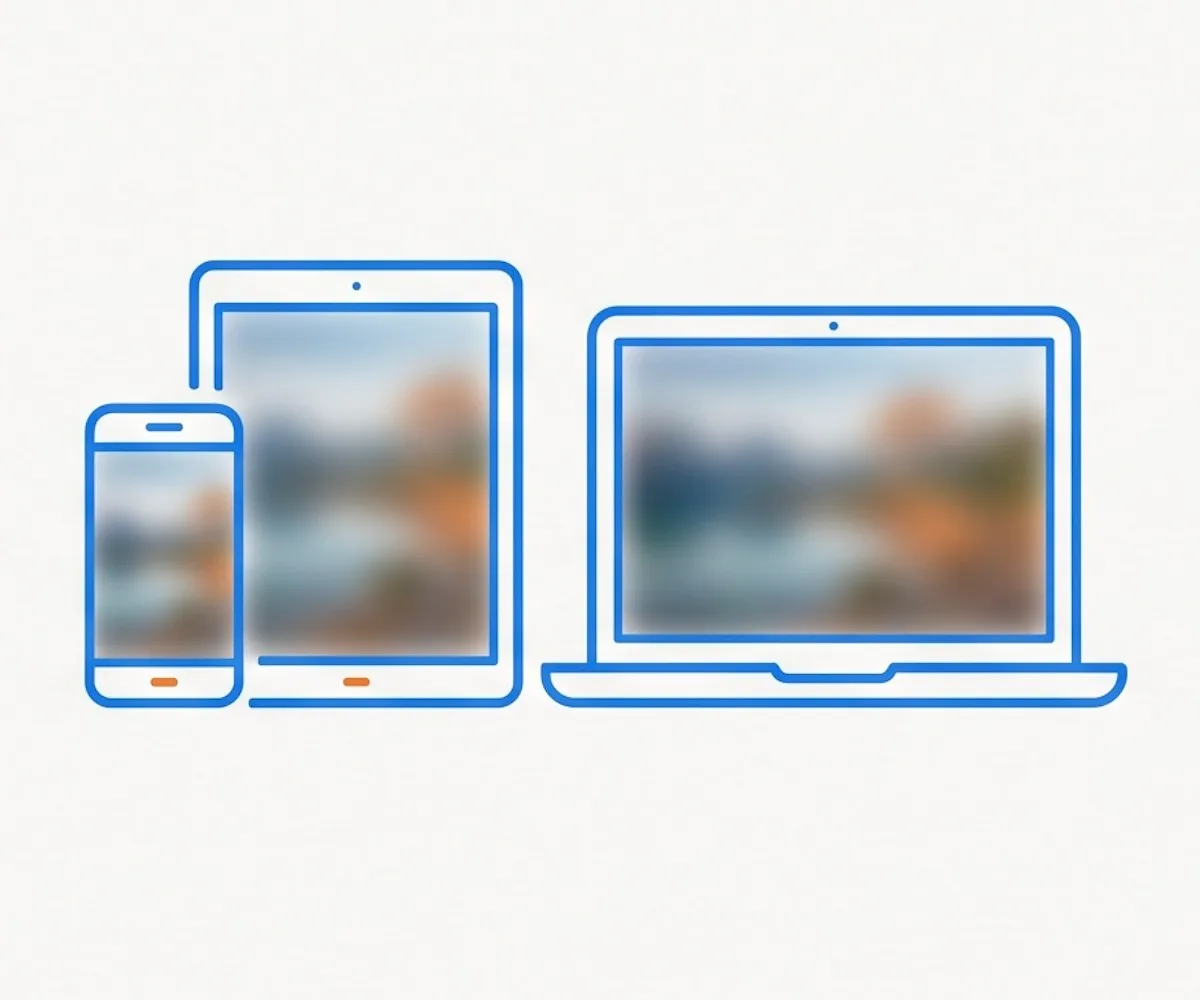
Works on Any Device
Phone, tablet, desktop — every modern browser runs the blur image tool. Apply it on the go from your iPhone, Android, or iPad, or from your laptop. No app to install.
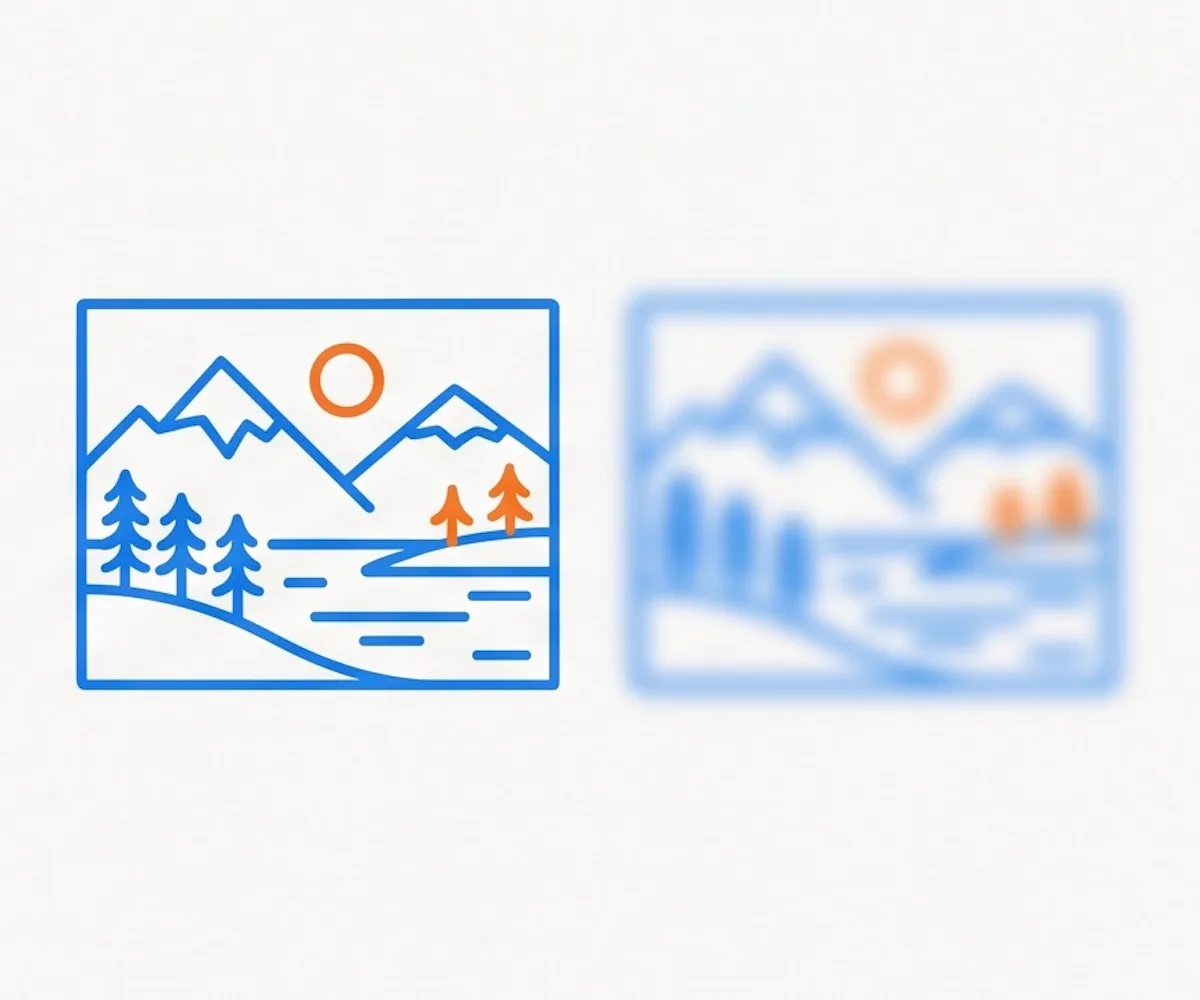
Keep Original Size
The blur image tool keeps your photo at the original resolution. Same width, same height, same format — just softened by a Gaussian blur.
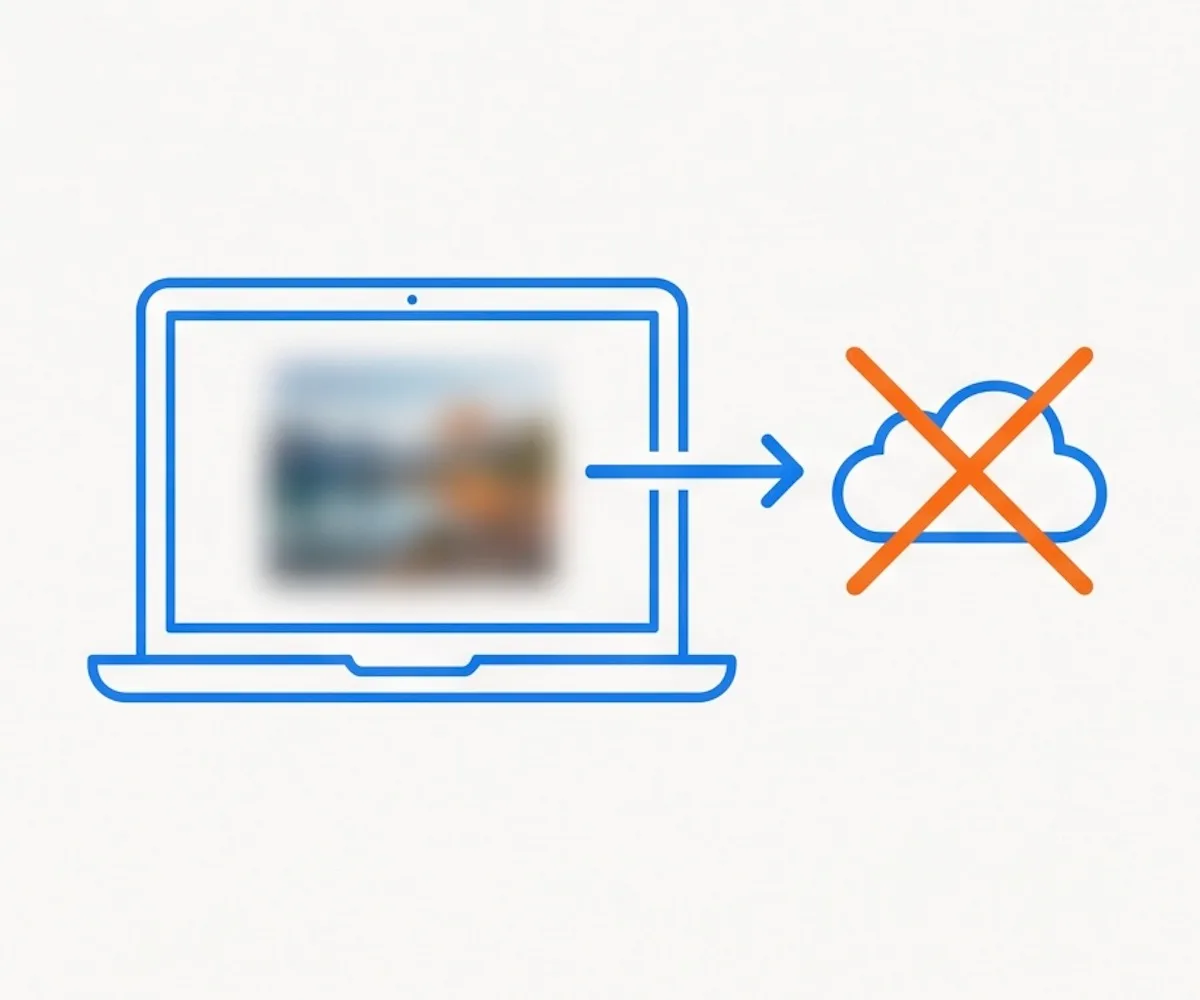
Full Privacy
Every pixel is processed in your browser. Photos are not transmitted to a server and are not stored anywhere. Safe for personal, professional, and sensitive images.
Free, Unlimited, No Watermark
Blur as many photos as you like. Download with no watermarks, no sign-up, and no limits — every time.
What Is a Blur Image Tool?
Softens an image with a Gaussian blur — applied in your browser, in seconds.
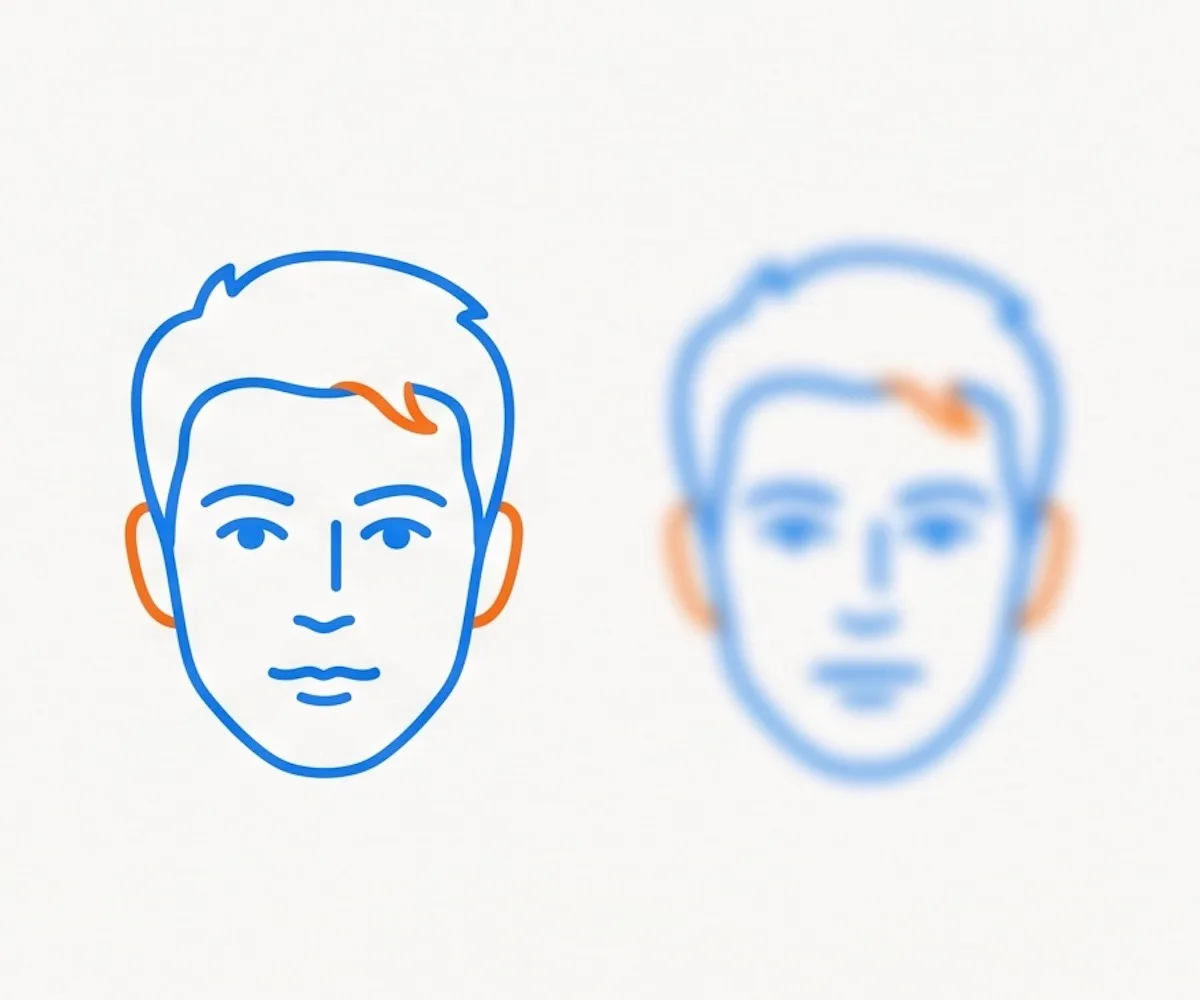
A blur image tool softens a photo by averaging each pixel with its neighbors, producing a smooth, out-of-focus look. Ours applies a Gaussian blur — the same kind of blur a camera lens creates when something is out of focus. Drop in a JPG, PNG, or WebP, and the blur is applied instantly. Once you see the result, download it at the original resolution. No server, no account, no install — every step happens on your device.
Common uses for a blur image tool include hiding sensitive backgrounds in a screenshot, anonymizing faces or license plates before sharing, creating a soft backdrop for text or a wallpaper, and softening a busy photo so a foreground element stands out.
Gaussian is the most natural-looking blur image effect — it mimics what a camera lens does when a subject is out of focus, without the boxy or banded edges that simpler blurs produce. It's the same blur used in Photoshop and most photo editors.
How to Blur an Image Online
Three steps to blur any photo — no install, no sign-up, processed in your browser.
Drag and drop an image, or click to choose a JPG, PNG, or WebP file from your device. Your photo loads in the preview instantly.
The Gaussian blur is applied automatically the moment your image loads. No settings to tweak, no controls to figure out — just look at the result on screen.
Click Download to save your blurred photo at the original resolution. No watermark, no sign-up, no server — the file goes straight from your browser to your device.
Why Choose Our Blur Image Tool
Fast, private, full-resolution blur image processing — no editing experience required.
In Photoshop, you'd open the image, add a Gaussian Blur filter, drag the radius slider, and export. Here, you drop in a photo and click download.
No sign-up, no paywall, no watermark on the output. Blur as many photos as you want, as many times as you want.
The blur is applied entirely on your device. Your photos are not transmitted.
Your image keeps the resolution you started with — same width, same height, same format. Just the sharpness is reduced.
Blur Image FAQ
Common questions about our online blur image tool
What is a Gaussian blur?
How do I blur an image online?
What image formats are supported?
Are my photos sent to a server?
Is this blur image tool free?
Can I blur images on my phone?
Will I lose image quality when I blur a photo?
Ready to Blur an Image?
Drop in a photo, see the blur image result instantly, and download — all in your browser, all free.