
Free Online Invert Image Tool
Invert image colors instantly in your browser — drag, drop, done.
Click to select an image
or drag and drop here
Supports JPEG, PNG, WebP • Maximum file size: 100MB
Key Features of Our Invert Image Tool
Everything you need to invert image colors — fast, free, and private.
Instant Color Inversion
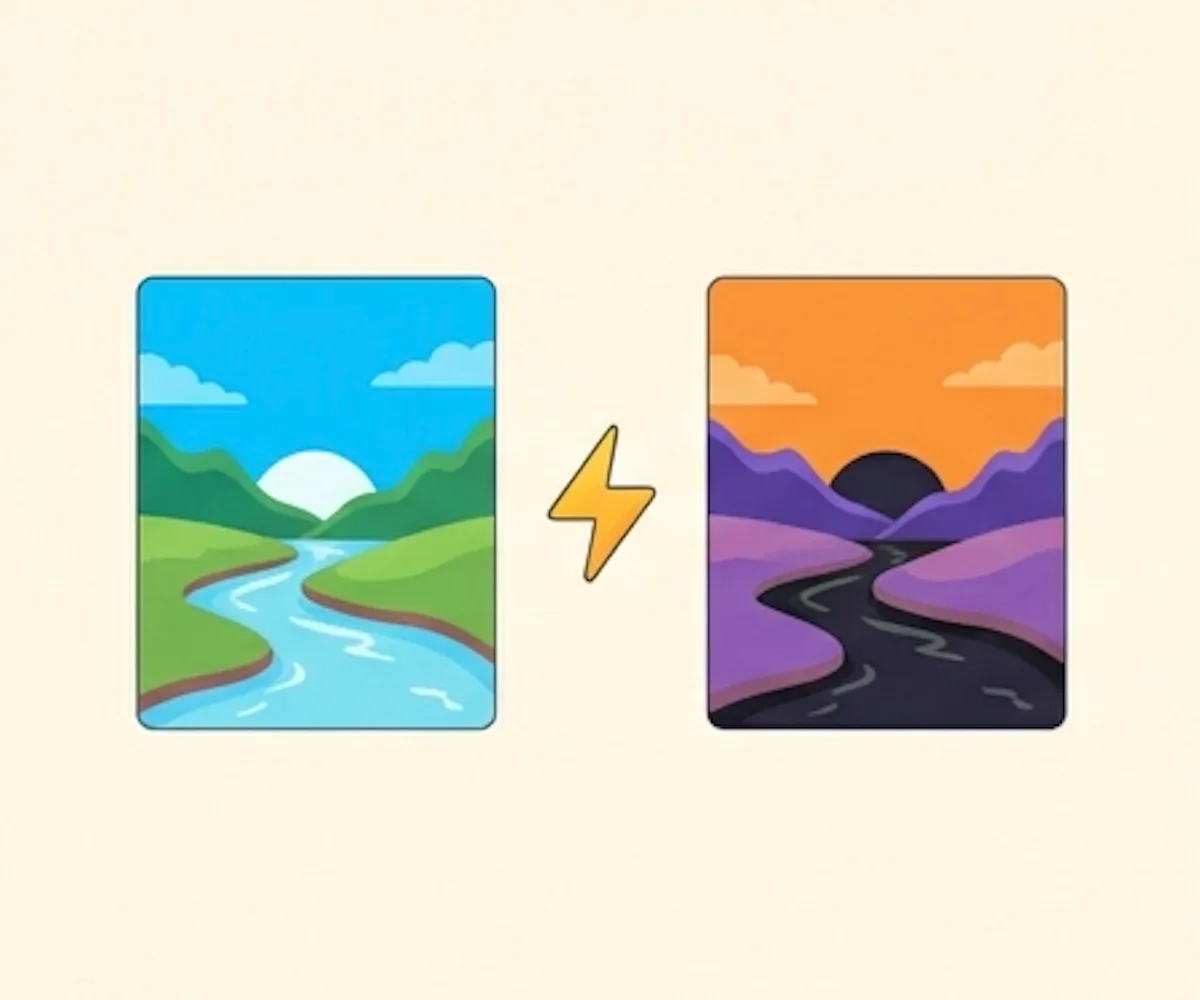
Drop your photo and the invert image effect runs straight away. Every pixel is flipped to its opposite color the moment your image loads — no buttons to press.
Side-by-Side Preview
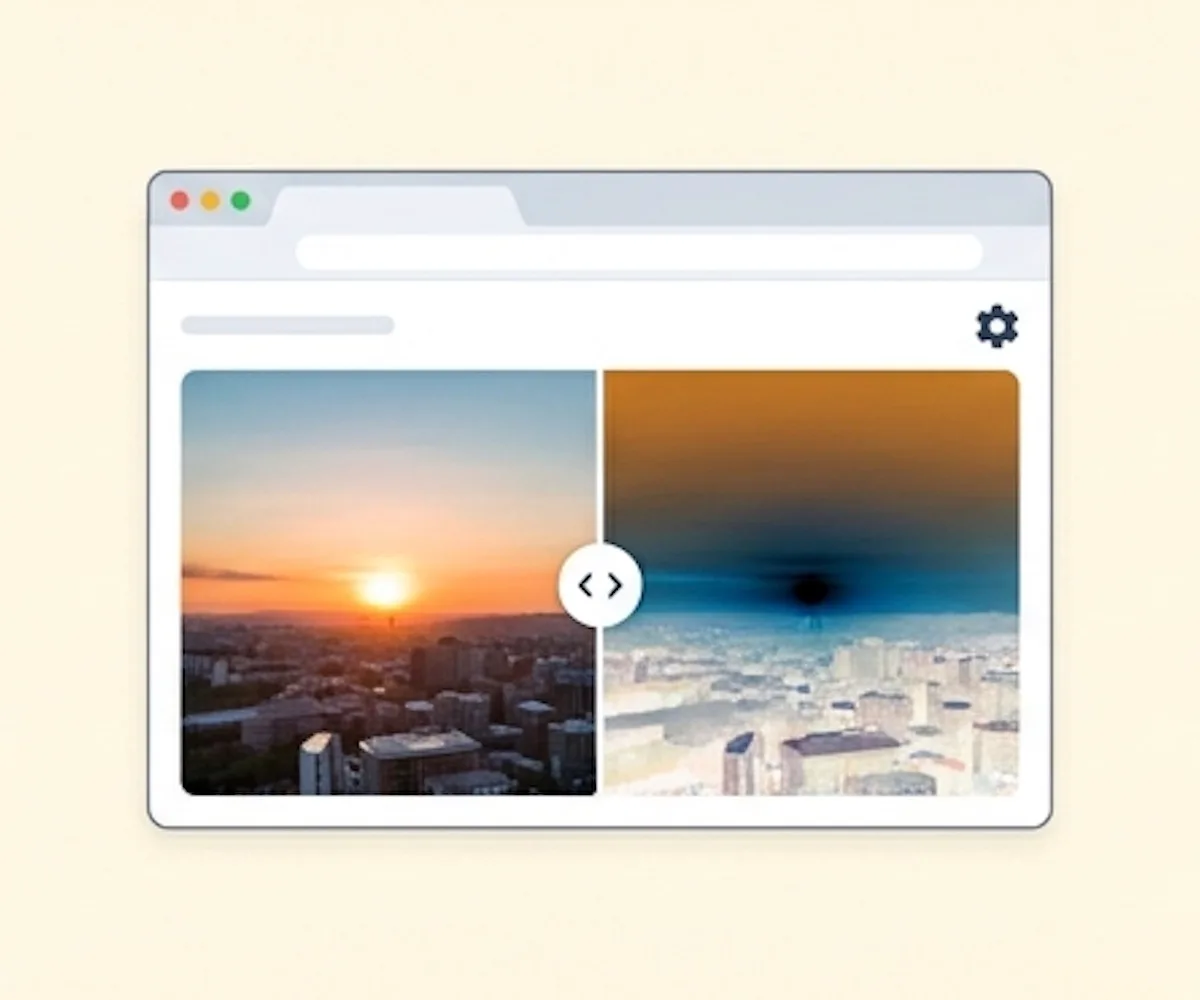
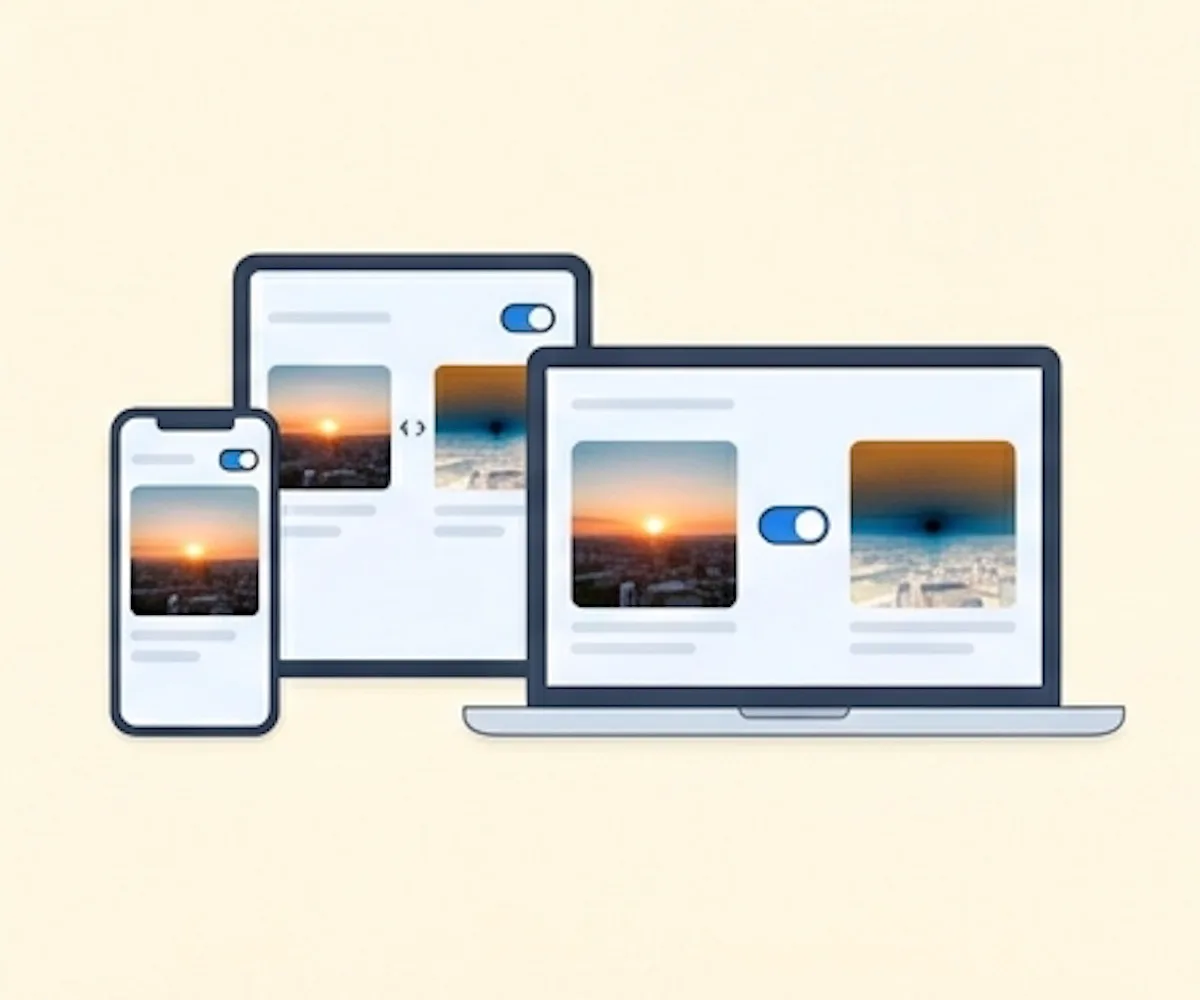
Your original and the inverted result sit next to each other on the same screen. You can see exactly what changed before you save anything.
Runs on Your Device
The inversion happens locally in your browser. Your image is not transmitted anywhere — safe for scans, documents, and anything you wouldn't want uploaded.
Original Resolution Preserved
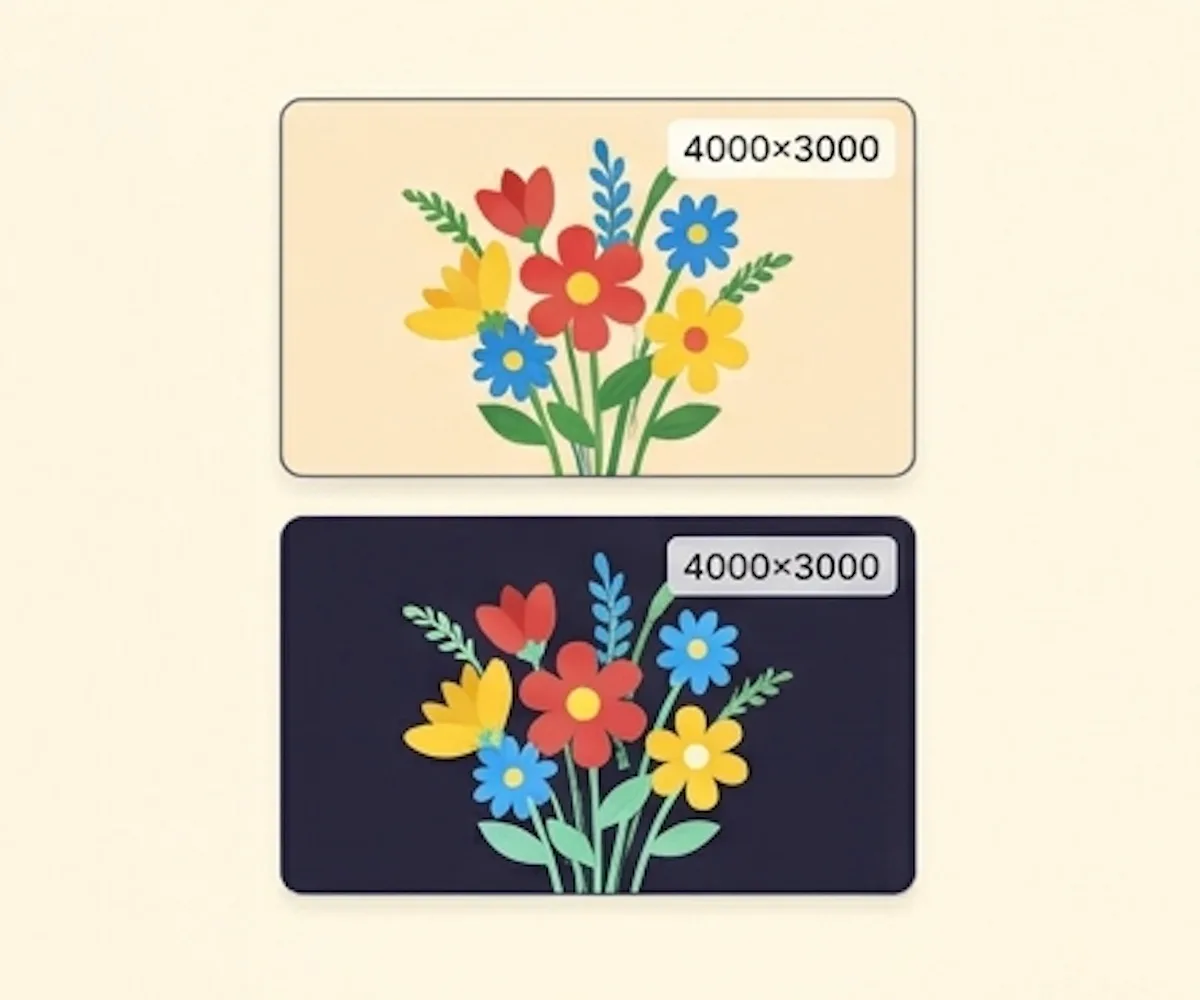
We don't resize, recompress, or crop. The inverted file keeps the same dimensions and detail as the photo you brought in.
Works on Phone, Tablet, Desktop
Open the page in any modern browser — iPhone, Android, iPad, Mac, Windows. Nothing to install, no app store, just the tool.
What Is an Image Inverter?
How digital color inversion works, and when you'd use it
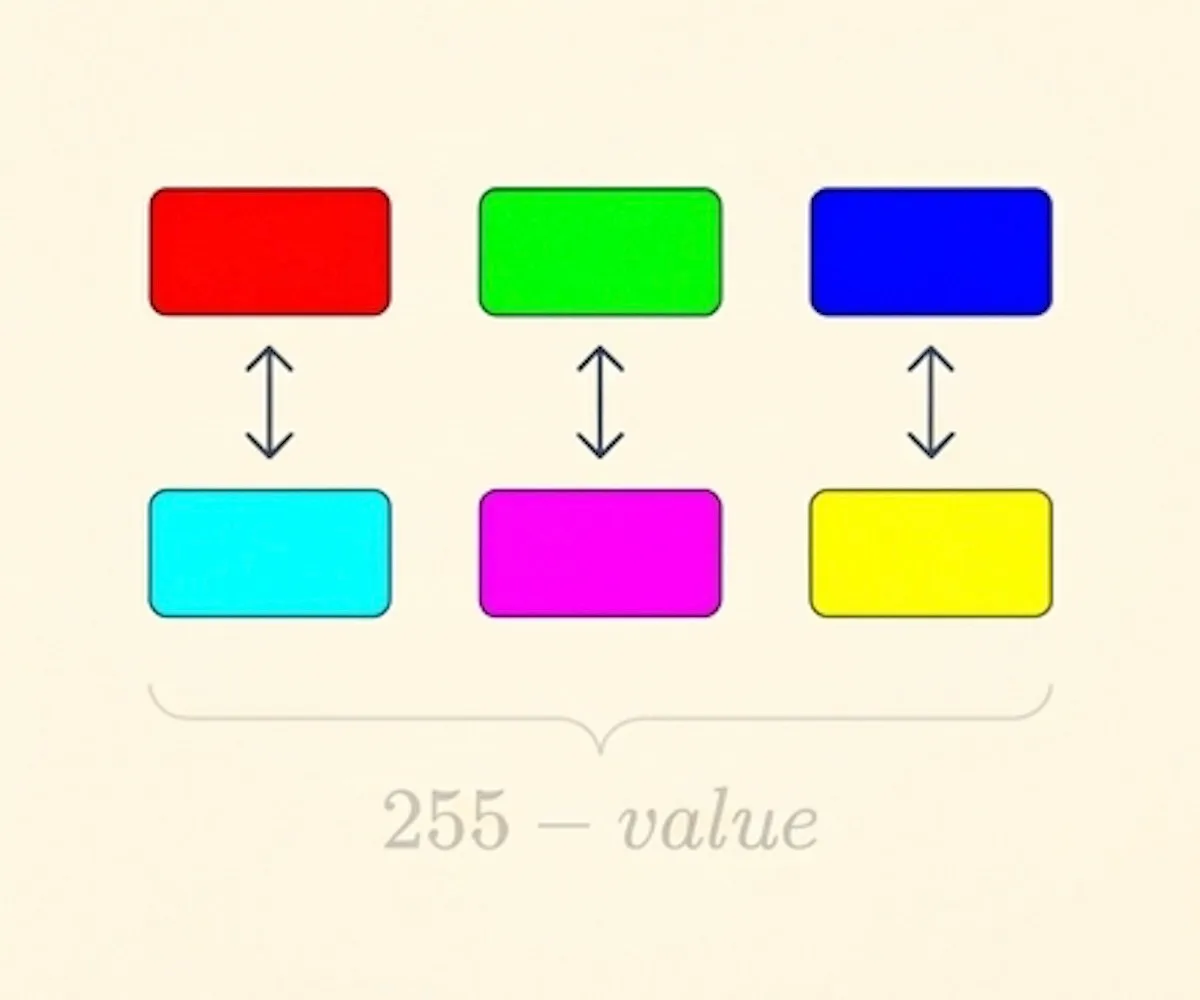
When you invert image colors, every pixel is flipped to its opposite. White turns black, black turns white, red becomes cyan, green becomes magenta, blue becomes yellow. The math behind an invert image effect is simple — each color channel value is subtracted from 255. Our invert image tool runs entirely in your browser: drop in a photo, see the inverted result side by side with the original, and download it in a moment.
Use invert image on line-art scans to flip them to white-on-black for dark mode, on document scans for night reading, on light-theme UI mockups to preview a dark theme, on X-ray scans for quick viewing, and on bright screenshots to ease eye strain.
In Photoshop you invert image colors via Image → Adjustments → Invert (Ctrl+I). Our invert image tool does the same operation in your browser with a single drag and drop — no software, no account, nothing to upload.
How to Invert an Image Online
Invert image colors on any photo in under a minute. No software, no account, no upload.
Click to select a photo or drag and drop one onto the page. The invert image effect runs immediately and the inverted preview appears right away.
Your original and the inverted result sit side by side. Every color is flipped to its opposite — no sliders to tweak.
Hit Download to save the inverted file. No watermarks, no sign-up — your invert image result is ready to use in your designs, notes, or scans.
Why Choose Our Invert Image Tool
The simplest way to invert image colors online
Drop a photo in and the invert image effect runs immediately. No "apply" button, no settings to figure out, no waiting.
Use it as many times as you want. No sign-up, no watermark on the output, no per-image charge.
The invert image processing happens inside your browser. Your photo is not transmitted to a server — safe for confidential scans and personal photos.
Our invert image tool only flips the colors. Dimensions, sharpness, and detail are exactly the same as the file you brought in.
Invert Image FAQ
Common questions about our online invert image tool
What is our invert image tool?
How do I invert image colors?
What can I use an inverted image for?
What image formats can I invert?
Is this invert image tool free to use?
Are my images uploaded or stored anywhere?
Can I invert images on my phone?
Ready to Invert an Image?
Drop in a photo and grab the invert image result. Takes seconds.