
PNG to WebP Converter
Convert PNG images to WebP format instantly. Reduce file size by 25-35% while preserving transparency.
No upload required • Works offline • 100% secure
Drop your PNG file here, or click to browse
Supports PNG files up to 50MB
🔒 100% Private
Conversion happens in your browser. Your files never leave your device.
⚡ Fast & Free
No upload time, no waiting. Convert instantly and completely free.
⚡ Smaller File Size
WebP is 25-35% smaller than PNG while preserving transparency.
What is PNG to WebP Converter?
A PNG to WebP converter is a tool that transforms PNG image files into WebP format — Google's modern image format designed for the web. PNG produces large, lossless files perfect for editing and design work, but they are often oversized for web delivery. This converter takes those PNG files and re-encodes them as WebP, reducing file size by 25–35% while preserving full transparency and maintaining excellent visual quality.
Unlike traditional converters that require software installation or file uploads, this tool runs entirely in your browser. Your images never leave your device — conversion is instant, private, and free.
About PNG Format
PNG (Portable Network Graphics) uses lossless compression and supports full alpha channel transparency. It is widely compatible across all software but produces larger files — best for editing, logos, and graphics requiring perfect quality.
Why Convert to WebP?
WebP delivers 25-35% smaller file sizes compared to PNG while preserving transparency. Smaller images mean faster page loads, better Core Web Vitals scores, and reduced bandwidth costs — all critical for modern web performance.
PNG vs WebP Comparison
| Feature | PNG | WebP |
|---|---|---|
| File Size | Larger (lossless) | 25-35% smaller |
| Compression | Lossless | Lossy or Lossless |
| Quality | Perfect | Excellent |
| Transparency | Yes | Yes |
| Browser Support | Universal | All modern browsers |
| Best For | Editing, printing, design | Web delivery, performance |
How to Convert PNG to WebP
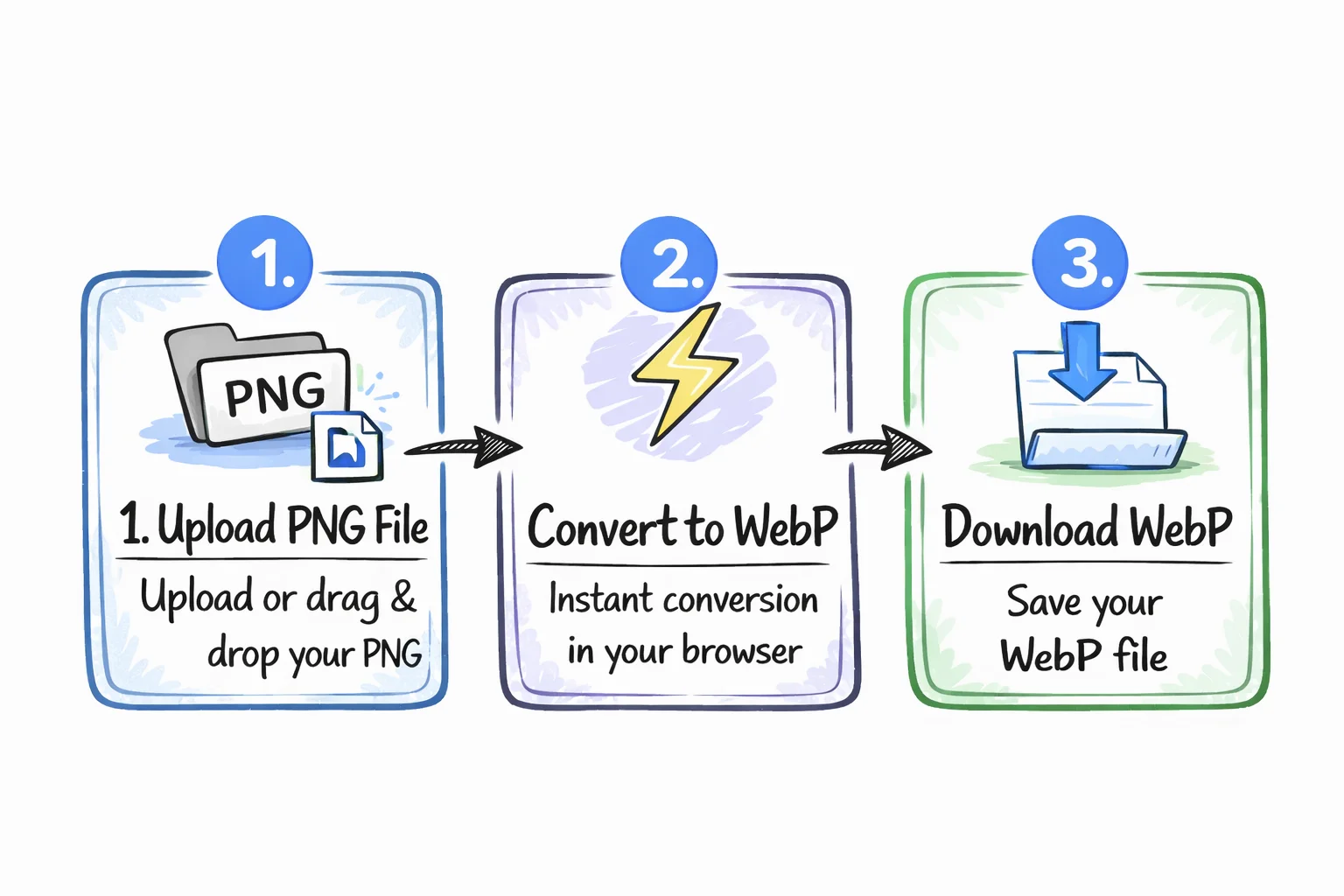
Upload PNG File
Click the upload area or drag and drop your PNG file from any device.
Convert to WebP
Click the "Convert to WebP" button and the conversion happens instantly in your browser.
Download WebP
Click "Download WebP" to save your optimized image file, ready for the web.
Why Choose Our PNG to WebP Converter?
Free to Use
No hidden fees, no subscriptions, no watermarks. Convert unlimited PNG files to WebP completely free.
Private & Secure
Files are processed entirely in your browser. No uploads, no servers, no privacy concerns. Your images stay on your device.
Transparency Preserved
WebP fully supports alpha channel transparency. Your PNG's transparent areas are perfectly preserved in the converted WebP file.
Optimized Compression
Converts at 85% quality — the sweet spot that reduces file size by 25-35% with virtually no visible difference from the original.
Frequently Asked Questions
Why should I convert PNG to WebP?
Will I lose quality when converting PNG to WebP?
Does PNG to WebP conversion preserve transparency?
Is it safe to convert PNG files online?
How much will my PNG file shrink after converting to WebP?
Do I need to install any software?
Ready to Convert Your PNG Images?
Start converting PNG to WebP for free and reduce your file sizes by up to 35%.
Convert PNG to WebP Now