
Rotate Image Online for Free
Rotate any photo online in seconds.
Click to select an image
or drag and drop here
Supports JPEG, PNG, WebP • Maximum file size: 100MB
Key Features of Our Rotate Image Tool
Drop in a photo and the rotate image result appears right away.
Fast Processing
Drop in a photo and the rotate image tool creates a result right away. Everything runs in your browser, so there is no server upload, processing queue, or return trip to wait for. Change the angle and the new preview appears without an Apply button.
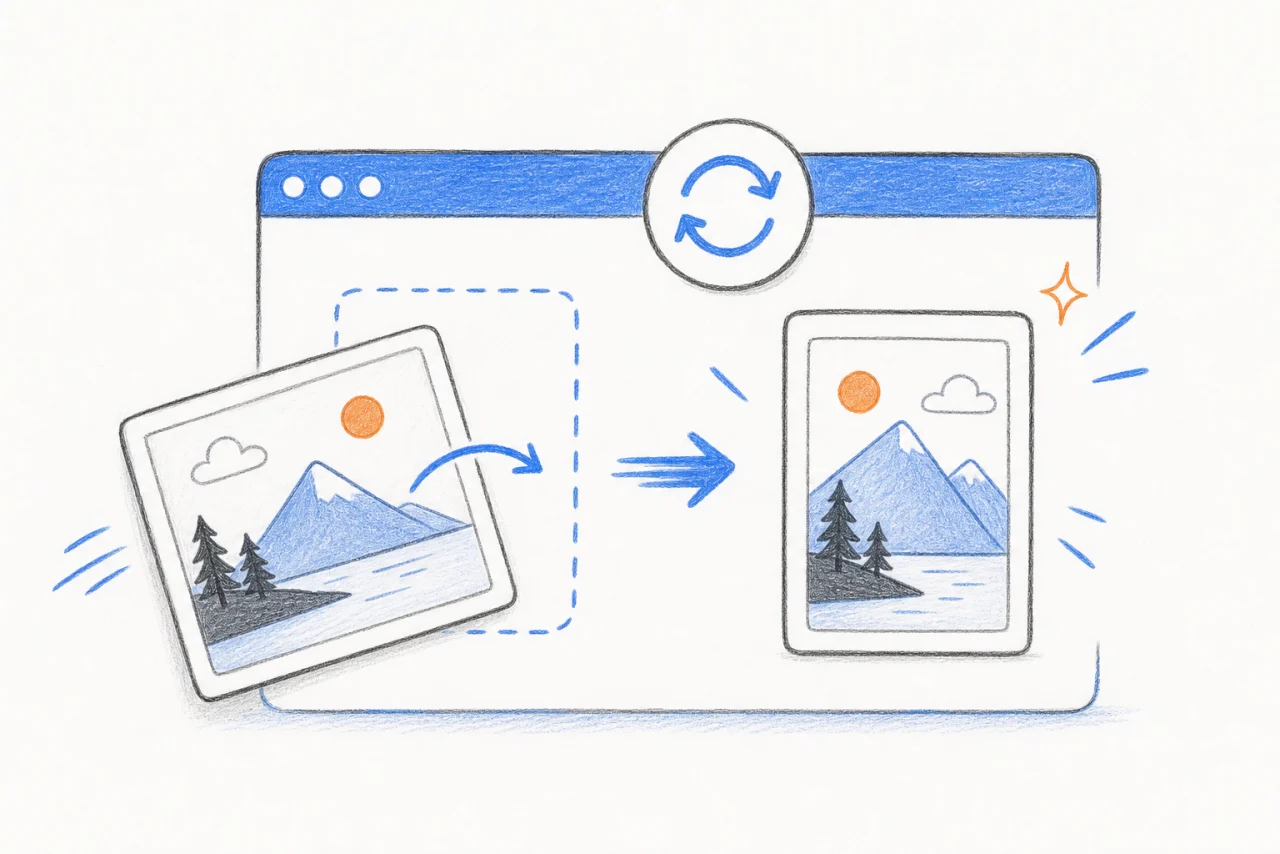
Live Before-and-After Preview
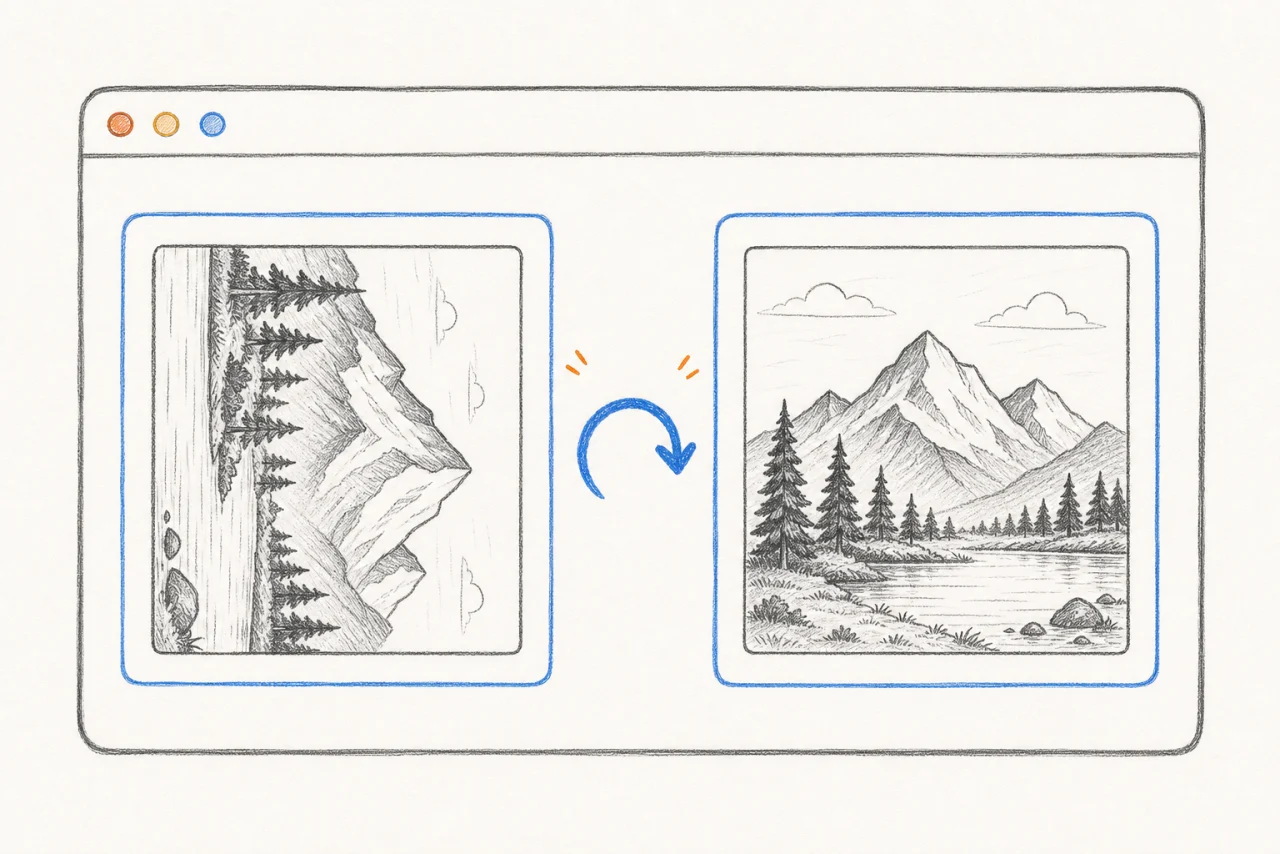
The rotate image tool keeps the original photo on the left and the rotated result on the right. You can check the direction before downloading, switch between all three angles, and see each change immediately without adding the file again.
Three Useful Angles
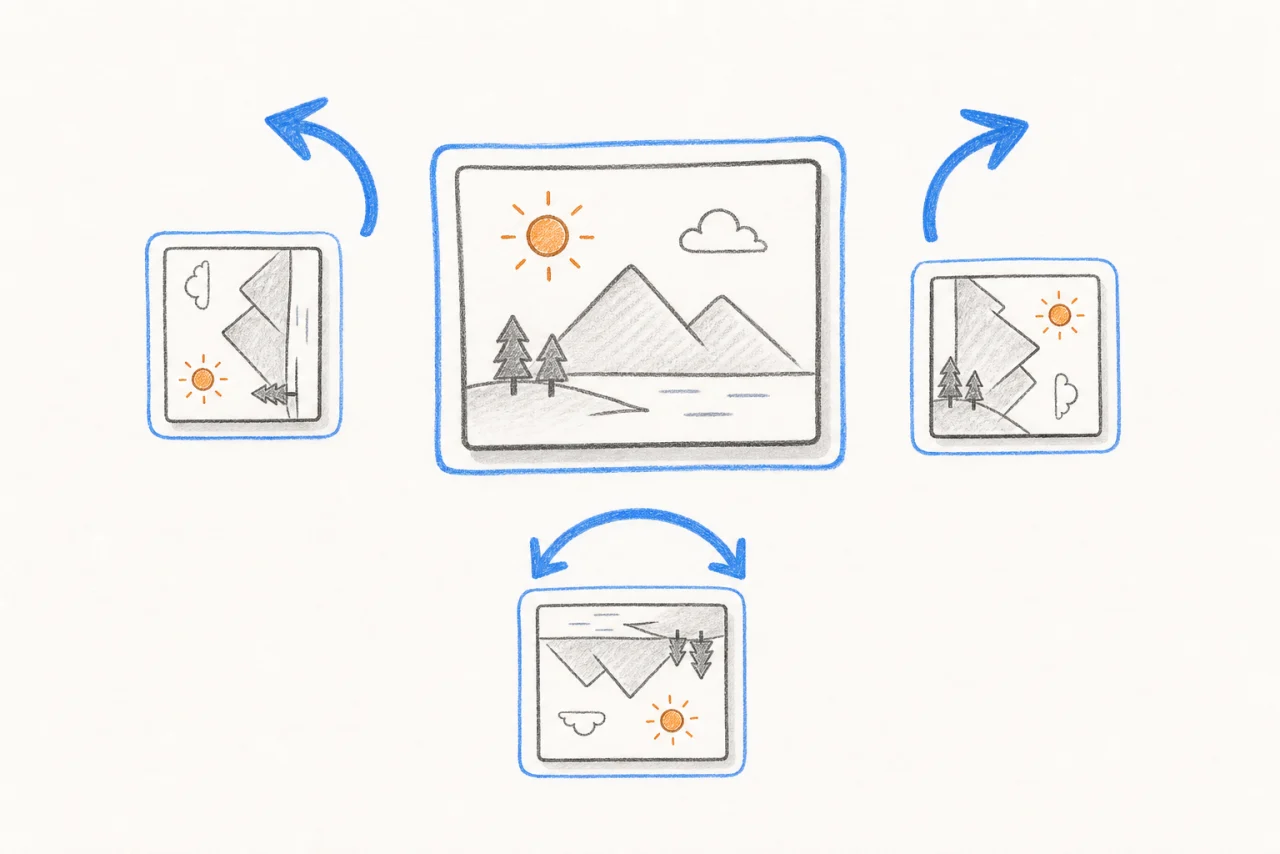
The rotate image controls cover the three fixes most photos need: 90° left, 90° right, and 180°. One click corrects a sideways or upside-down photo. There is no angle slider, degree field, or extra setting to configure.
Private in Your Browser
The rotate image process stays in your browser from start to finish. Your photo is not sent to our server, placed in an upload queue, or stored online. This keeps private photos and work images on the device you are using.

Works on Any Device
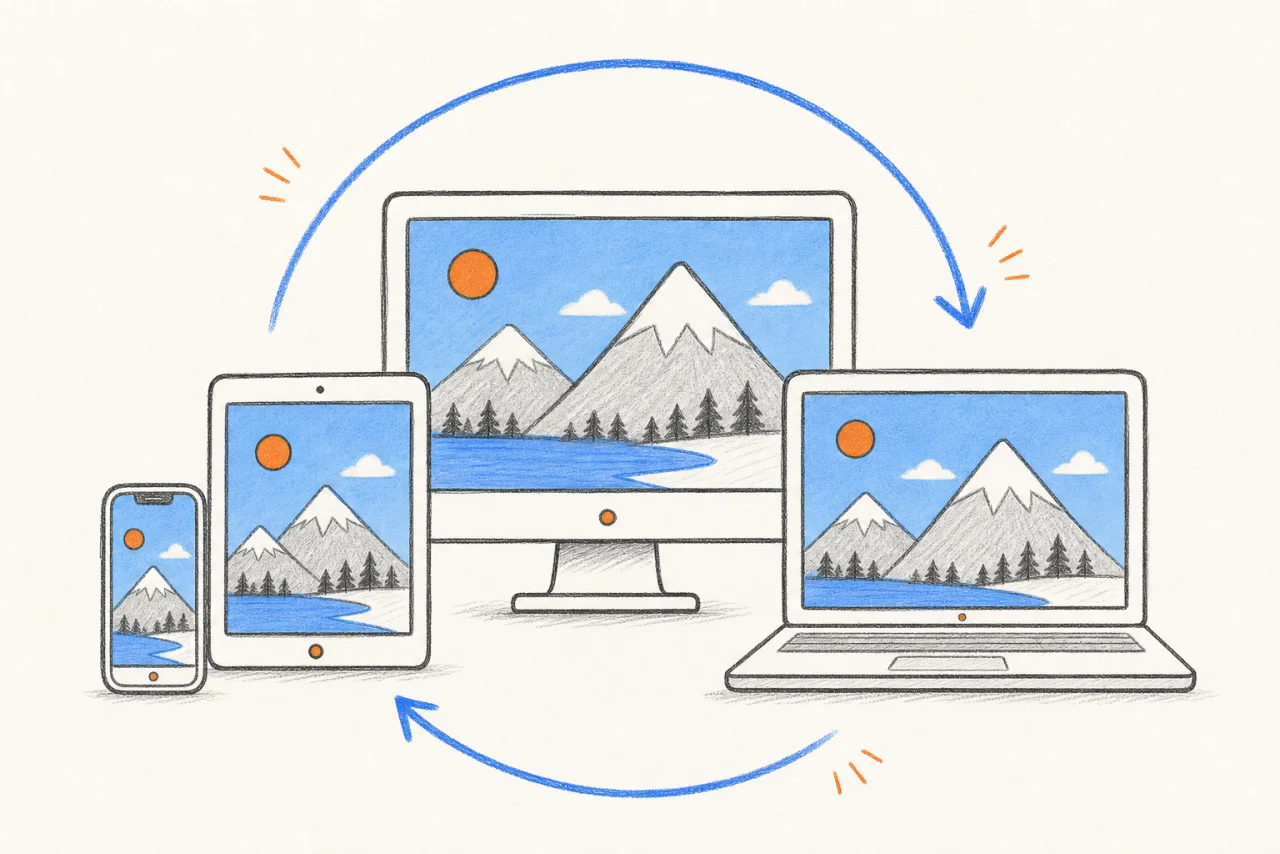
Use the rotate image tool on a phone, tablet, laptop, or desktop computer. It works with common JPG, PNG, and WebP files, and there is no app or browser extension to install. The same three angle controls work on every supported device.
What Is a Rotate Image Tool?
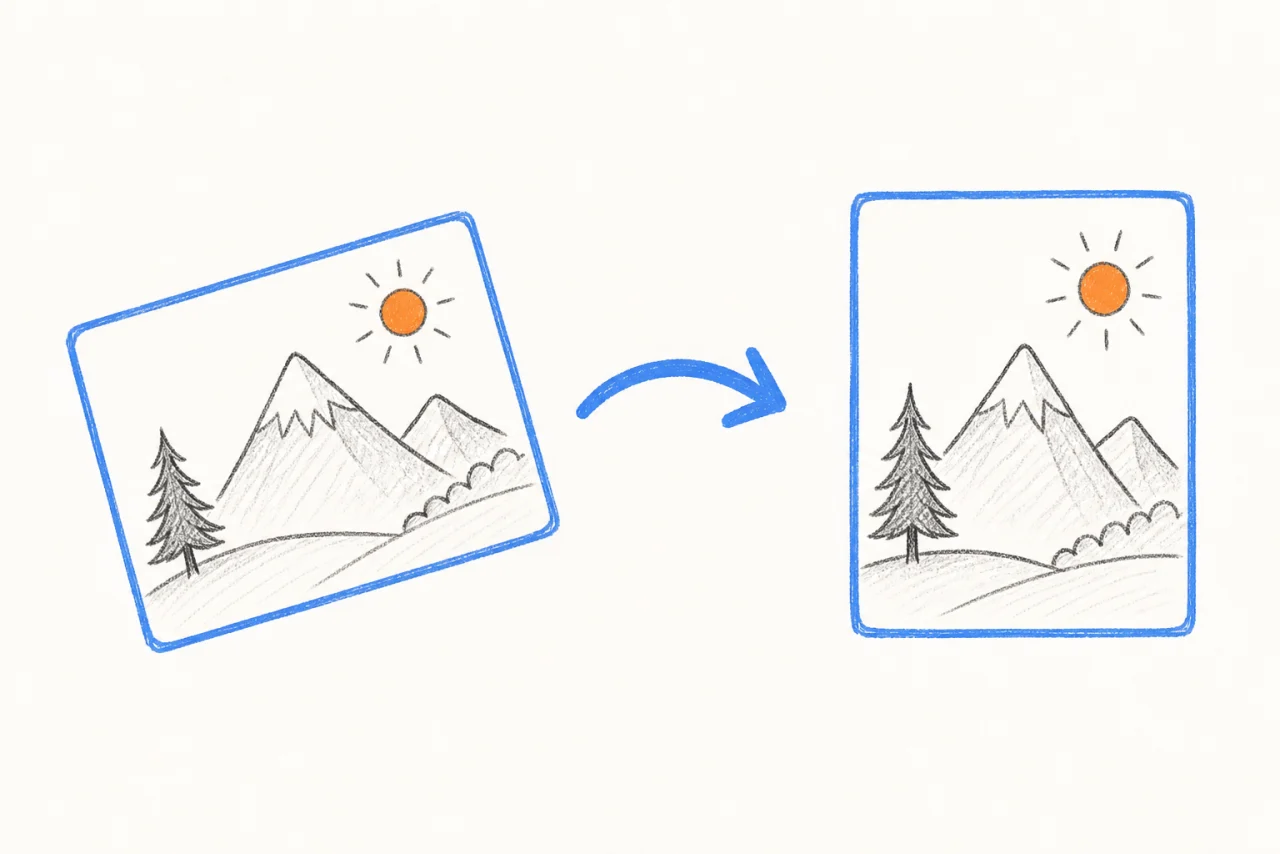
A rotate image tool changes a photo's orientation without mirroring it. A 90° turn moves between portrait and landscape and swaps the image width and height. A 180° turn fixes an upside-down photo while keeping text readable. It is useful when a phone photo, scan, screenshot, or exported image appears sideways. This rotate image tool covers the three common fixed turns and keeps the original and result visible together.
Correct a sideways phone photo. Turn a scanned receipt or document upright. Fix a product image before publishing it. Change a portrait picture to landscape orientation. Rotate a screenshot that was captured in the wrong direction.
Rotation turns the whole photo around. Text, logos, faces, and objects keep their normal left-to-right order. Flipping creates a mirror image, so left and right trade places. Use rotation for a wrong orientation and use the separate Flip Image tool when you want a reflection.
How to Rotate an Image in 3 Steps
Use the rotate image tool in your browser without installing software or creating an account.
Click the upload area or drag in a JPEG, PNG, or WebP file. The rotate image tool starts with a 90° left result automatically.
If the first rotate image result faces the wrong way, select 90° Right or 180°. The preview updates immediately.
When the image is facing the right way, click Download Rotated Image.
Why Choose Our Rotate Image Tool
The rotate image tool has no custom angles or extra controls to set up. Click 90° left, 90° right, or 180° and see the result right away.
The rotate image comparison keeps the original on the left and the rotated result on the right, so you can check both versions before downloading.
The rotate image tool runs in your browser. Nothing is sent out or queued on a server.
The rotate image download keeps the same file type. A JPG stays JPG, a PNG stays PNG with transparency, and a WebP stays WebP. A 90° turn swaps width and height. A 180° turn keeps them the same.
Rotate Image FAQ
Common questions about the rotate image tool
What is a rotate image tool?
How do I rotate an image 180 degrees?
Can I rotate a picture online on my phone?
Does rotating an image reduce its quality?
What image formats can I rotate?
Are my photos uploaded to a server?
What is the difference between rotating and flipping an image?
Ready to Rotate an Image?
Fix a sideways or upside-down photo in seconds.