
Free Pixelate Image Tool Online
Turn any photo into a pixelate image instantly.
Click to select an image
or drag and drop here
Supports JPEG, PNG, WebP • Maximum file size: 100MB
Key Features of Our Pixelate Image Tool
Drop a photo in. Get a pixelated one back. Free and fast.
Instant Pixelate Image Effect
Drop in your photo and the Pixelate Image effect appears the moment it loads. Preview the result, adjust block size if needed, then download.
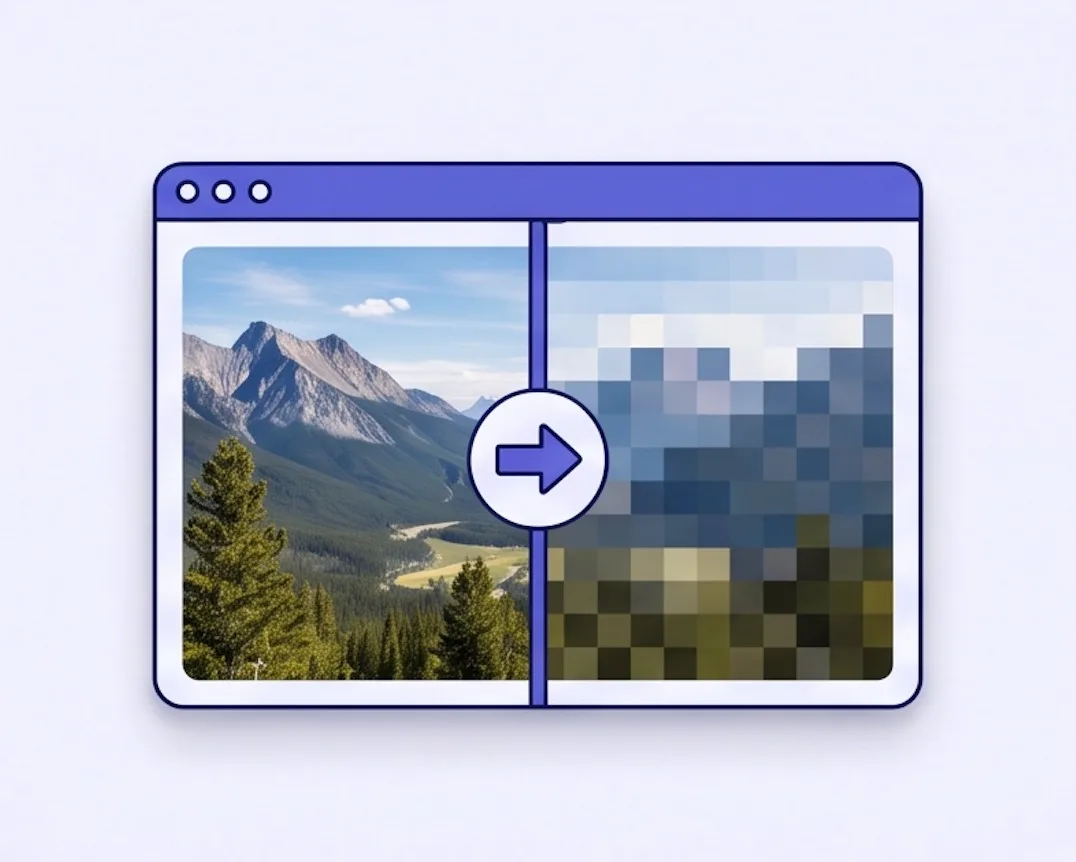
Adjustable Pixelate Image Block Size
Use the Block size (px) slider to choose a subtle 2px pixel texture or a bold 100px mosaic. The default 8px setting keeps the image recognizable while adding a clear pixel-art look.
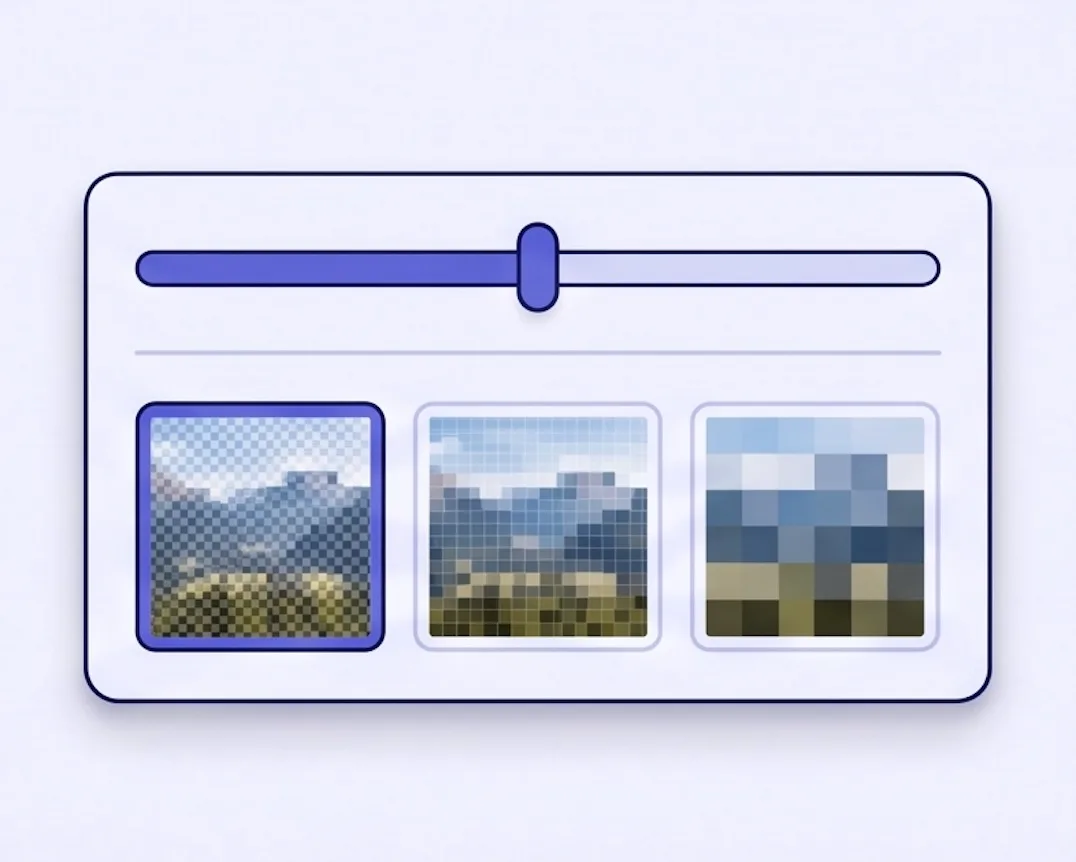
Works on Any Device
Phone, tablet, desktop — Pixelate Image works the same way in any modern browser. Use it on the go from your iPhone, Android, or iPad, or from your laptop. No app to install.
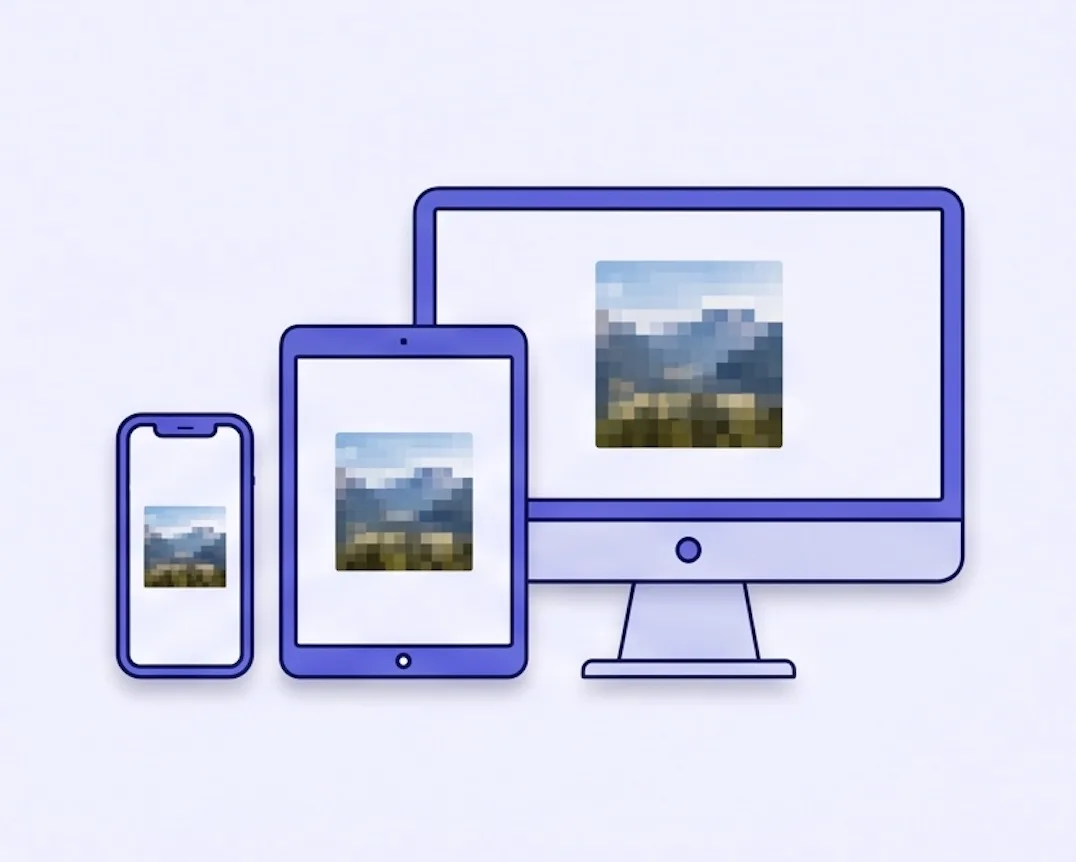
100% Private
Every pixel is processed on your device. Your image is not sent to our servers or to any third party. Nothing is transmitted, nothing is stored — safe for personal, professional, and sensitive photos.
Free, Unlimited, No Watermark
Pixelate as many images as you like. Download with no watermarks, no sign-up, and no limits — every time.
What Is a Pixelate Image Filter?
The mosaic pixel-art effect — applied to any photo in seconds.
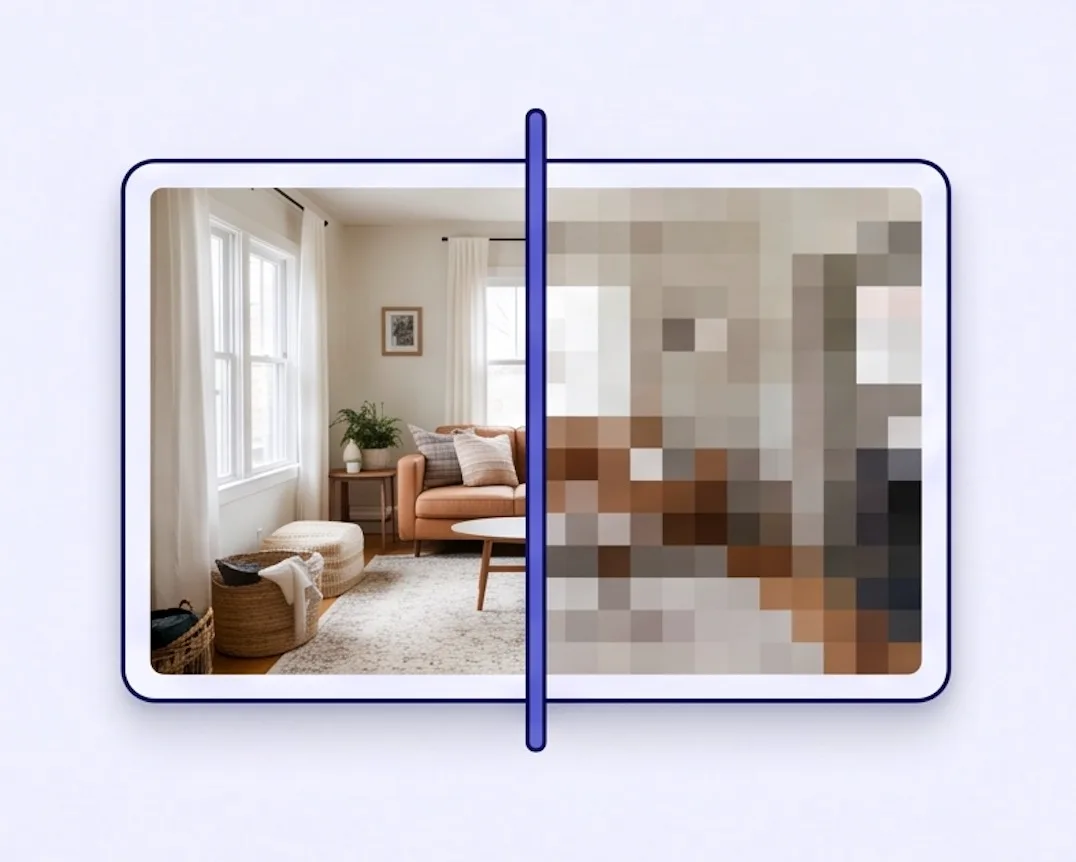
A Pixelate Image filter turns a photo into a mosaic of larger colored squares. Each block takes its color from the pixels underneath it, producing the unmistakable 8-bit, retro-game look. Our image pixelator applies the effect automatically — drop in a JPG, PNG, or WebP, and the result is instant. Download your image to pixel-style result at the original resolution, in the same format you started with.
8-bit and retro pixel-art recreations, mosaic backgrounds, glass-tile effects, stylized social-media imagery, game-style screenshots, and any photo where you want shape and color but not fine detail.
Reach for the pixelate effect when you want to abstract a photo rather than show it sharply — to get a retro-game aesthetic, to create a recognizable mosaic, or to make a piece of imagery that reads as a graphic rather than a photograph.
How to Pixelate an Image Online
Three steps to turn any photo into a pixel-art mosaic — no install, no sign-up.
Drag and drop an image, or click to choose a JPG, PNG, or WebP file from your device. Your photo loads in the preview instantly.
Use the Block size (px) slider to choose fine pixels or a chunky mosaic. The default 8px setting keeps the photo recognizable while adding a clear pixel-art effect.
Click Download to save your pixelated photo at the original resolution. No watermark, no sign-up — the file goes straight from your device to your downloads.
Why Choose Our Pixelate Image Tool
Built for fast, private Pixelate Image editing — no design experience required.
In Photoshop, you'd open your image, run Filter → Pixelate → Mosaic, pick a cell size, then export. Here, Pixelate Image is ready after you choose a file.
No sign-up, no paywall, no watermark on the output. Pixelate as many images as you want, as often as you want.
Pixelate Image processing happens on your device. Your images are not transmitted to any server.
Your Pixelate Image download keeps the resolution you started with — same width, same height, same format. JPG stays JPG, PNG keeps its transparency, WebP stays WebP.
Pixelate Image FAQ
Common questions about our online Pixelate Image tool
What is a pixelated image?
How do I pixelate an image online without Photoshop?
Is this pixelate image tool free to use?
Are my images sent to a server?
Does it work on PNG, JPG, and WebP?
Can I pixelate images on my phone?
Ready to Create a Pixelate Image?
Drop in a photo, preview your Pixelate Image result instantly, and download — all free, all yours.