
Free Sepia Filter Online
Add a warm vintage sepia tone to any photo instantly.
Click to select an image
or drag and drop here
Supports JPEG, PNG, WebP • Maximum file size: 100MB
Key Features of Our Sepia Filter
Everything you need to add a beautiful vintage sepia tone — fast, free, and private.
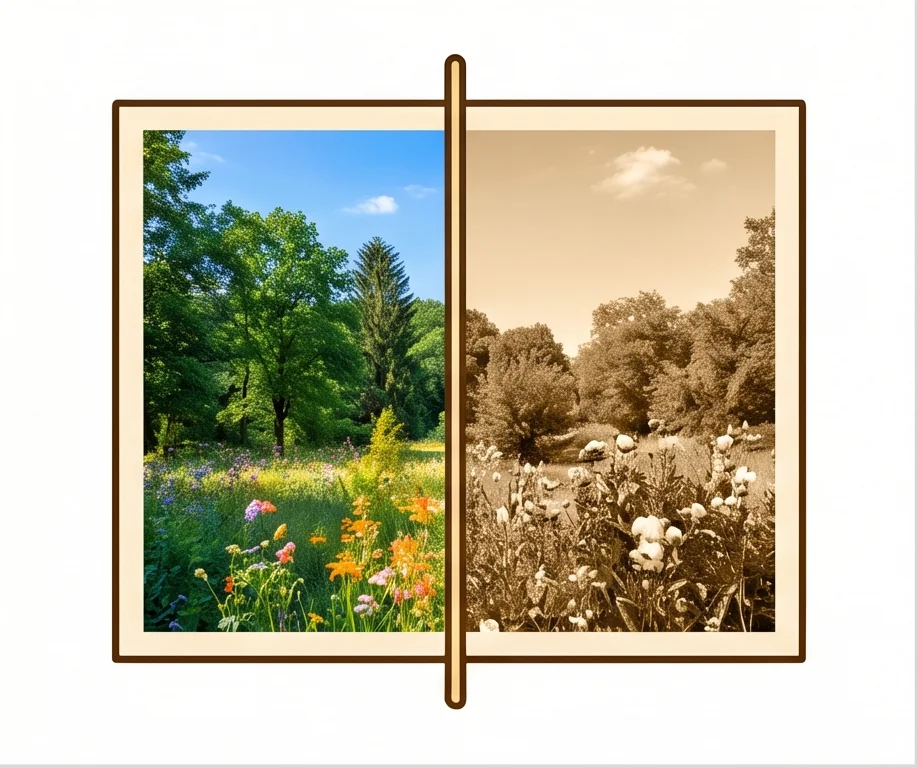
Instant Sepia Effect
Upload your photo and the sepia filter is applied immediately. No waiting, no extra steps. The warm vintage tone is ready the moment your image loads.
Adjustable Intensity
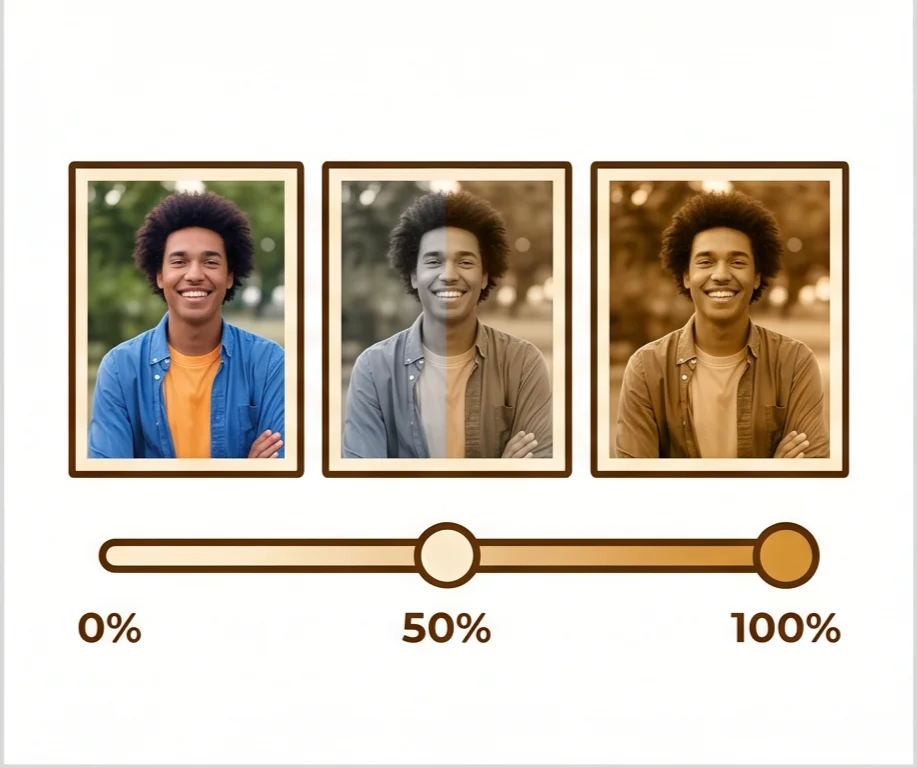
Control exactly how strong the sepia effect is with a simple slider from 0 to 100%. Go for a subtle warm tint or a full classic vintage look — the choice is yours.
High-Quality Output
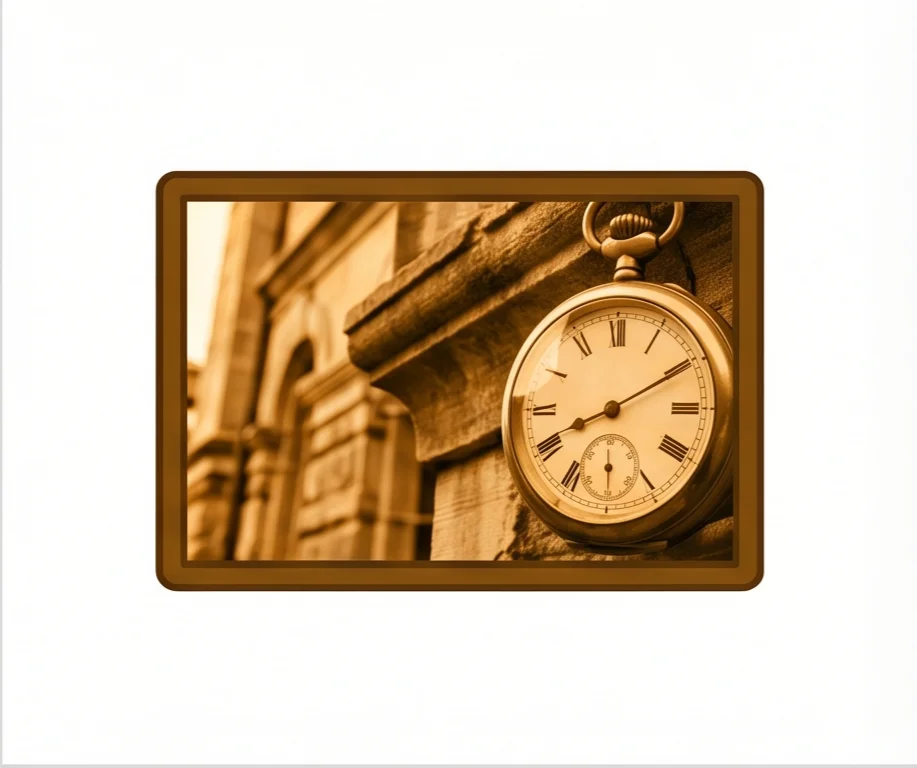
Clean edges, smooth tones, and high-quality sepia output every time. Works on portraits, landscapes, products, and more.
100% Private
The sepia effect is applied directly on your device. Your photos never leave your browser, making it safe for personal and confidential images.
Free JPEG Download
No watermarks, no sign-up, no limits. Download your sepia photo as a JPEG file. Free, every time.
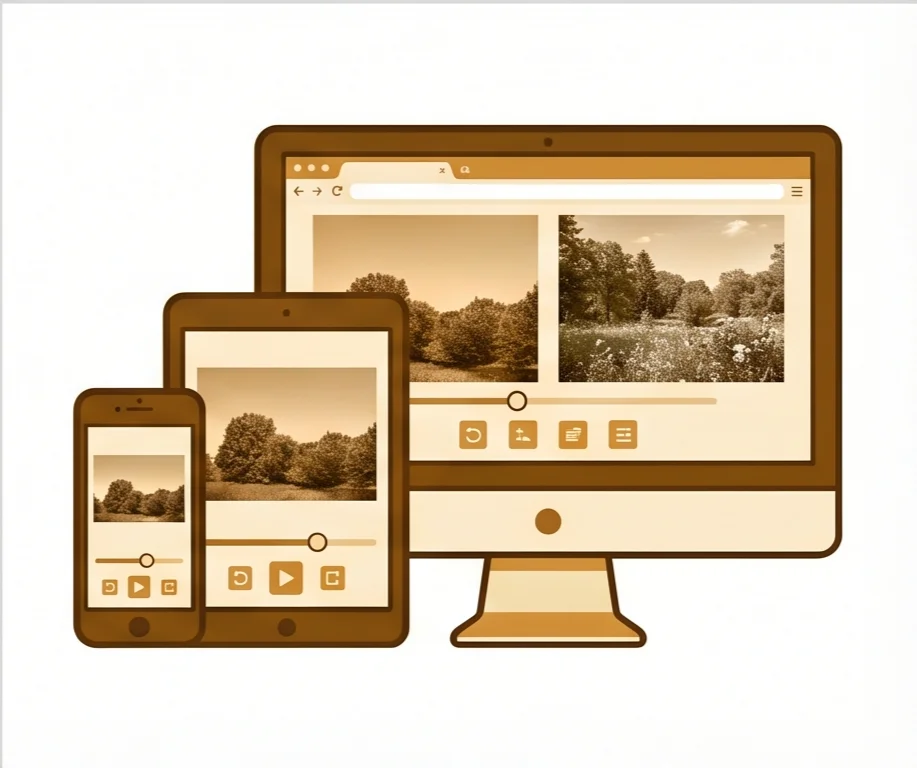
Works on Any Device
Phone, tablet, desktop — any modern browser. Apply sepia filters on the go or at your desk. No app to install, no software to download.
What Is a Sepia Filter?
The classic vintage effect and when to use it
A sepia filter gives photos a warm brownish-yellow tone reminiscent of early photography. The name comes from the ink of the cuttlefish (Sepia officinalis), which was historically used to develop photographs. Our online sepia filter processes your image entirely in the browser — no uploads, no cloud processing. Adjust the intensity from a subtle warm tint to a full vintage look, then download your photo instantly as a high-quality JPEG.
Old-fashioned portrait shots, travel photography, social media aesthetics, wedding photos, album covers, creative projects, and any image you want to give a timeless vintage or nostalgic feel.
In Photoshop, applying sepia involves adding a Hue/Saturation adjustment layer, enabling Colorize, and fine-tuning multiple sliders. Our tool does it with one upload and one slider. No software to install, no account needed.
How to Add a Sepia Filter
Apply a vintage sepia tone in 3 simple steps. No software to install, no account needed.
Upload Your Photo
Click to select or drag and drop any JPEG, PNG, or WebP image. The sepia filter preview appears immediately.
Adjust the Intensity
Use the slider to dial in exactly how strong the sepia effect should be — from 0% (original) to 100% (full vintage sepia).
Download Your Sepia Photo
Hit Download to save your sepia image as a JPEG. No watermarks, no sign-up. Ready to share or use anywhere.
Why Choose Our Sepia Filter
The fastest, most private way to add a vintage sepia tone to your photos
See the sepia effect in real time as you drag the slider. No waiting, no re-uploading. Dial in the exact vintage look you want before downloading.
Download your sepia photo directly. No watermarks added, no account required. Completely free with no limits on the number of images.
The filter runs entirely on your device. Safe for personal photos, client work, and confidential images.
Your photo keeps its original dimensions after the sepia effect is applied. Download as a high-quality JPEG, ready for sharing or printing.
Sepia Filter FAQ
Common questions about our online sepia filter tool
What is a sepia filter?
How do I adjust the sepia intensity?
What image formats are supported?
Is this sepia filter free to use?
Are my images uploaded anywhere?
Can I use it on my phone?
What's the difference between sepia and black-and-white?
Ready to Add a Sepia Filter?
Upload your photo, adjust the intensity, download. Takes seconds.