
Free Image Splitter Online
Split any photo into a grid — instant download.
Click to select an image
or drag and drop here
Supports JPG, PNG, WebP • Maximum file size: 100MB
Key Features of Our Image Splitter
Drop in a photo. See the image splitter lay a grid on it. Adjust if you want — then download every tile in a single ZIP.
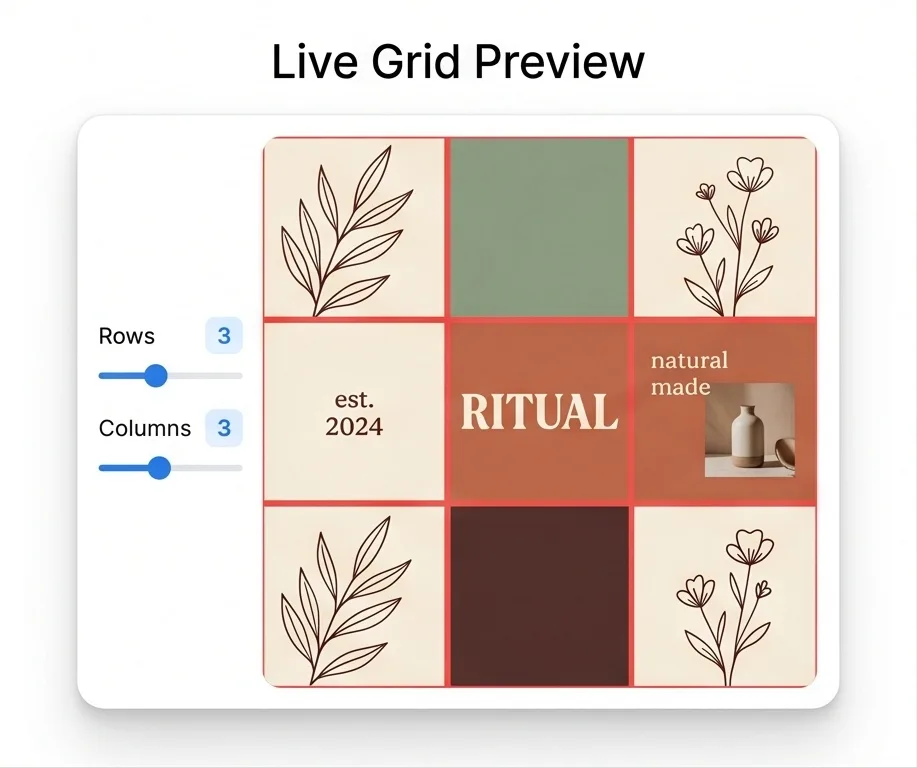
Live Grid Preview
As soon as you open a photo, the image splitter shows guide lines exactly where each tile will be cut. Use the Rows and Columns sliders to change the grid — the preview reshapes as you move.
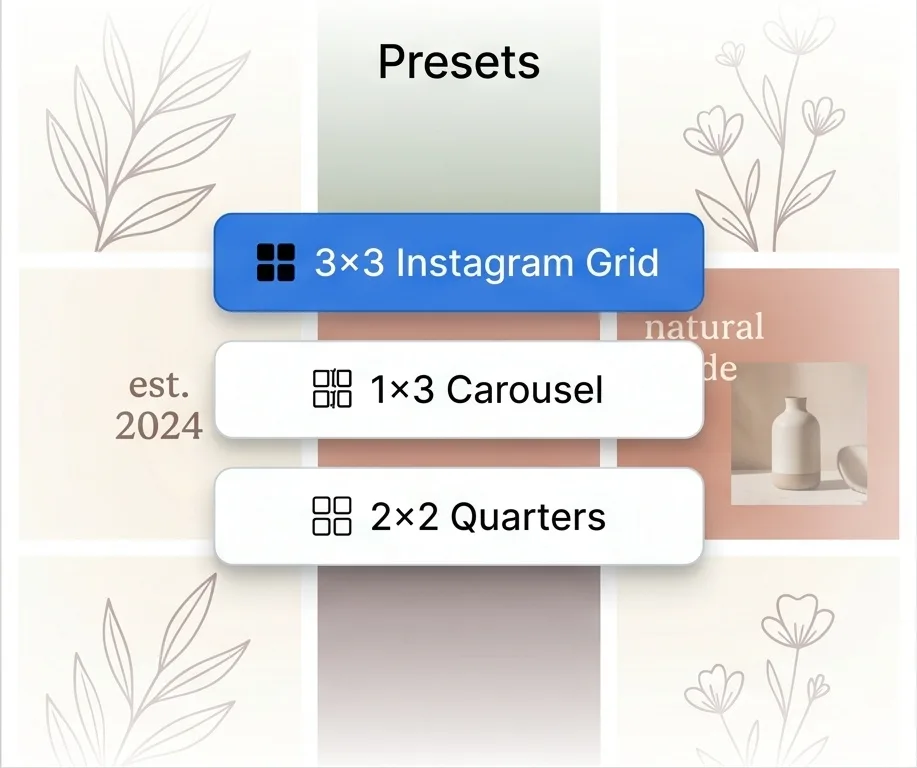
Instagram & Carousel Presets
One-click image splitter presets for the most common layouts — 3×3 Instagram grid, 1×3 carousel, and 2×2 quarters. Pick a preset or set custom rows and columns from 1 to 10.
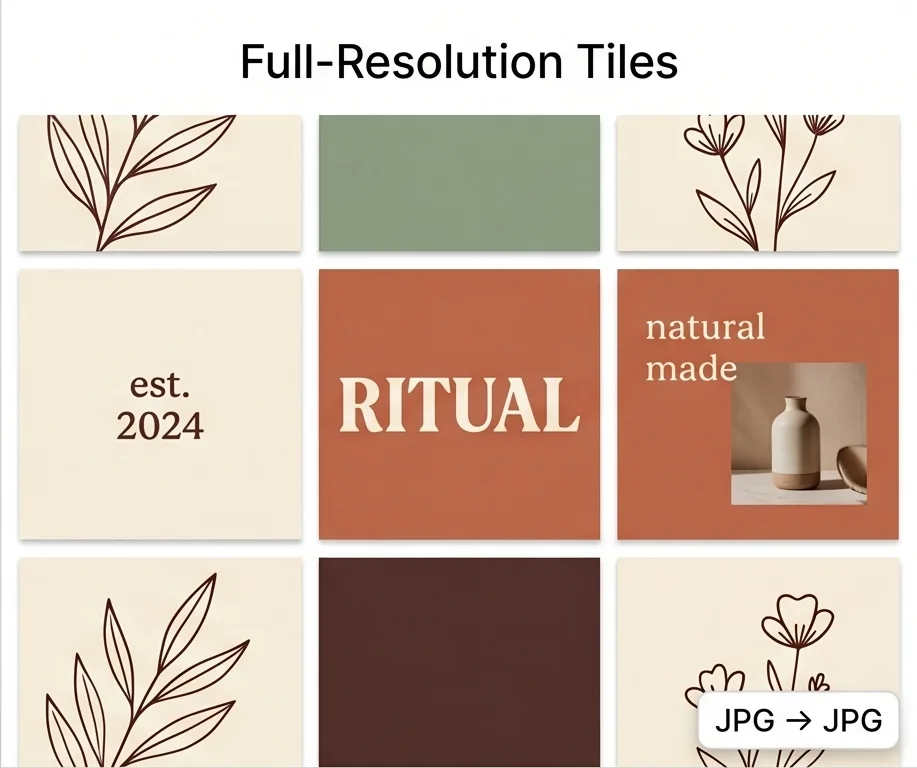
Keep Original Resolution and Format
Each tile is sliced directly from the source pixels at full resolution. A JPG splits into JPGs, a PNG into PNGs with transparency, a WebP into WebPs.
One-Click ZIP Download
The image splitter packs every tile into a single ZIP file — drop it straight into your Instagram queue or a print job.
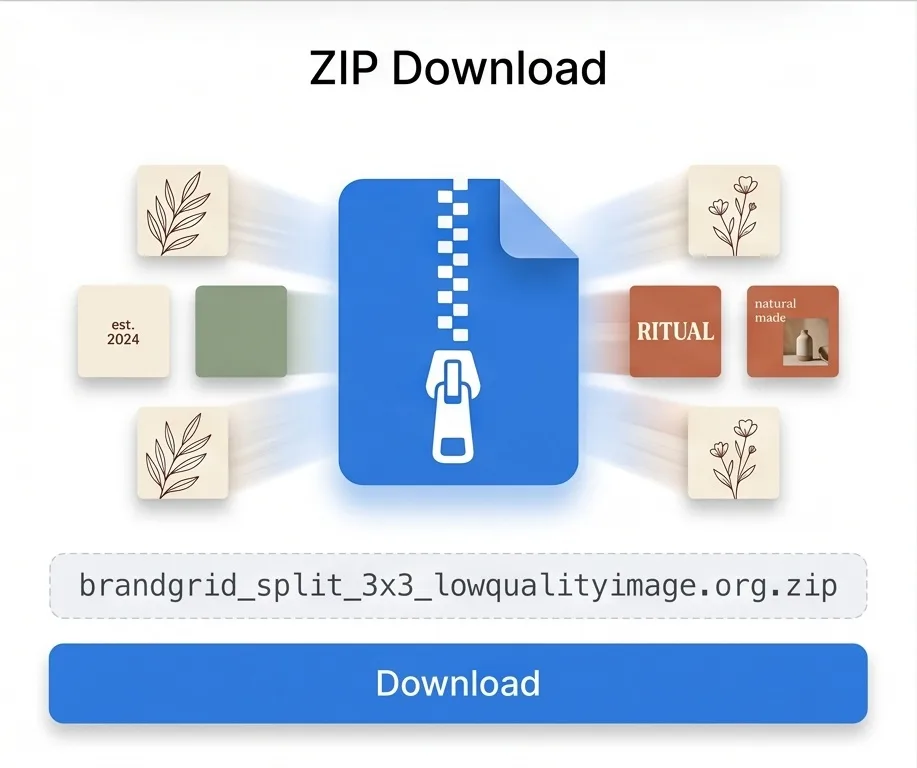
Photo Stays on Your Device
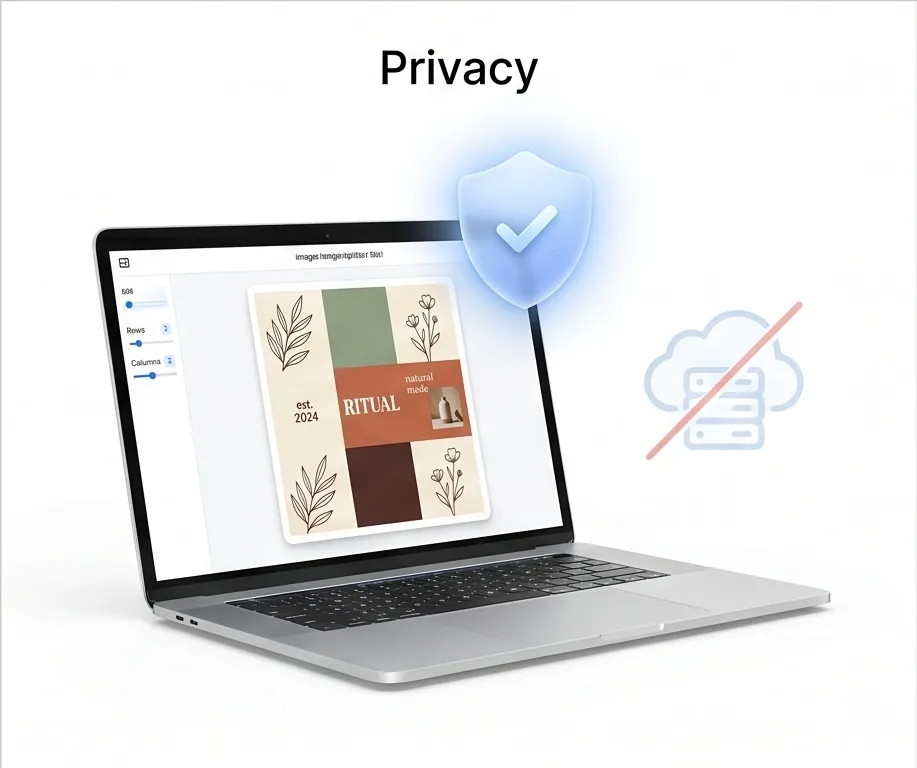
Your image isn't sent to a server. The image splitter runs right in the browser tab, and every output tile stays on your device.
What Is an Image Splitter?
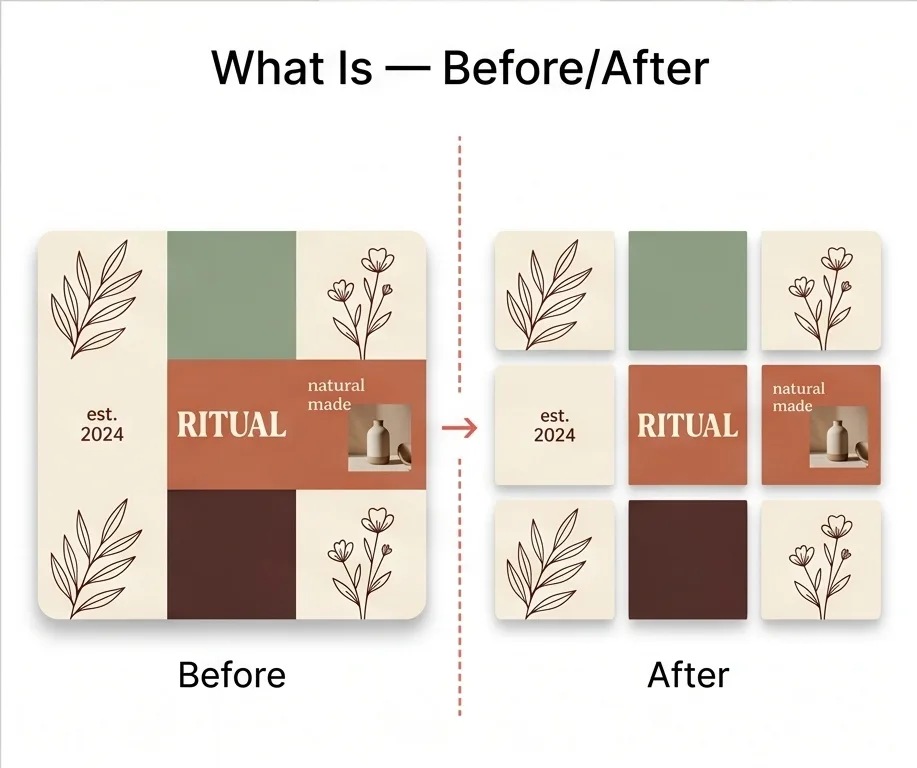
An image splitter is an online tool that cuts a single photo into multiple equal tiles arranged in a grid of rows and columns. The original picture isn’t changed — you get a set of separate image files that, placed side by side, recreate the source. Designers and content creators reach for an online image splitter whenever they need to split an image for an Instagram 3×3 grid, a horizontal carousel, a printable wall mosaic, or any layout where one photo needs to live as several smaller files.
Instagram 9-grid feeds, panorama carousels, wall-tiled poster prints, photo puzzles, and any photo you need to break into a grid of separate files.
The grid lines appear the moment you open the photo, so you can see exactly where each cut will land before downloading. Every tile arrives in a single ZIP at the source resolution and original format.
How to Split an Image into a Grid Online
Split a photo into a grid with live preview lines and a one-file ZIP download — under a minute, no install.
Drag and drop a JPG, PNG, or WebP file into the Image Splitter, or click to choose one from your device. The photo appears immediately with a default 3×3 grid overlay.
Adjust the Rows and Columns sliders to change the grid — anywhere from 1 to 10 in either direction. Or tap a preset for 3×3 Instagram Grid, 1×3 Carousel, or 2×2 Quarters. The preview updates live.
Click Download ZIP. Every tile is sliced from the original at full resolution and packed into one ZIP file.
Why Choose Our Image Splitter
Guide lines appear on your photo the moment you open it, so you know exactly what each tile will contain before you download anything. Adjust the rows or columns and the lines reshape with the change — no need to re-open the file or restart to try a different split.
Each piece is sliced directly from the source pixels at full resolution — a JPG stays JPG, a PNG keeps transparency, a WebP stays WebP. Nothing is re-encoded, so the tiles look identical to the photo you started with.
For a 3×3 grid that's nine downloads avoided. The image splitter bundles every tile into one ZIP, ready to drop into a scheduling tool or a print order.
The image splitter cuts the tiles right in the browser tab — nothing is sent out, nothing is queued on a server. The original image and every tile stay on your device, which matters for personal photos, screenshots, or any artwork you'd rather not hand to a remote machine before downloading.
Image Splitter FAQ
Common questions about our online image splitter tool
What is an image splitter?
How do I split an image into a grid online?
How do I split a panorama image for an Instagram carousel?
Is this image splitter free, with no sign-up or watermark?
Are my images uploaded to a server?
Does splitting reduce image quality?
Ready to Split Your Image?
Drop in a photo, see where the cuts will land, and download every tile in one ZIP