
Free Flip Image Online
Mirror any photo horizontally or vertically in seconds with our free flip image tool.
Flip direction
Click to select an image
or drag and drop here
Supports JPEG, PNG, WebP • Maximum file size: 100MB
Key Features of Our Flip Image
Drop a photo in. Pick a direction. Get a mirrored image back. Our flip image tool is free and fast.
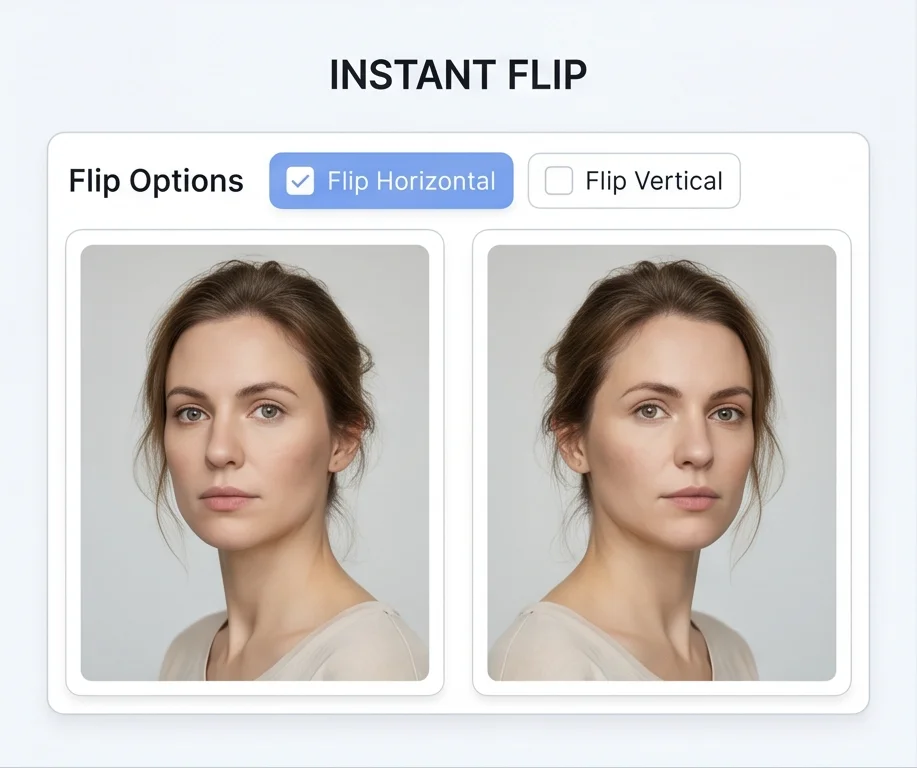
Instant Flip
Choose Flip Horizontal, Flip Vertical, or both, then drop your photo into the flip image tool — the flipped result appears the moment it loads, no Apply button, no waiting, no second click.
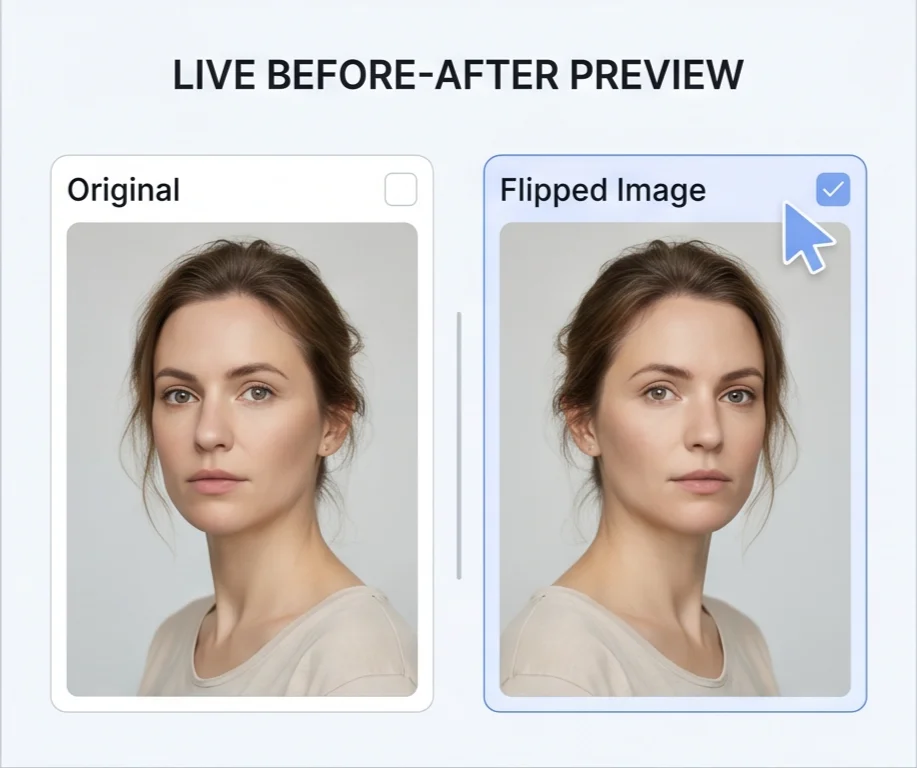
Live Before-After Preview
Original on the left, flipped result on the right — always side by side. Click a checkbox and the preview updates instantly, so you see the difference the second you change a setting.
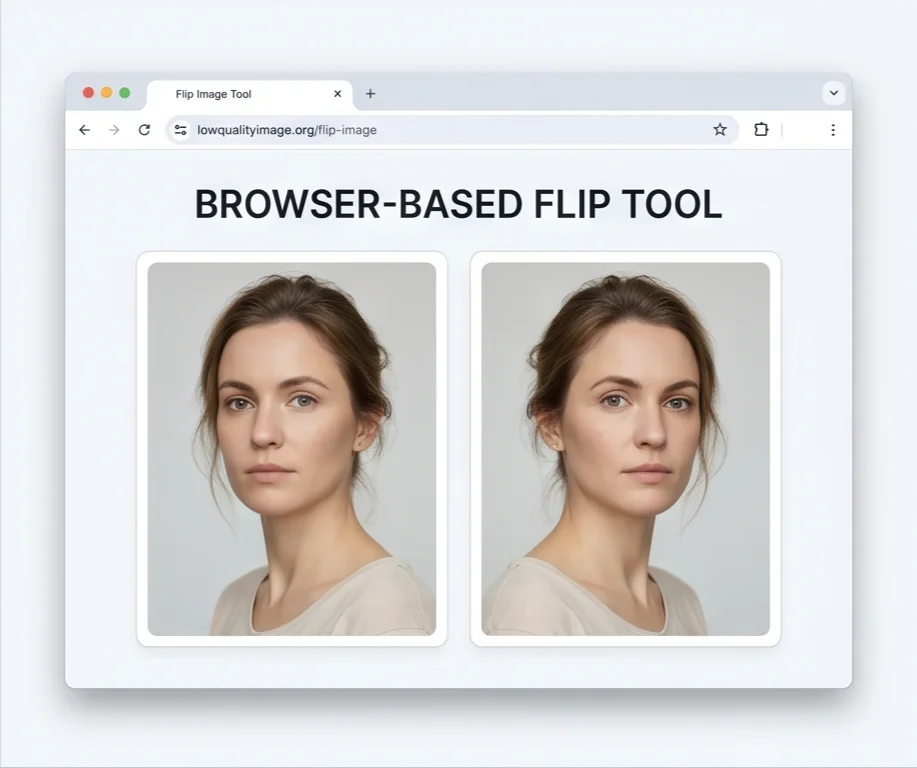
Browser-Based
Our flip image tool runs entirely inside your browser using your device's own processing — no upload, no server round-trip, no cloud storage. Your photo stays local from drop to download.
Private & Secure
Because nothing is uploaded, there is nothing to leak. Safe for selfies, IDs, screenshots of receipts — anything you would rather not hand to a random cloud service. Your photo never leaves your device.
Works on Any Device
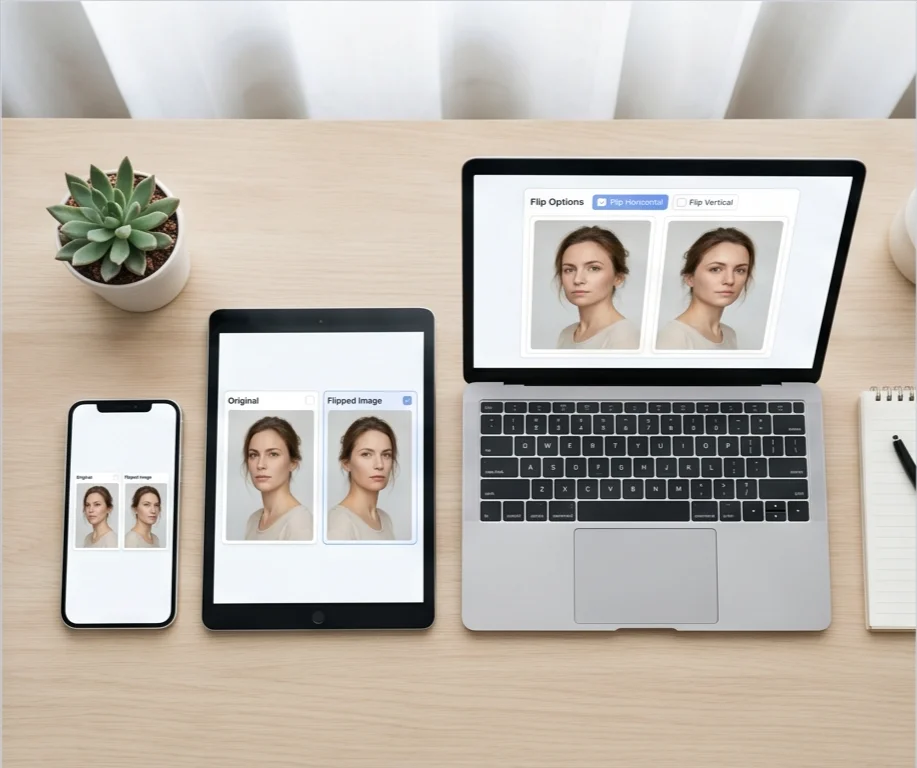
Phone, tablet, laptop — any modern browser handles the flip. Use it on iPhone, Android, or your desktop. No app to install, no software to download, no account anywhere.
What Is a Flip Image Tool?
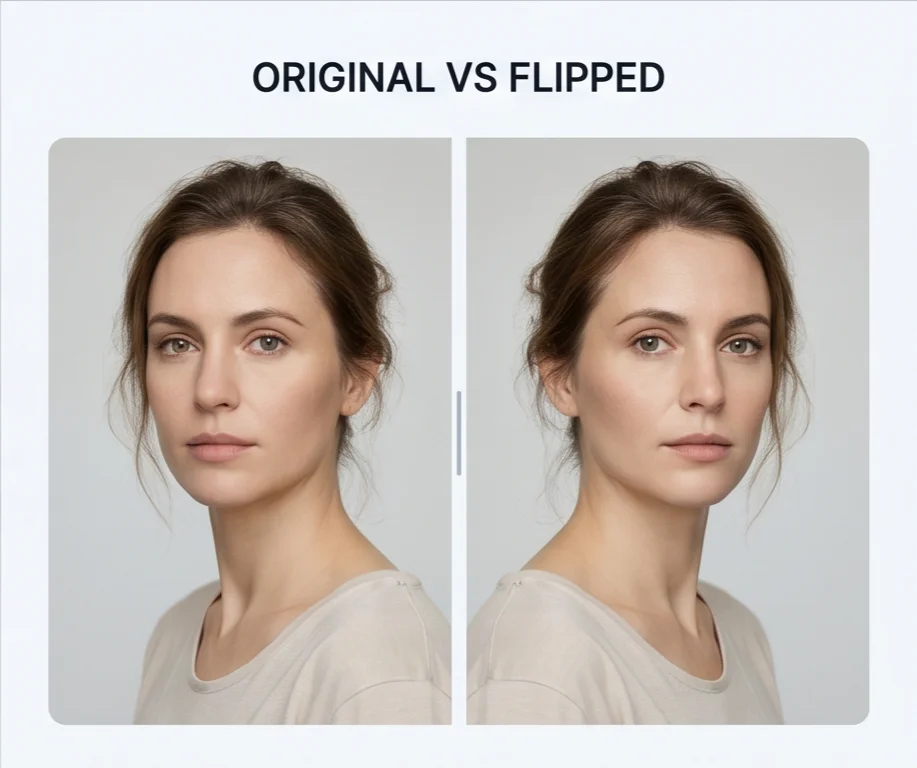
A flip image tool mirrors a photo. A horizontal flip swaps the left and right sides — the standard fix for selfies, where the saved photo looks “reversed” to you because the phone camera shows a mirrored preview while taking the shot but saves the photo in its real, un-mirrored orientation. A vertical flip swaps the top and bottom sides — useful for water-reflection effects, or for documents and old film negatives that came out of the scanner upside-down. Our flip image tool handles both directions, runs entirely in your browser, and saves the result in the same format as the original — JPEG, PNG, or WebP.
A flip image tool is most useful for: un-mirroring a selfie so it matches the version you saw in the mirror when you took the shot, turning a meme around for a fresh joke layout, fixing a document or receipt that came out of the scanner upside-down, building a water-reflection effect under a landscape photo, or swapping which direction a person, animal, or product faces inside a design layout.
A flip image tool mirrors the photo — text comes out backwards, and any logo, face, or hand reverses left-to-right. A rotate tool turns the photo around without mirroring it, so text stays readable. A horizontal flip plus a vertical flip together is the same as a 180° rotation, but if you want a quarter turn (90°) you need a rotate tool — this flip image tool only flips.
How to Flip an Image in 3 Steps
Use our flip image tool to mirror any photo horizontally or vertically in seconds. No software to install, no account needed.
Check Flip Horizontal, Flip Vertical, or both.
Drag a JPEG, PNG, or WebP file in, or click to pick one. The flipped preview appears instantly.
Click Download. The file saves in the same format as the original.
Why Choose Our Flip Image
How our flip image tool is different from a desktop editor
No Photoshop, no Canva, no photo-editing background. If you can check a checkbox and drop a file in, you can use this flip image tool — there is nothing to learn, no menu to find, no setting to figure out.
Open the page, drop your photo, flip, download. No account, no email, no captcha. You're using it within five seconds of landing.
The flip image tool runs locally on your device. Your photo isn't sent anywhere — no upload to our servers, no storage on the cloud, no third-party access.
The output keeps the same width, height, and file format as the original — no resize, no crop, and PNG transparency stays intact through the flip.
Flip Image FAQ
Common questions about our online flip image tool
What is a flip image tool?
How do I use a flip image tool?
What's the difference between flip horizontal and flip vertical?
What image formats does the flip image tool support?
Are my images uploaded to a server?
Is this flip image tool free to use?
Can I flip an image on my phone?
Ready to Flip an Image?
Pick a direction, drop in a photo, download the flipped result.