
Free Grayscale Image Converter Online
Add a color photo. Grayscale any image in seconds.
Click to select an image
or drag and drop it here
Supports JPG, PNG, and WebP • Maximum file size: 100MB
Key Features of Our Grayscale Image Tool
Turn a color photo gray in one step. No settings. No waiting.
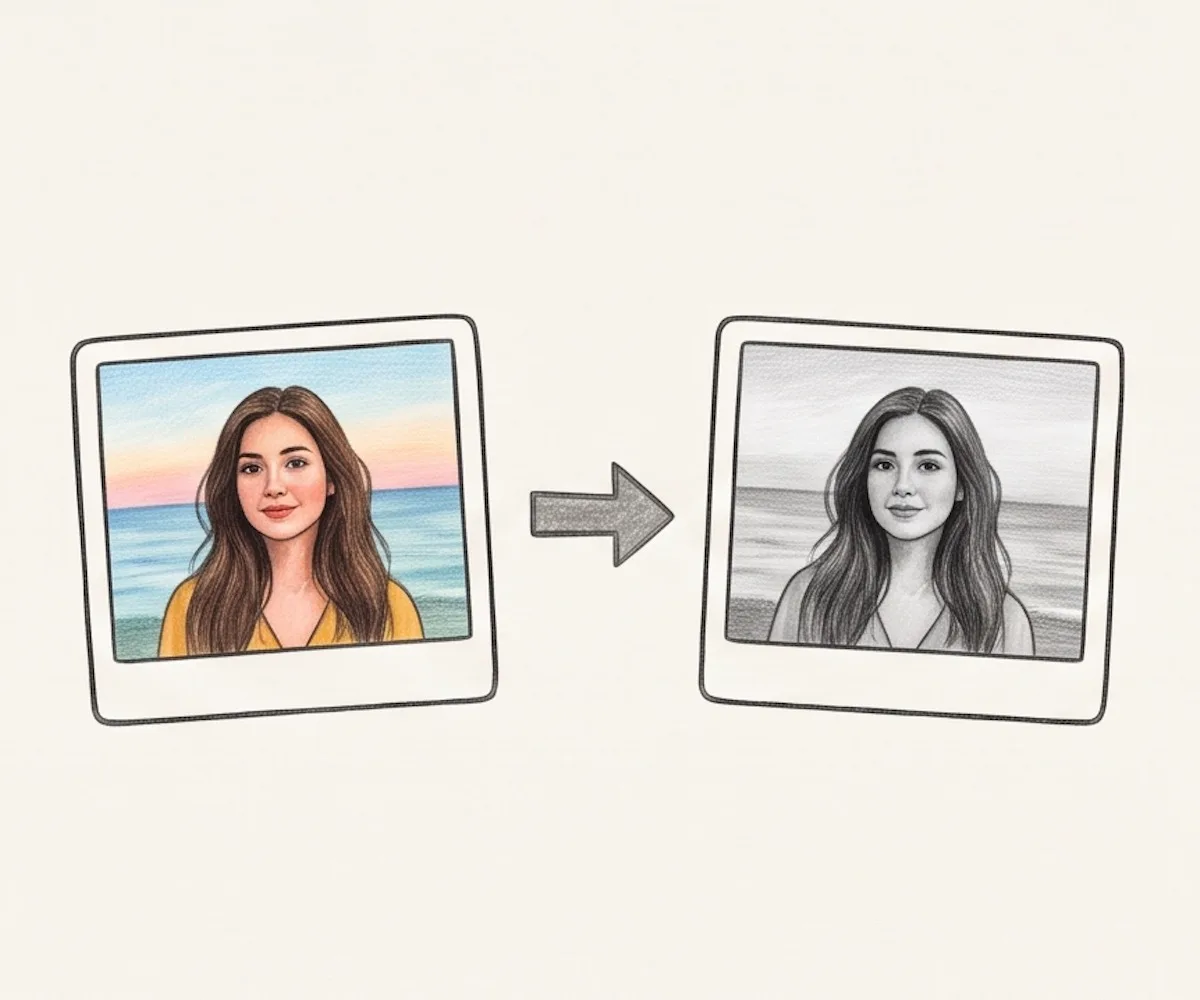
Instant Grayscale Preview
Add a color photo and see the grayscale image at once. There is no convert button and no waiting.
Easy to Use
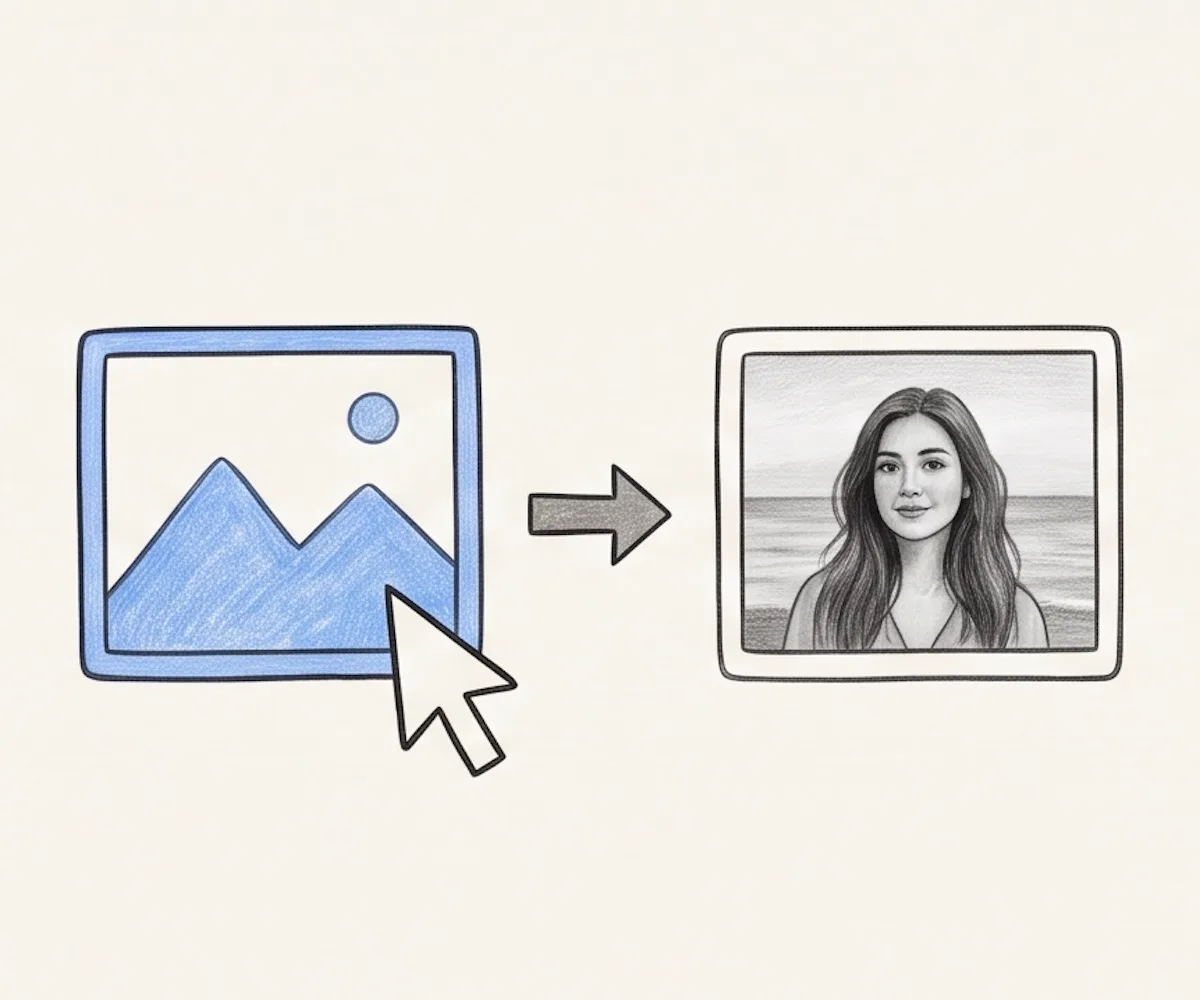
Choose an image or drag it into the box above. Your grayscale image appears automatically. Check it, then download it.
Secure and Private
The change happens in your browser. Your image is not sent to our server or saved online.
Works on Any Device
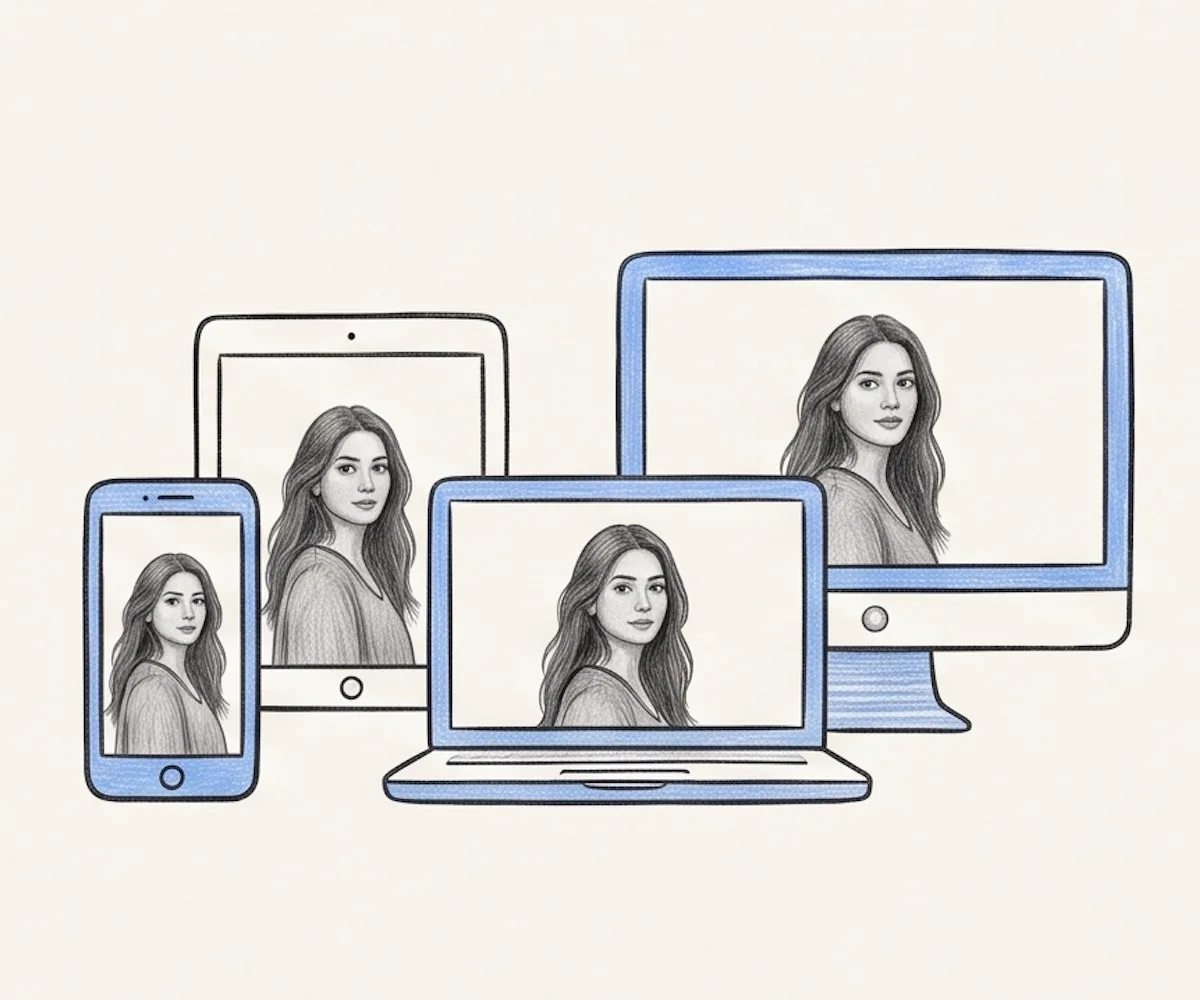
Use the tool on a phone, tablet, laptop, or desktop computer. There is no app or browser extension to install.
Free with No Daily Limit
There is no fee, no sign-up, and no watermark. You can make as many images grayscale as you need.
What Is a Grayscale Image?
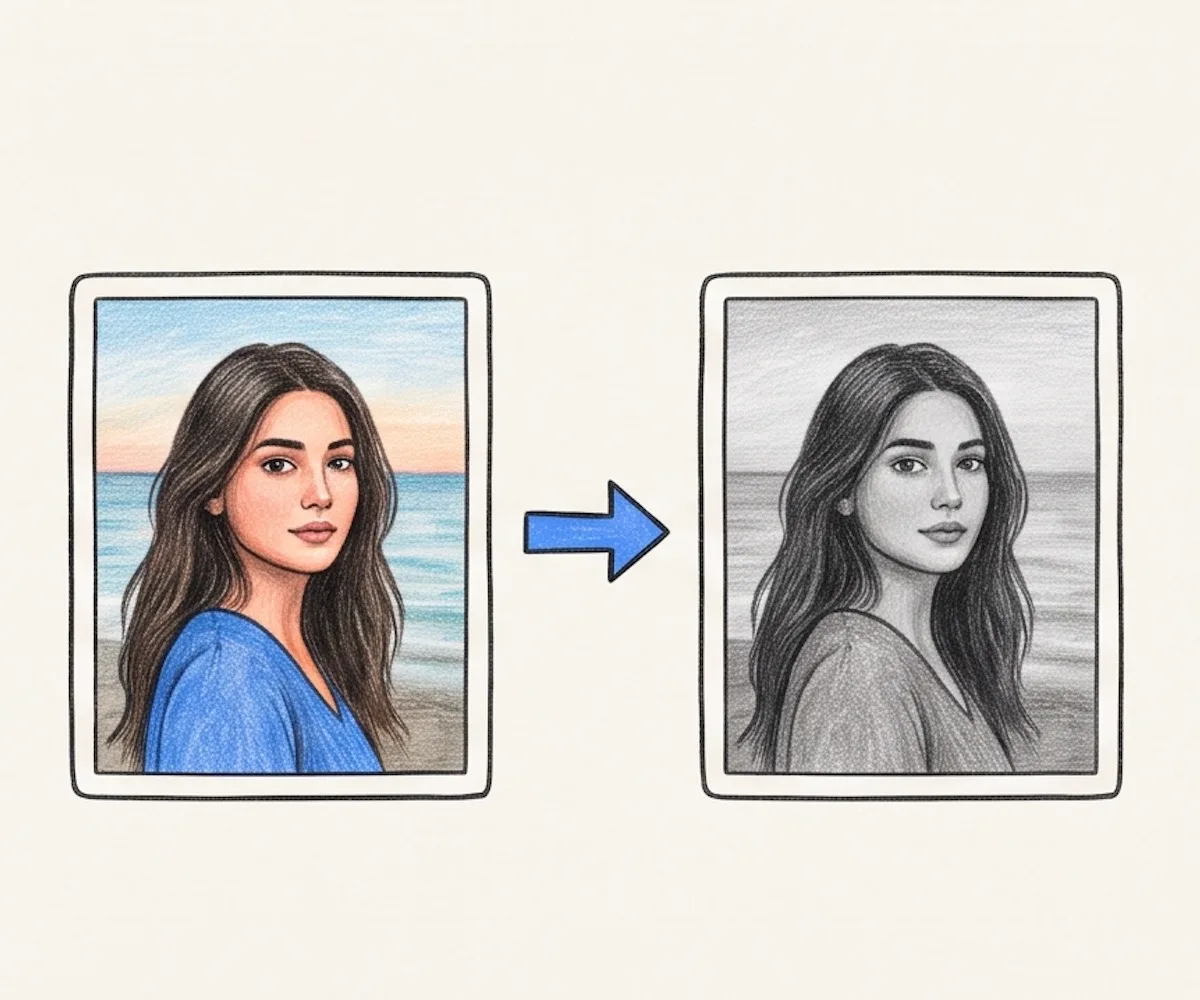
A grayscale image has no color. It uses gray tones to show light, shadow, shape, and detail. Dark parts move toward black. Bright parts move toward white. The tones between them stay gray. This gives a photo a clean black-and-white look without removing its small details.
Grayscale is not the same as a strict two-color image. A strict black-and-white image uses only black or white pixels. A grayscale image keeps many gray tones. This makes it a better choice for photos, faces, and smooth shadows.
People use grayscale for portraits, print checks, school work, scans, website images, and simple photo styles. It helps you see shapes, light, and shadows more clearly.
In Photoshop, open the image. Go to Image > Mode > Grayscale. Click Discard, then save the new file. Our tool is simpler. Add an image, see the grayscale image, and download it. There is no menu to find and no app to install.
How to Convert an Image to Grayscale Online
You only need three short steps.
Click the box or drag in a JPG, PNG, or WebP file. You can also choose a photo from your phone.
The tool makes the image grayscale at once. Check the original and the new image side by side.
Click the download button. The grayscale image is saved in the same format and keeps the same width and height.
Why Use Our Grayscale Image Converter?
It does one job and keeps the steps short.
You do not need to find a filter or learn a large photo app. Add the image, check the grayscale image, and download it.
Use the tool in a modern web browser. It works on phones, tablets, laptops, and desktop computers.
The grayscale change runs on your device. Your photo does not need to leave your browser.
Use the tool for free. You do not need an account. The downloaded image has no watermark.
Grayscale Image FAQ
Simple answers about making an image grayscale.
How do I make an image grayscale?
What is the difference between grayscale and black and white?
Is this tool free?
Which image formats can I use?
Does the tool send my image to a server?
Can I use the tool on my phone?
Does grayscale make the file smaller?
Make a Grayscale Image Now
Add a color photo. Get the gray result at once. Download it free.