
Free Image Quality Reducer Online
Reduce image quality instantly. No sign-up, no watermarks, no limits.
Click to select an image
or drag and drop here
Supports JPEG, PNG, WebP • Maximum file size: 100MB
What Our Image Quality Reducer Can Do
Simple, fast, and free — everything you need in our image quality reducer.
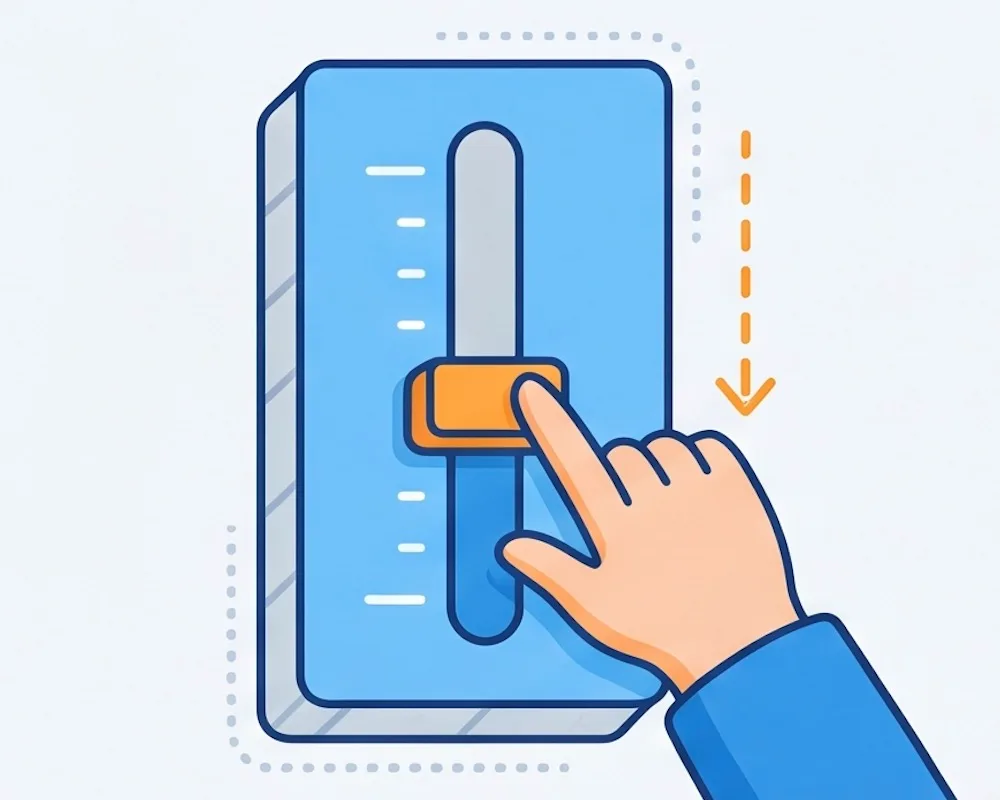
Adjustable Quality Slider
Drag the slider to pick how low you want the quality. Set it anywhere from 1 to 100. The lower you go, the smaller and more compressed the image gets.
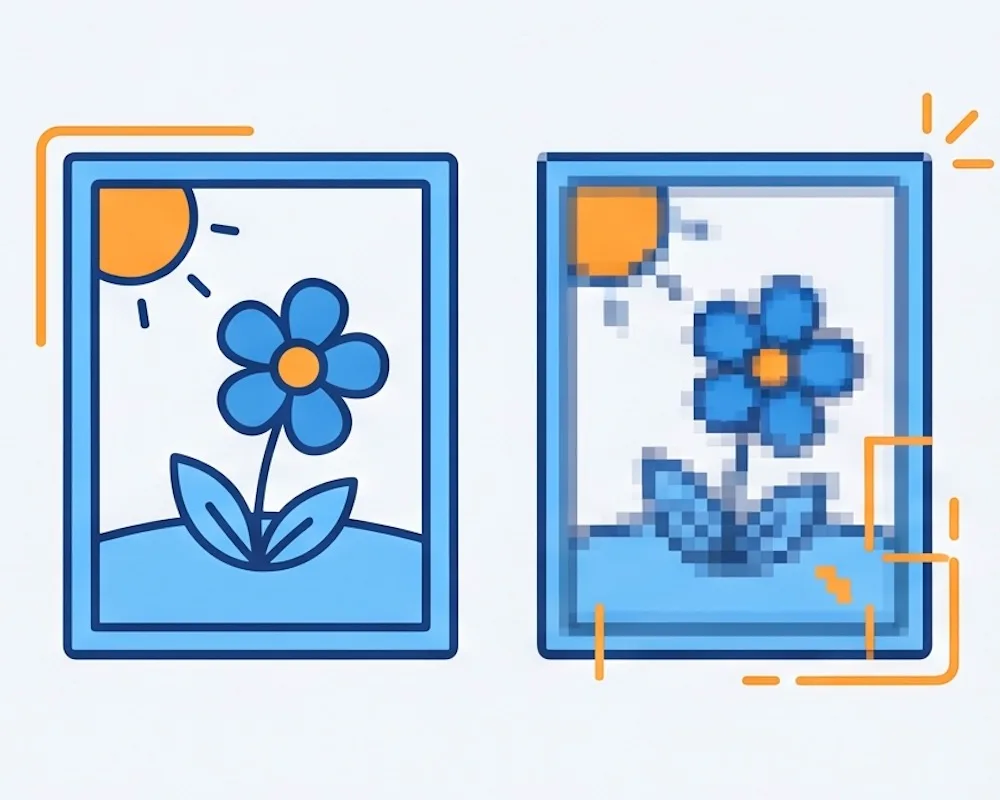
See Before & After
Your original and the reduced quality image are shown side by side. Check the result before you download — no surprises.
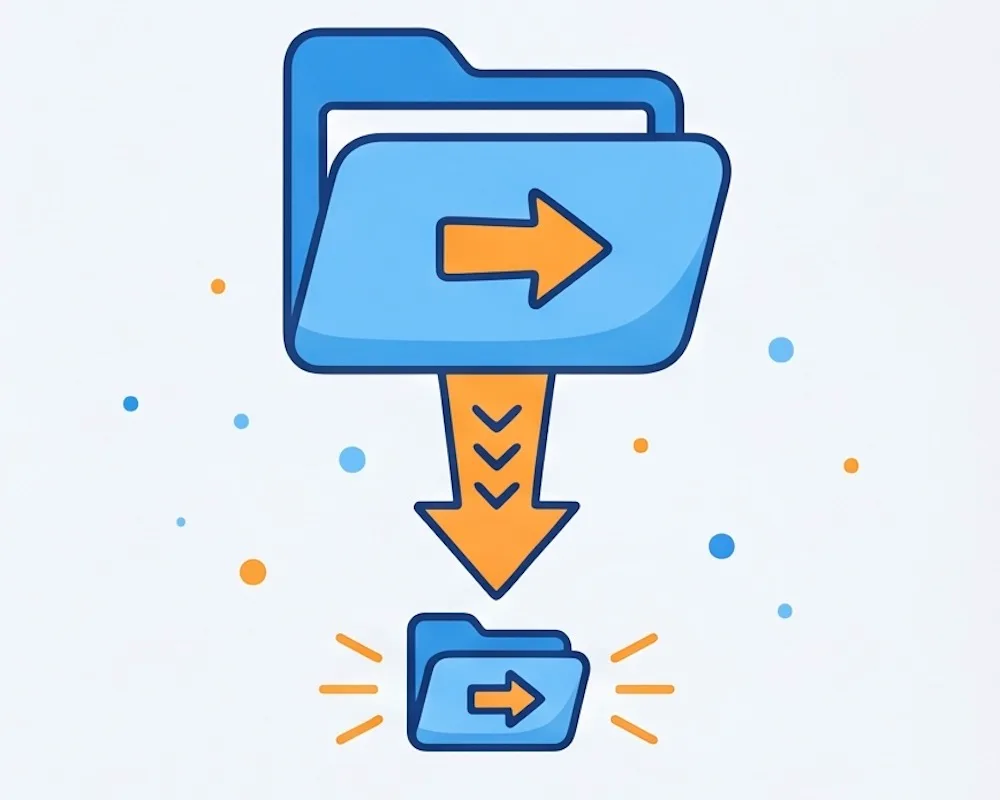
Smaller File Size
Lower quality means a smaller file. Great for sending images by email, speeding up your website, or just saving space on your device.
Your Images Stay Private
Everything happens in your browser. Your images are never sent to any server. Nothing is saved or stored anywhere.
Free, No Watermarks
Download your image for free. No watermark, no account, no limit on how many images you reduce.
Works on Any Device
Use this image quality reducer on your phone, tablet, or computer. Just open it in your browser — nothing to install.

What Is Image Quality Reducer?
And when should you use our image quality reducer?
An image quality reducer makes an image look worse on purpose — by squeezing it down to a lower quality level. The image gets smaller, loses some sharpness, and takes up less space. Our online image quality reducer does this right in your browser. Pick a quality level, see the result, and download. No account needed, nothing to install.
Making images load faster on a website, shrinking files to send by email, making memes, creating a grainy or low-res look on purpose, or just saving storage space on your phone or computer.
In Photoshop you have to dig through menus just to change the quality when exporting. With our image quality reducer, you upload, move the slider, and download. That's it.
How to Reduce Image Quality
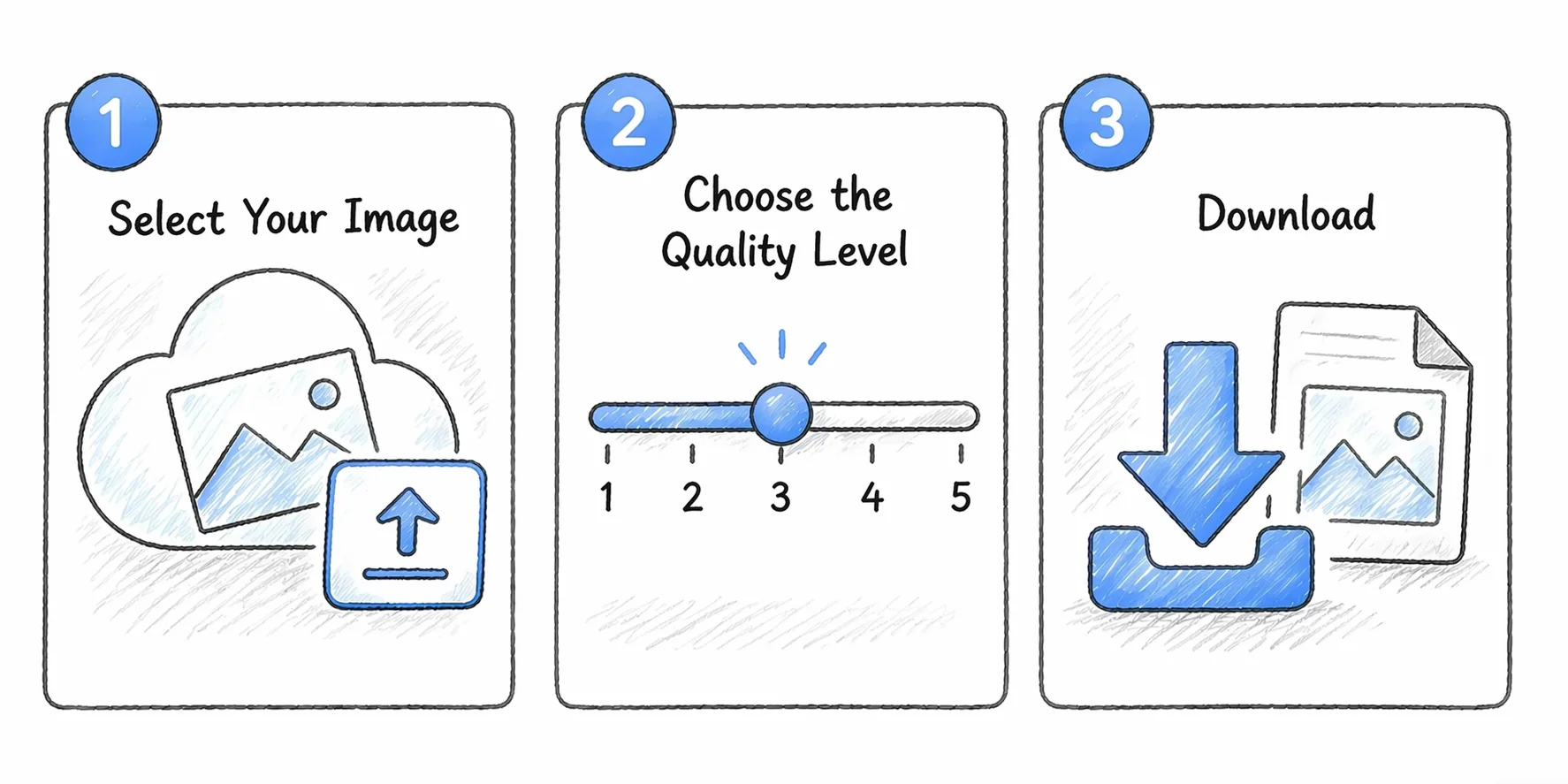
Three steps. Takes less than a minute.
Select Your Image
Click to select a photo or drag and drop it onto the page. JPEG, PNG, and WebP all work.
Choose the Quality Level
Move the slider to set how much you want to reduce the image quality. Lower number means lower quality and smaller file size.
Download
Click Download to save your image. Free, no watermark, no sign-up required.
Why Use Our Image Quality Reducer
No fuss. Just open the image quality reducer, pick a level, and download.
The image quality reducer works right in your browser. You get your result straight away — no waiting around.
No account, no watermark, no limit. Use the image quality reducer as many times as you want — always free.
Your images never leave your device. The whole process runs locally in your browser, so nothing is ever uploaded or stored.
Set the quality anywhere from 1 to 100. Reduce image quality a little or a lot — it's up to you.
Image Quality Reducer — FAQ
Questions people ask about our image quality reducer
What is image quality reducer?
How do I reduce image quality online?
What image formats can I use?
Will reducing image quality make the file smaller?
Is this image quality reducer free?
Does my image get uploaded anywhere?
Does it work on my phone?
Ready to Reduce Your Image Quality?
Upload your image, pick a quality level, and download. Done in seconds.