
1
Add Your JPG Image
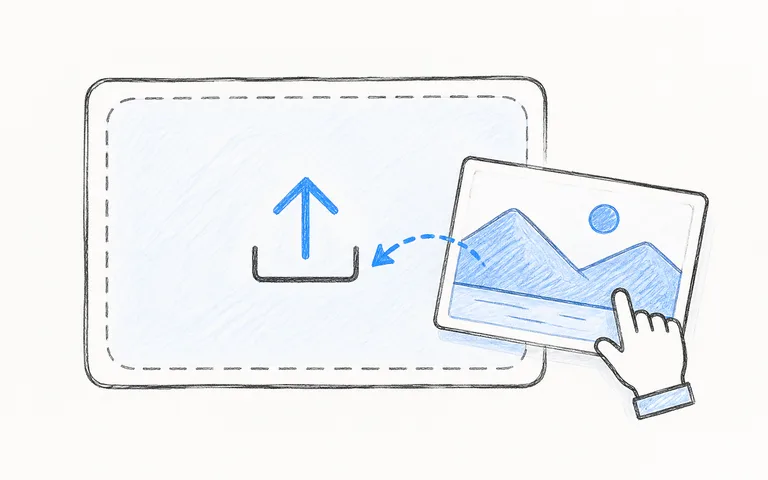
Select the photo you want to resize. Click to choose a file from your device, or drag and drop it into the tool to resize JPG files up to 100MB.
The easiest way to resize JPG images in seconds. Free, fast, and no sign-up.
Upload a JPG Image
Click to choose a JPG file or drag it here.
JPG, JPEG only · Up to 100MB
JPG Resizer is a simple tool built to resize JPG images and adjust their pixel dimensions. When you take a photo with a smartphone or digital camera, the image file is often huge. It may have a resolution of 4000 by 3000 pixels or more. While high resolution is great for large prints, it's often too big for websites, social media posts, email attachments, and online forms. When you need to fit these limits, you must adjust your photos to match exact platform rules.
JPG Resizer helps you resize JPG images to the exact dimensions you need. You can enter a new width or height in pixels. Keep the image ratio locked to scale both sides in balance, or adjust width and height separately for custom requirements. The tool recalculates the pixel grid and produces a clean, sharp result in seconds.
Because our tool runs directly in your web browser using modern web technology, you can resize JPG files without uploading them to a cloud server. Your pictures stay on your computer or phone. You can adjust image sizes quickly, privately, and without installing any extra software.
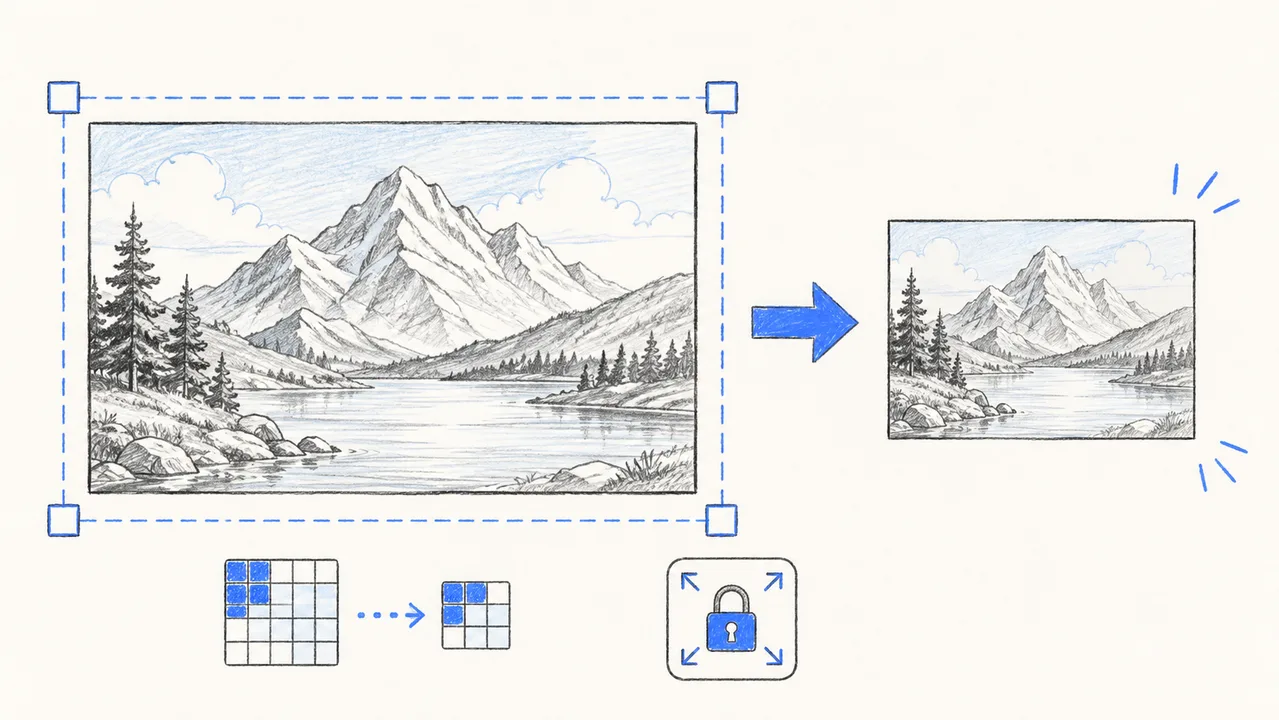
Many people search for ways to make their photos smaller, but "smaller" can mean two different things:
You change the actual number of pixels. For example, you turn a 3000 × 2000 pixel image into a 1200 × 800 pixel image. This makes the picture take up less physical space on a screen.
You reduce the storage size of the file (for example, shrinking a 5 MB file down to 500 KB) while keeping the original width and height intact.
If your image fails to upload because the pixel dimensions are too wide or tall, you need to resize JPG dimensions. If your image has the right dimensions but exceeds an email attachment or upload limit, visit our dedicated Image Compressor to reduce the file size.
Go to Image CompressorFollow these three simple steps to resize JPG files on any device:
Select the photo you want to resize. Click to choose a file from your device, or drag and drop it into the tool to resize JPG files up to 100MB.
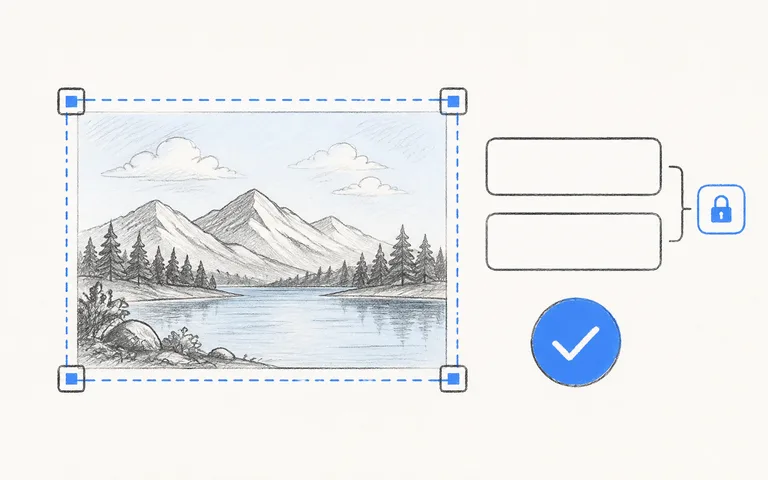
Enter a new width or height in pixels. Keep the "Keep image ratio" checkbox checked so your photo maintains its original shape without stretching. Click the Resize JPG button. The tool resizes your photo in your browser and displays the new dimensions and estimated file size in the preview card.
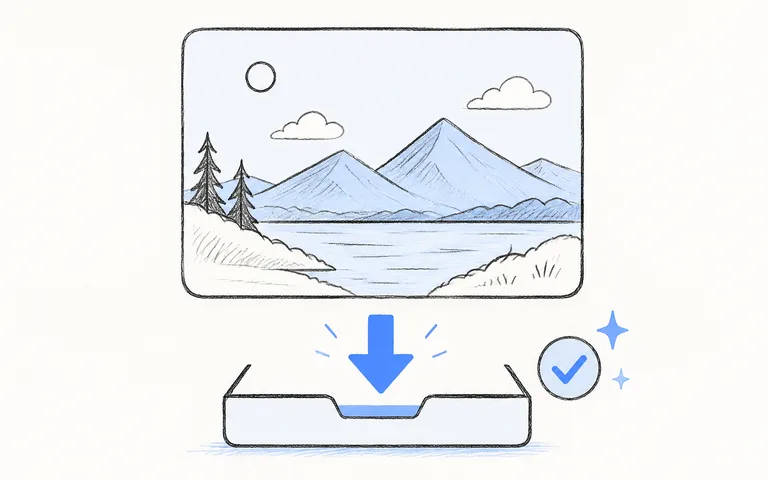
Click Download JPG to save your result. Once you resize JPG photos with our tool, you can save them straight to your device with no watermark, no sign-up, and no waiting.
Different websites, social media platforms, and online forms require specific image dimensions. If you upload a JPG with the wrong size or shape, the platform may crop off important parts of your photo or blur the image.
Before you resize JPG files, check the recommended dimensions in the reference table below:
| Category | Platform / Use Case | Recommended Dimensions | Ratio | Purpose & Best Practice |
|---|---|---|---|---|
| Social Media | Instagram Square Post | 1080 × 1080 px | 1:1 | Standard feed photo; crisp square layout on all phones. |
| Social Media | Instagram Story & Reel | 1080 × 1920 px | 9:16 | Full-screen vertical photo or cover image. |
| Social Media | Facebook Feed Post | 1200 × 630 px | 1.91:1 | Landscape timeline photo; prevents automatic side cropping. |
| Social Media | Facebook Cover Photo | 820 × 312 px | 16:9 approx | Desktop and mobile header banner for profiles and pages. |
| Social Media | YouTube Video Thumbnail | 1280 × 720 px | 16:9 | High-definition video cover under 2MB. |
| Social Media | Twitter / X In-Stream Post | 1200 × 675 px | 16:9 | Optimal landscape feed display on desktop and mobile feeds. |
| Social Media | LinkedIn Post Image | 1200 × 627 px | 1.91:1 | Professional feed graphic and article thumbnail. |
| E-Commerce | Shopify Product Photo | 2048 × 2048 px | 1:1 | High-res square product image with smooth zoom capability. |
| E-Commerce | Amazon Product Listing | 2000 × 2000 px | 1:1 | Clean white background product photo for detail zoom. |
| Website & Blog | Full-Width Hero Banner | 1920 × 1080 px | 16:9 | Website header image that loads fast on desktop screens. |
| Website & Blog | Blog Post Featured Image | 1200 × 675 px | 16:9 | Standard article header and social share preview. |
| Official Forms | US Passport & Visa Photo | 600 × 600 px (2 × 2 in at 300 DPI) | 1:1 | Official square headshot for online passport/visa forms. |
| Email & Digital | Email Newsletter Header | 600 × 200 px to 600 × 300 px | 2:1 or 3:1 | Standard email width; fits mobile and desktop inboxes cleanly. |
When you resize JPG graphics for social media, blogs, online stores, or government forms, simply match the width and height from this table. Taking a moment to choose exact dimensions ensures your photos look sharp and avoid unwanted automatic cropping.
Simple, private, and precise image resizing designed to run directly in your web browser.
When you resize JPG images, you want to change the dimensions without stretching the picture. JPG Resizer includes a simple "Keep image ratio" checkbox. When you enter a new width, the height updates automatically to match the original proportions. A square photo stays square, and a wide photo stays wide without looking thin or squished.
Enter the exact width and height you need in pixels. Set one value to let the ratio lock compute the other, or adjust both numbers independently. Our tool lets you resize JPG files with complete pixel control up to 10,000 pixels on each side for any web, social media, or official form requirement.
Unlike online tools that upload your files to external cloud servers, you can resize JPG files locally in your web browser. Your photos are processed on your own device using client-side HTML5 canvas technology. Your personal photos, documents, and private pictures never touch our servers.
When you resize JPG photos to smaller dimensions, our tool blends pixels smoothly. Lines and edges stay sharp, and text stays easy to read. Your resized JPG stays clear and natural without jagged edges.
You don't have to sign up for an account, create a password, or give your email. There are no daily limits, no trial periods, and no subscriptions. You can resize JPG photos for free anytime, and every download is completely free of watermarks.
Whether you're on an iPhone, Android phone, Windows PC, Mac, iPad, or Chromebook, you can resize JPG files right in your browser. There's no app to install and no setup needed.
Simple answers about JPG size, quality, format rules, and privacy.
Get your photos ready for social media, websites, emails, and official forms in seconds. Fast, private, and free with no watermarks.
Resize JPG Now