
BMP to WebP Converter
Convert BMP images to WebP format instantly. Reduce file size by up to 90% with modern compression.
Free to use • No server uploads • Lightning fast
Drop your BMP file here, or click to browse
Supports BMP files up to 50MB
🔒 100% Private
Conversion happens in your browser. Your files never leave your device.
⚡ Fast & Free
No upload time, no waiting. Convert instantly and completely free.
⚡ Massive Size Reduction
BMP to WebP reduces file size by 85–90%+ — turning megabyte-sized BMPs into lean, web-ready images.
What is BMP to WebP Converter?
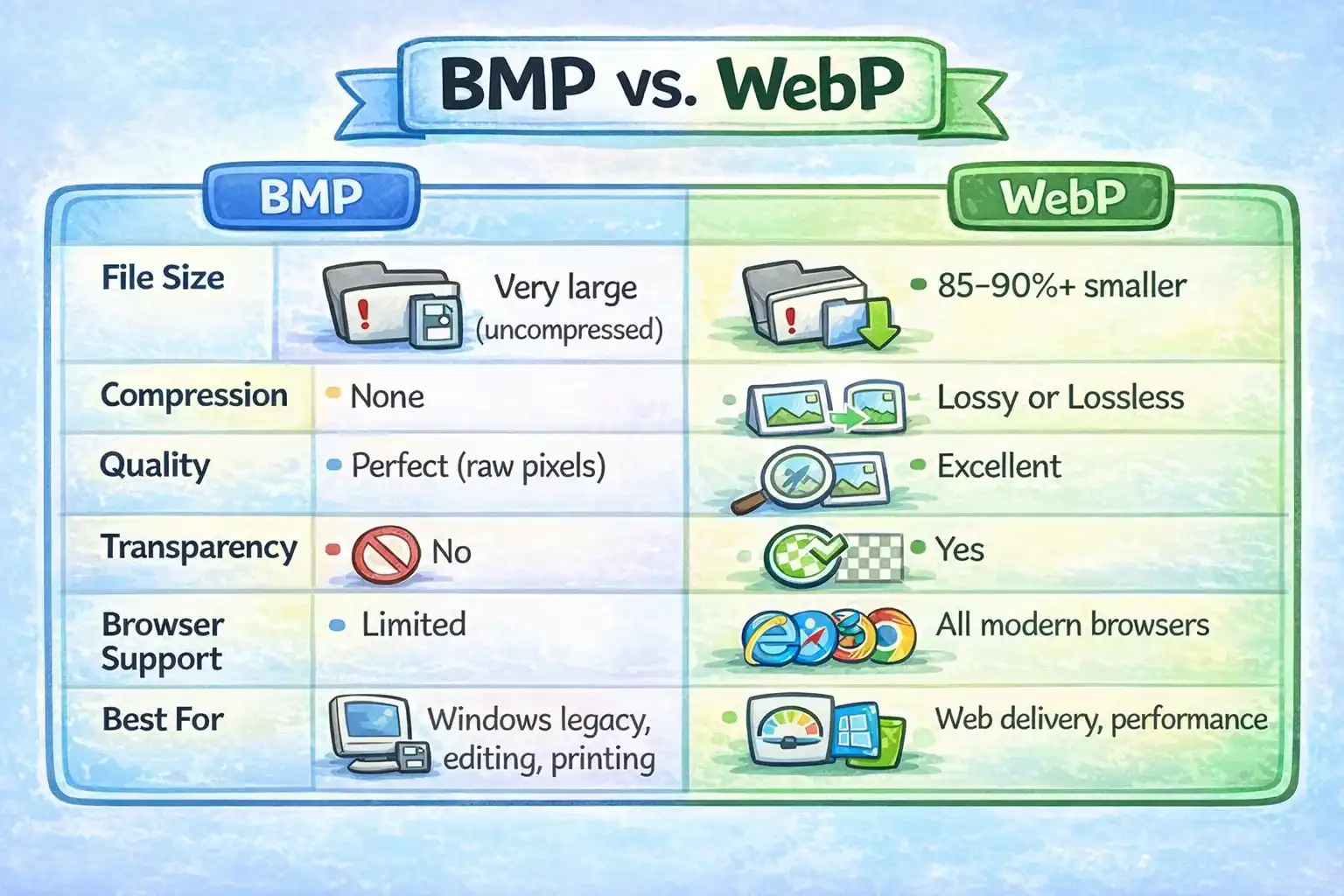
A BMP to WebP converter is a tool that transforms BMP (Bitmap) image files into WebP format — Google's modern image format designed for the web. BMP is an uncompressed format that stores every pixel at full color depth, resulting in very large files — a typical 1920×1080 image can be 5–6 MB. This converter re-encodes those BMP files as WebP, reducing file size by 85–90%+ while maintaining excellent visual quality.
Unlike traditional converters that require software installation or file uploads, this tool runs entirely in your browser. Your images never leave your device — conversion is instant, private, and free.
About BMP Format
BMP (Bitmap) is an uncompressed raster format developed by Microsoft for Windows. It stores every pixel at full color depth with no compression — a 1920×1080 24-bit BMP is approximately 6 MB. BMP is widely compatible but impractical for web use due to its large file size and lack of transparency support.
Why Convert to WebP?
WebP uses advanced lossy compression to produce files 85–90%+ smaller than BMP with no perceptible quality loss. For a typical BMP file, this means going from several megabytes down to a few hundred kilobytes — critical for fast web delivery, reduced hosting costs, and better user experience.
BMP vs WebP Comparison
| Feature | BMP | WebP |
|---|---|---|
| File Size | Very large (uncompressed) | 85–90%+ smaller |
| Compression | None | Lossy or Lossless |
| Quality | Perfect (raw pixels) | Excellent |
| Transparency | No | Yes |
| Browser Support | Limited | All modern browsers |
| Best For | Windows legacy, editing, printing | Web delivery, performance |
How to Convert BMP to WebP
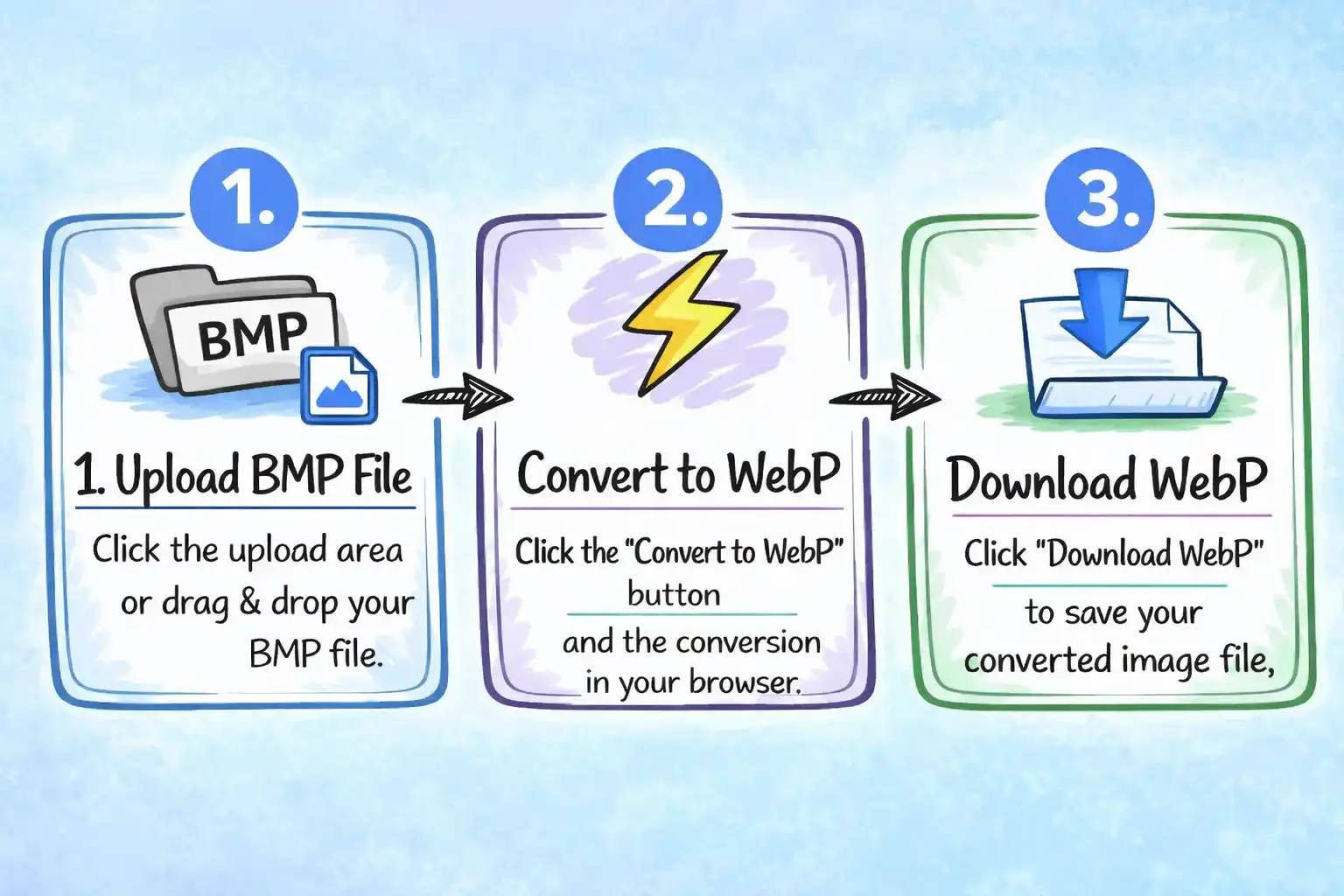
Upload BMP File
Click the upload area or drag and drop your BMP file from any device.
Convert to WebP
Click the "Convert to WebP" button and the conversion happens instantly in your browser.
Download WebP
Click "Download WebP" to save your converted image file, ready for the web.
Why Choose Our BMP to WebP Converter?
Free to Use
No hidden fees, no subscriptions, no watermarks. Convert unlimited BMP files to WebP completely free.
Private & Secure
Files are processed entirely in your browser. No uploads, no servers, no privacy concerns. Your images stay on your device.
Massive Size Reduction
BMP files are uncompressed and very large. Converting to WebP typically reduces file size by 85–90%+ — a 6 MB BMP can become under 500 KB.
Optimized Compression
Smart compression delivers maximum file size savings with virtually no visible difference from the original.
Frequently Asked Questions
Why should I convert BMP to WebP?
How much smaller will my file be after converting BMP to WebP?
Does BMP to WebP conversion preserve image quality?
Does BMP support transparency?
Is it safe to convert BMP files online?
Do I need to install any software?
Ready to Convert Your BMP Images?
Start converting BMP to WebP for free and reduce your file sizes by up to 90%.
Convert BMP to WebP Now