
Keep Proportions When You Resize WebP
When you resize WebP images, you want to adjust width and height without stretching your picture. Our tool locks your aspect ratio so your photos maintain perfect proportions every time you resize WebP files.
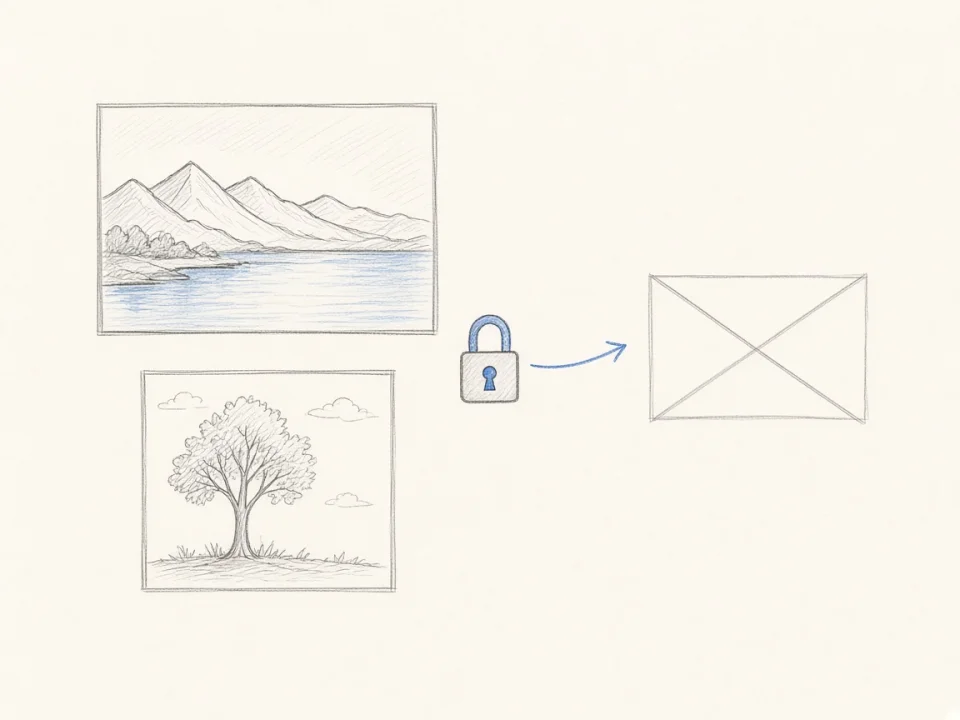
Resize WebP images online in seconds. Keep image ratio, preserve transparency, and download your resized WebP with no watermark.
Upload a WebP Image
Click to choose a WebP file or drag it here.
WebP only · Up to 100MB
Fast, private, and precise way to resize WebP images right in your browser.
When you resize WebP images, you want to adjust width and height without stretching your picture. Our tool locks your aspect ratio so your photos maintain perfect proportions every time you resize WebP files.
WebP files often carry transparent backgrounds for logos, product cutouts, and icons. When you resize WebP graphics with our resizer, all transparent areas stay clean and clear without dark edges or white boxes.
Our WebP resizer runs locally on your computer or phone. Your files are processed in your browser, meaning you can resize WebP images safely without uploading pictures to remote servers.
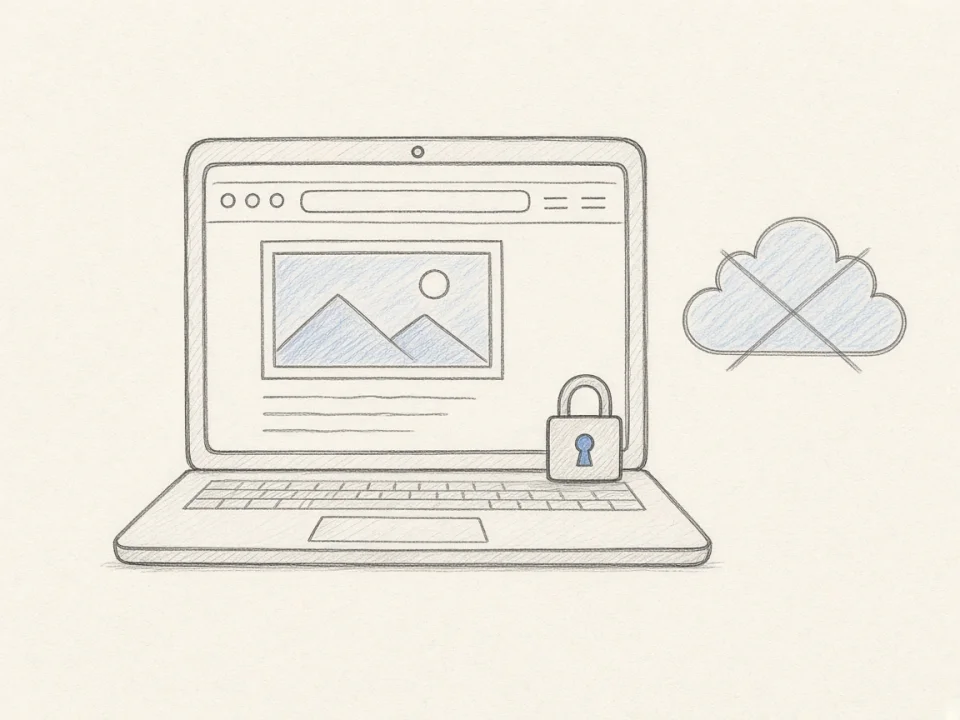
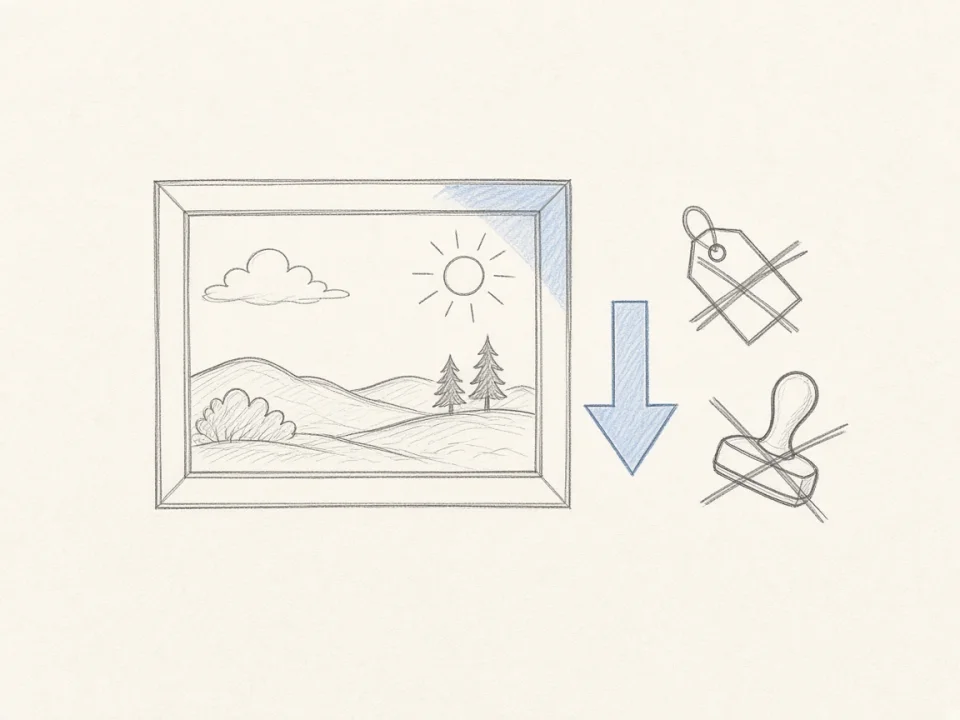
Resize WebP photos with zero fees, no account registration, and no download limits. Every time you resize WebP files, you get a clean download with no watermark.
Follow these four simple steps to resize WebP files on any device in seconds:
Drag and drop your picture into the upload box, or click to choose a file to resize WebP images up to 100MB.
Type your new width or height in pixels. Keep the ratio lock checked so you resize WebP images without distortion.
Click the Resize WebP button to resize WebP pictures instantly in your browser with smooth pixel scaling.
Click Download to save your picture. After you resize WebP files, download the result instantly with no watermark.
Key technical specifications when you resize WebP images for web performance.
When you resize WebP images, you achieve much smaller byte sizes than JPG or PNG at the exact same pixel dimensions. The reference table below shows file weight differences across standard web sizes:
| Target Resolution (Pixels) | Aspect Ratio | Standard JPG File Size | Standard PNG File Size | Optimized WebP File Size | WebP Savings vs JPG | WebP Savings vs PNG |
|---|---|---|---|---|---|---|
| 2048 × 2048 pxHigh-Res Product | 1:1 | ~680 KB | ~3.2 MB | ~440 KB | 35% smaller | 86% smaller |
| 1920 × 1080 pxFull-HD Hero Banner | 16:9 | ~420 KB | ~2.1 MB | ~280 KB | 33% smaller | 87% smaller |
| 1200 × 630 pxSocial / OG Card | 1.91:1 | ~185 KB | ~950 KB | ~120 KB | 35% smaller | 87% smaller |
| 800 × 800 pxShop Catalog Thumbnail | 1:1 | ~110 KB | ~520 KB | ~72 KB | 34% smaller | 86% smaller |
| 400 × 400 pxUI Icon / Avatar | 1:1 | ~45 KB | ~180 KB | ~28 KB | 38% smaller | 84% smaller |
Key Takeaway: At identical dimensions, WebP is 30% to 35% smaller than JPG and up to 85% smaller than PNG. When you resize WebP graphics for your website, you cut bandwidth without losing image clarity.
Understanding digital measurement units helps you resize WebP images accurately:
Pixels are the true physical points of color on digital screens. When you resize WebP pictures for web pages and mobile apps, pixels are the only unit that controls screen size and file weight.
Percentages scale image sides in balance. When you resize WebP graphics to 50%, both width and height are halved, reducing the total pixel grid by 75% for quick file reductions.
DPI is a print density tag ignored by web browsers. When you resize WebP files for online use, always set pixel dimensions rather than worrying about DPI values.
WebP offers modern alpha and animation support when you resize WebP pictures:
WebP supports a full 8-bit alpha channel with smooth transparency gradations. When you resize WebP images containing clear backgrounds, all transparent cutouts stay crisp with no jagged edges.
When you resize WebP files containing animation frames, our resizer processes the first frame and downloads it as a sharp, static WebP picture for lightweight web use.
Target dimensions to resize WebP graphics for top websites, stores, and apps.
Online storefronts require fast load times and crisp zoom details. When you resize WebP product images, your store loads faster and converts better.
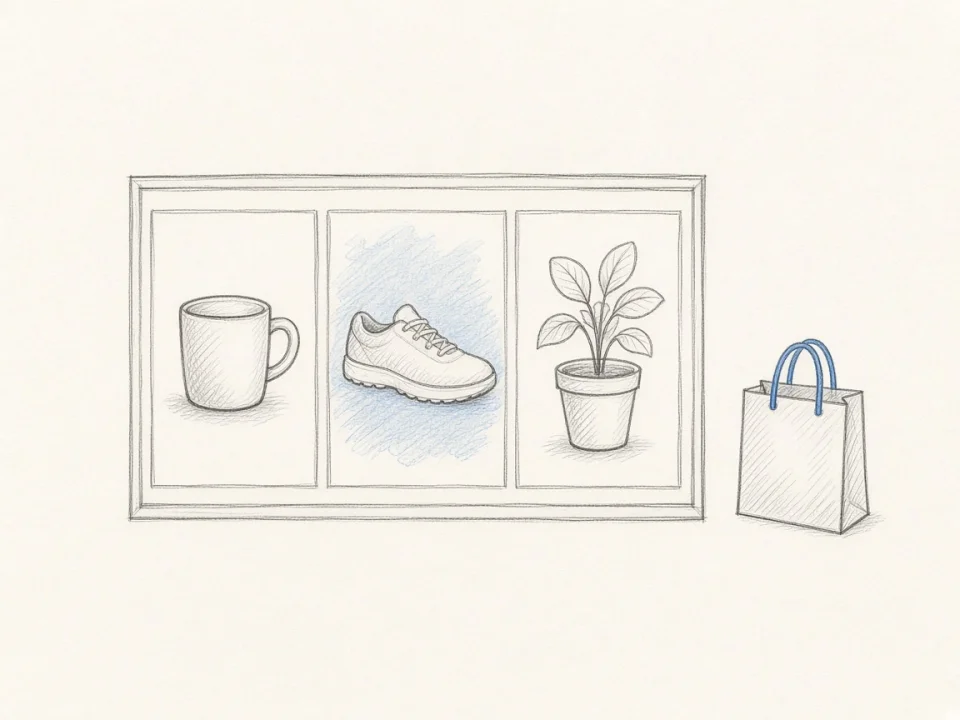
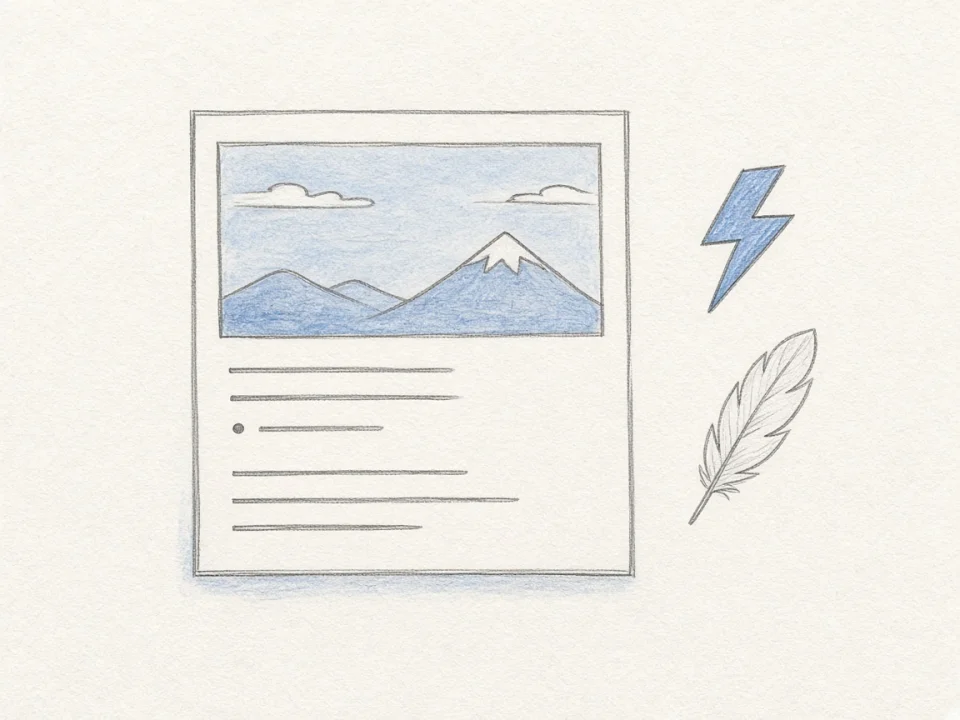
Social preview cards display link artwork across messaging apps and feeds. Use our tool to resize WebP banners to optimal platform dimensions.
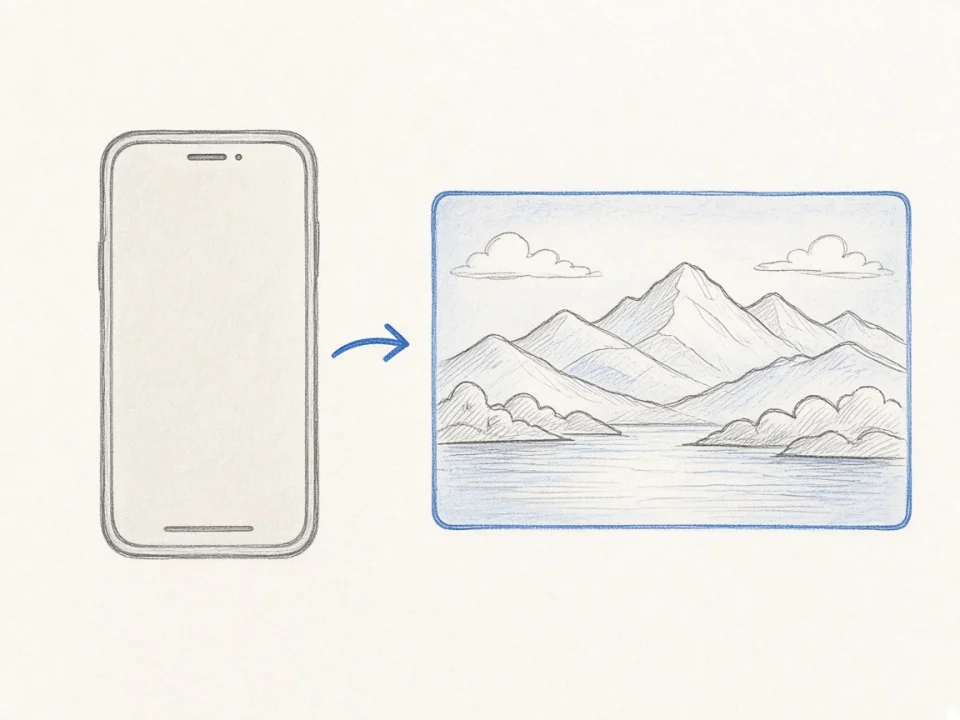
Large hero pictures are the main cause of slow Largest Contentful Paint (LCP). When you resize WebP assets, you improve Google Core Web Vitals.
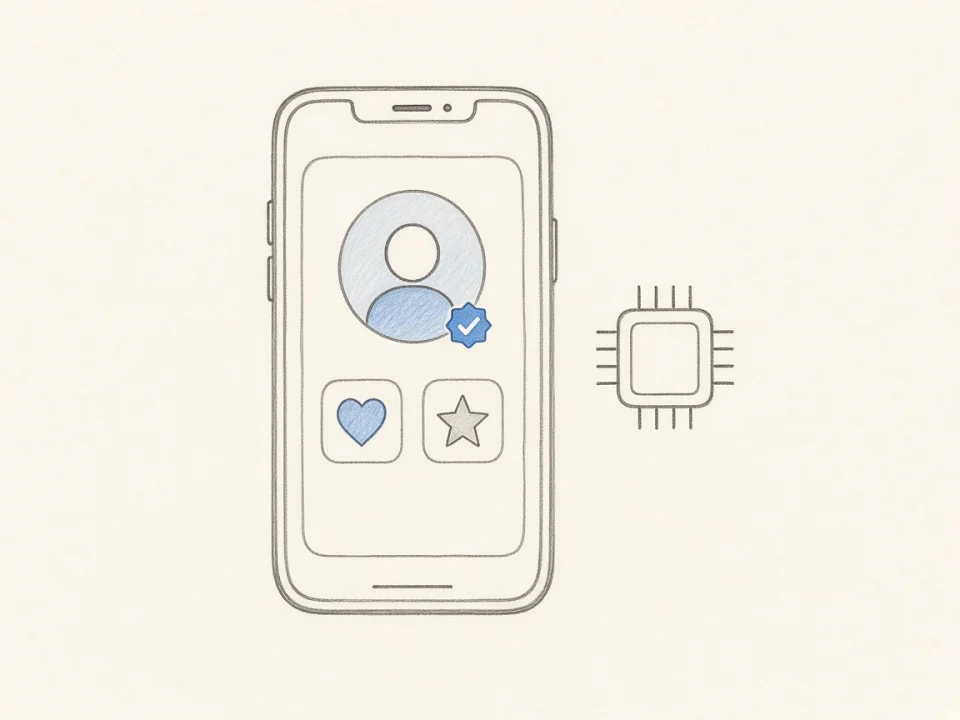
Mobile applications need compact image assets to keep memory usage low. Use our resizer to resize WebP graphics for mobile apps.
Resize WebP dimensions for websites, online stores, social media, and apps in seconds. Fast, private, and free with no watermarks.
Free
No Subscription
Private
Nothing Sent to Servers
Instant
Processed in Your Browser
No Watermark
Clean Output Always