Resize PNG Online Free

Change the width and height of a PNG in seconds. Keep the image clear and download it for free.

Free and no watermarkKeeps transparencyNo server upload

Upload a PNG Image

Click to choose a PNG file or drag it here.

PNG only · Up to 100MB

or

What Is a PNG Resizer?

A PNG resizer changes the width and height of a PNG image. This tool helps you resize PNG images without cropping them. You can make the image smaller or larger.

Enter a new width or height in pixels. Turn on the ratio lock to keep the same image shape. The other value will change with it. You can resize PNG files by setting a new width and height.

PNG files can have a clear background. Our tool keeps this transparency in the new file.

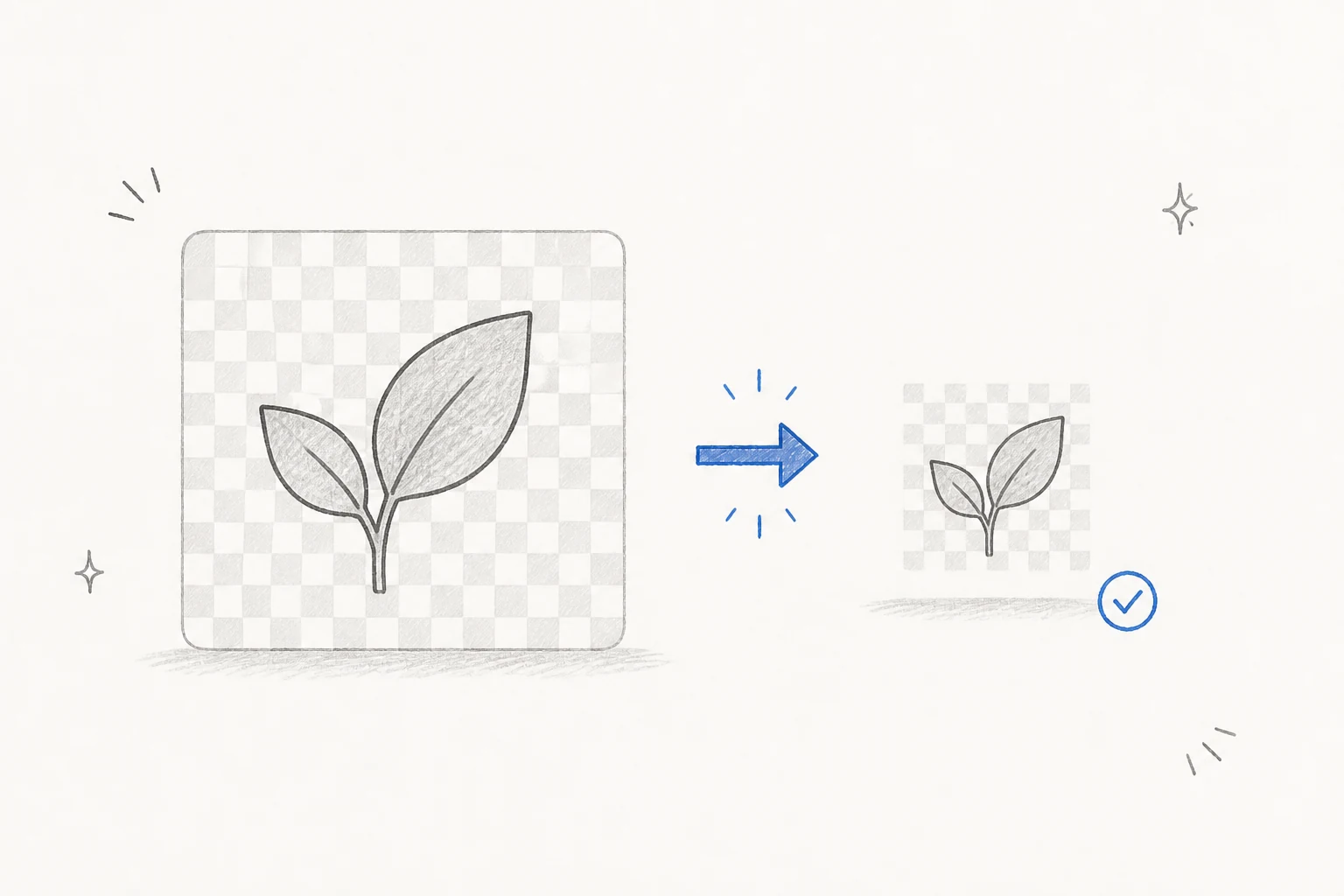
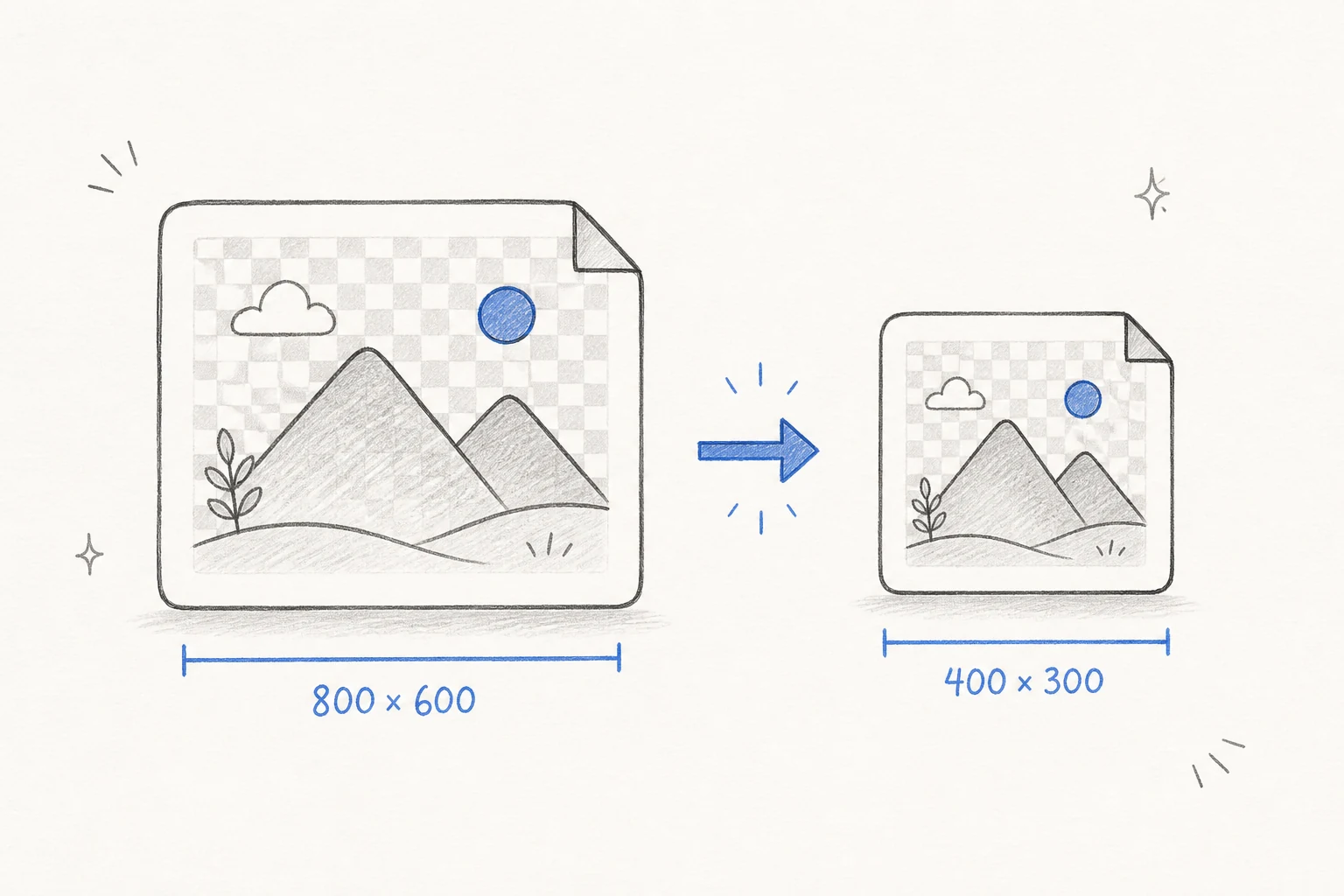
Hand-drawn example of a PNG resized from 800 by 600 pixels to 400 by 300 pixels

Why Resize a PNG Image?

PNG images often contain more pixels than you need. A large image can take more space on a page. It can also take longer to send or open. A smaller width and height can make the image easier to use.

Image size rules are common online. A website may need a small logo. A form may ask for a set photo size. A social site may use a square profile image. You can resize PNG files for each task.

Resize PNG for Websites

Large images can slow down a web page. Set a smaller width and height before you add the image to your site. The image will take less space on the screen. It may also use fewer bytes. Keep the ratio lock on to stop logos and icons from looking stretched.
Resize PNG for Social Media

Social sites use different image sizes. A profile image may need a square shape. A post may need a wide image. Set the width and height for the place you want. Check the preview before you download the new PNG.

Resize PNG for Forms and Profiles

Job forms, school forms, and account pages often ask for a set image size. Enter the needed pixel values in the tool. Use the ratio lock for the same image shape. Turn it off only if the form needs a different ratio.

Make Logos and Icons Fit

PNG is common for logos and icons. These files often have a clear background. Resize them for a menu, app, shop, or email. The clear parts will stay clear in the new file.

Key Features of Our PNG Resizer

Use simple controls to resize PNG files for any place. Check a clear preview before download.

Flexible PNG Resizing

Enter the width and height you need in pixels. Use one value or set both values. The tool gives you full control over the new image size. You can resize PNG files for a small icon, a wide banner, or a square profile image.

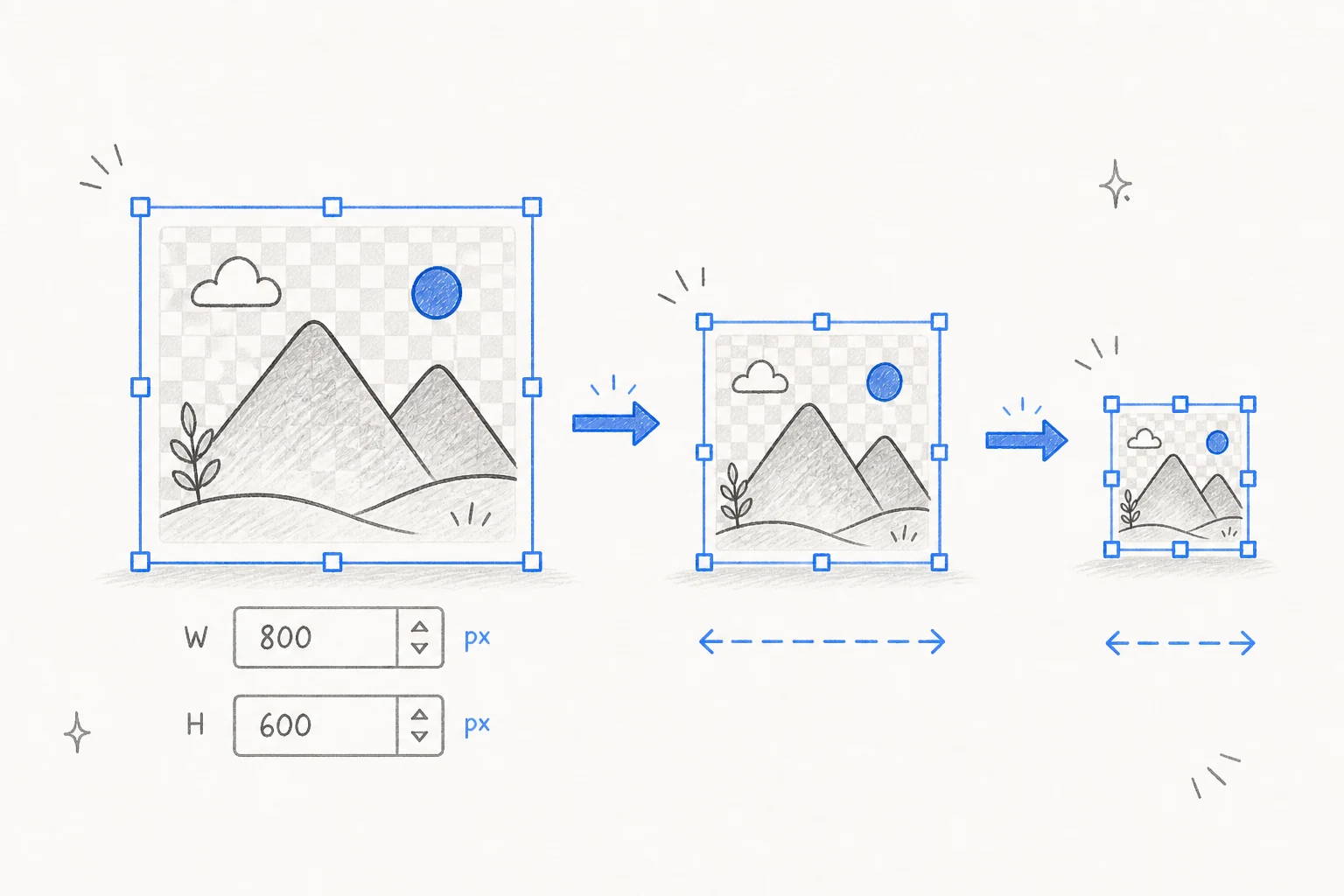
Hand-drawn PNG image with flexible width and height controls

Keep the Image Ratio

Turn on the ratio lock before you change the size. The ratio lock helps you resize PNG images without stretching them. The width and height will stay in balance. A wide image stays wide. A square image stays square. Your logo, icon, or photo will not look thin, wide, or stretched.

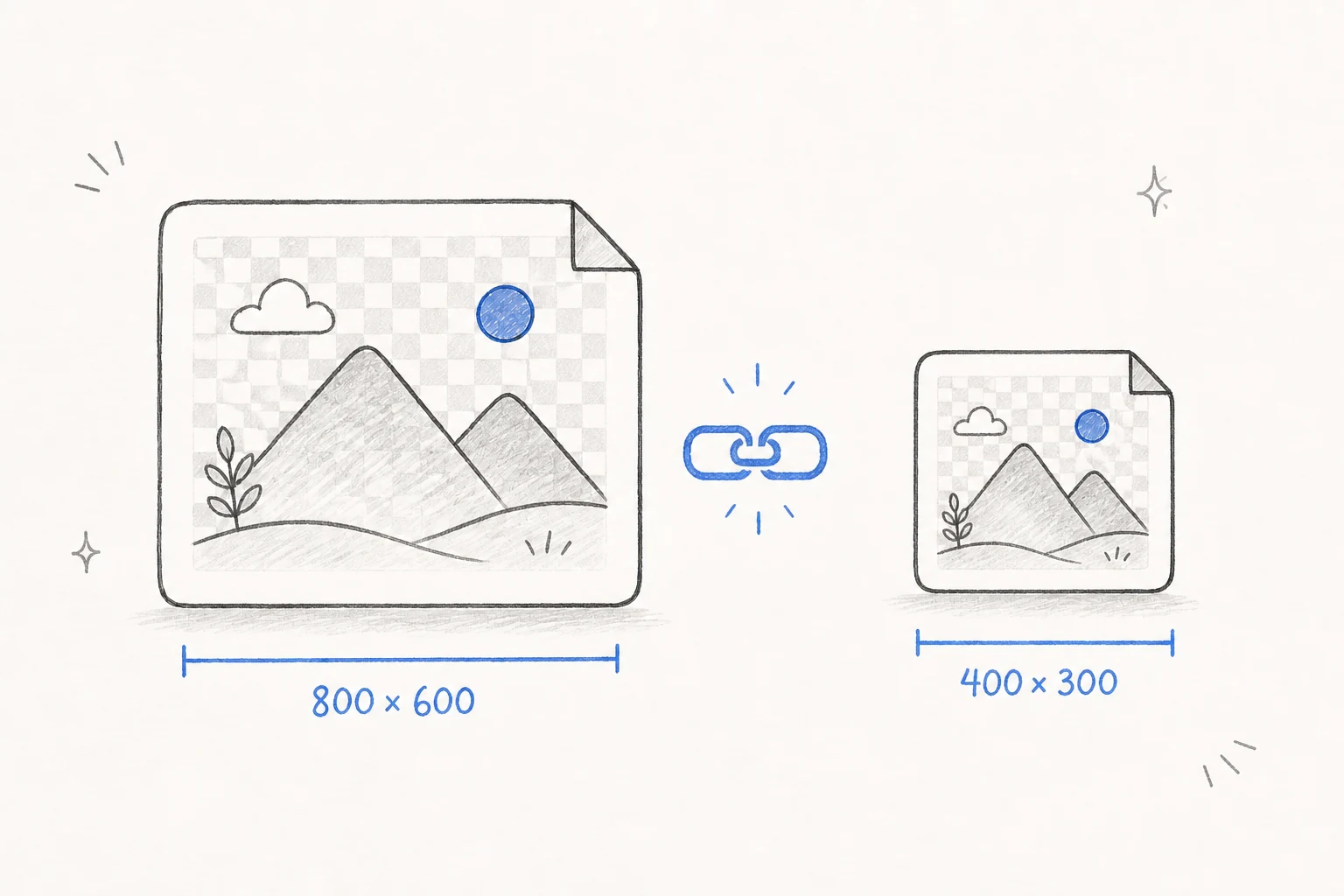
Hand-drawn PNG resize example with the image ratio locked

Keep PNG Transparency

Resize PNG images and keep every clear part. You do not get a white or black box behind the image. This is useful for logos, icons, stickers, and product images. Your resized PNG can work on light and dark backgrounds.

Hand-drawn transparent PNG before and after resizing

Private in Your Browser

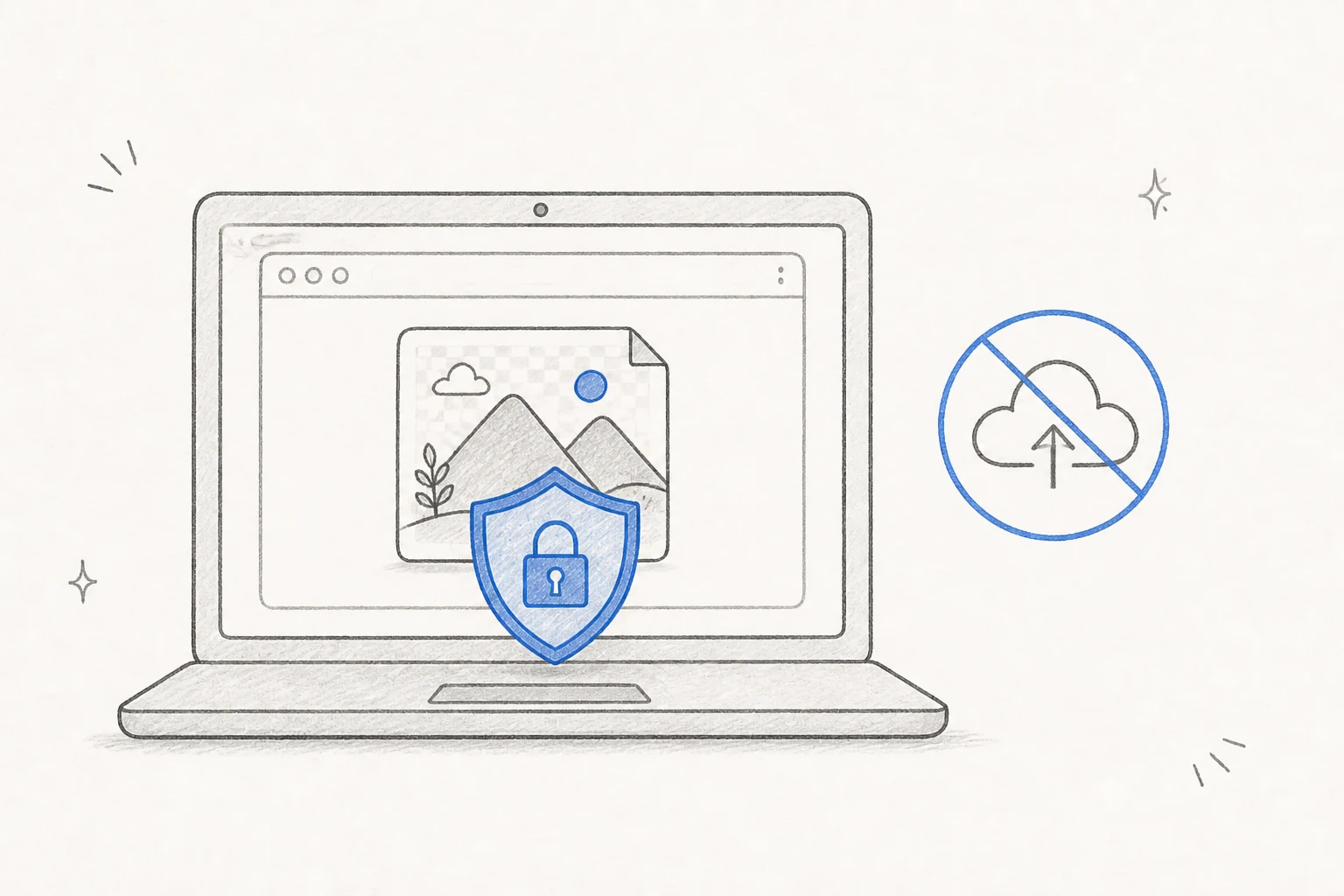
You can resize PNG files in your browser. Your PNG stays on your device. The tool does not send the file to a server. You can close the page after your download. No account or personal details are needed.

Hand-drawn private browser resize with no cloud upload

Fast and Free

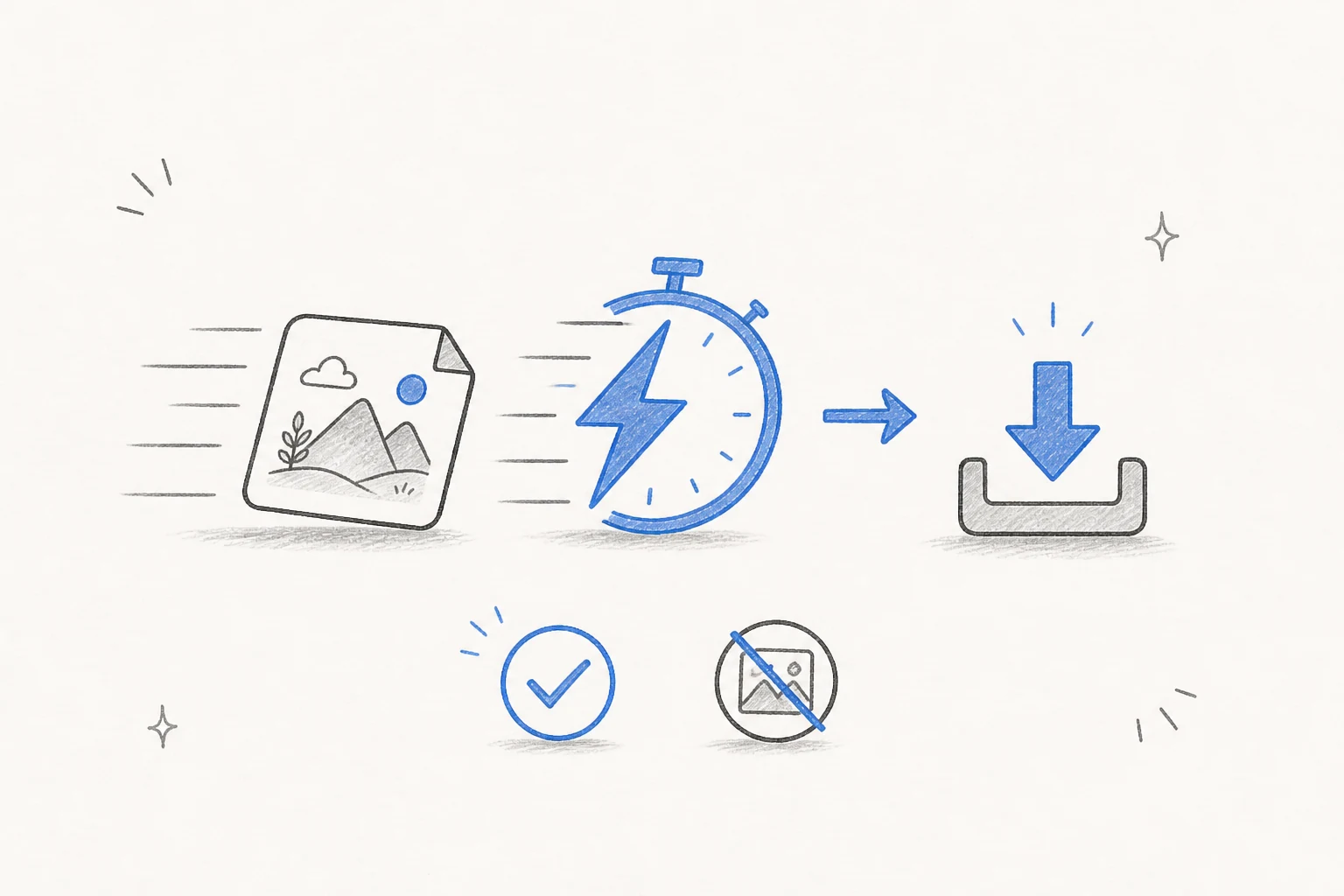
Resize a PNG in a few seconds. Set the size, check the result, and download the file. There is no sign-up, fee, or watermark. You can use the new image for personal, school, or work tasks.

Hand-drawn fast PNG resize and free download

Works on Any Device

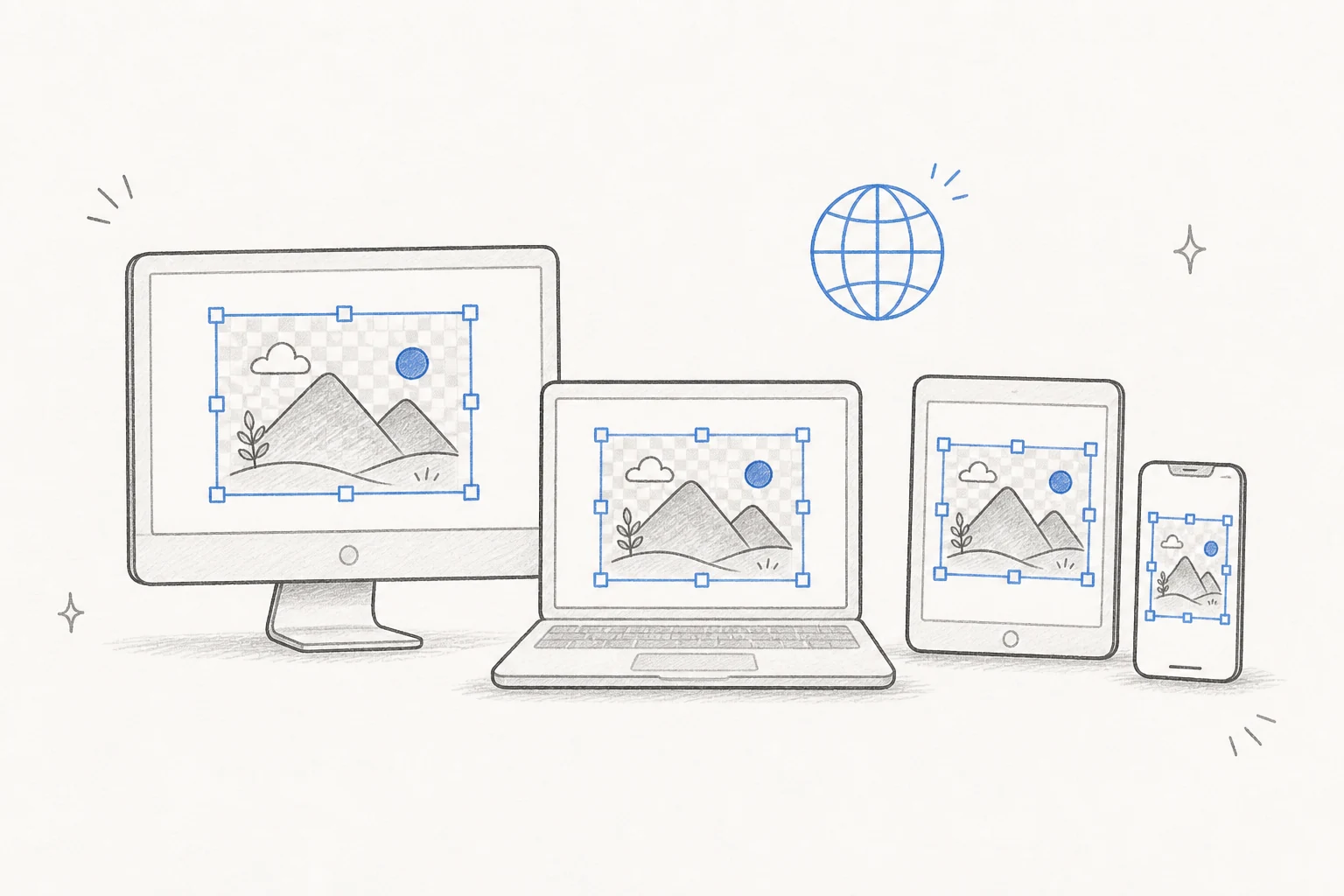
Resize PNG files on a phone, tablet, laptop, or desktop. You only need a web browser. There is no app or extra program to install. The same simple controls work on small and large screens.

Hand-drawn PNG resizer on desktop, laptop, tablet, and phone

How to Resize PNG Online

Follow four short steps to resize PNG files.

1

Add Your PNG

Click the upload box or drag a PNG file onto the page. PNG files up to 100MB are supported.

2

Set the New Size

Enter a new width or height. Keep the ratio lock on for the same image shape.

3

Resize the PNG

Click Resize PNG. Check the new size and image preview.

4

Download the File

Click Download PNG. The new image is saved to your device.

Resize PNG FAQ

Simple answers about PNG size, quality, and privacy.

Is this PNG resizer free?

Yes. You can resize a PNG and download it for free. There is no sign-up or watermark.

Can I resize PNG without losing quality?

Yes. Our PNG resizer keeps quality loss to a minimum. A very large size change can make the image less clear. Use a size close to the original for the best result.

Can I resize PNG files with a clear background?

Yes. The new PNG keeps transparent parts of the original image.

How do I stop the image from looking stretched?

Turn on the ratio lock. The width and height will stay in the same balance.

Can I resize PNG on any device?

Yes. The tool works in modern browsers on Android, iPhone, iPad, Windows, macOS, Linux, and ChromeOS. You do not need to install an app.

Can I resize PNG files without a server upload?

Yes. The resize work happens in your browser. Your file stays on your device.

What is the largest PNG I can use?

You can use a PNG file up to 100MB.

Will the resized PNG have a watermark?

No. We do not add a watermark to your resized PNG.

What is the difference between resize and crop?

Resize changes the full image size. Crop cuts away part of the image.

Ready to Resize Your PNG?

Resize PNG files for free and download them in seconds. Keep the clear background.

Resize PNG Now
Free
Private
No Watermark
PNG Output