
JPG to WebP online converter
Turn JPG and JPEG files into modern WebP images directly in your browser.
Drop your JPG here
Or click to browse. Supports `.jpg` and `.jpeg` files up to 20MB.
 Browser-based conversion•
 Best for photos and content images•
 Smaller files for web delivery
What is JPG to WebP converter?
JPG to WebP conversion takes a standard JPEG image and re-encodes it into WebP, a format built for modern web performance. The goal is simple: keep the image looking good while shipping fewer bytes to the browser.
JPG remains common for cameras, exports, and downloads, but WebP is often better for final web delivery. This tool helps bridge that last step without editing software or cloud processing.
 JPG input
Common for camera and export workflows, but often heavier than needed for the final website asset.
 WebP output
Better suited to modern delivery, with smaller payloads and strong support across current browsers.
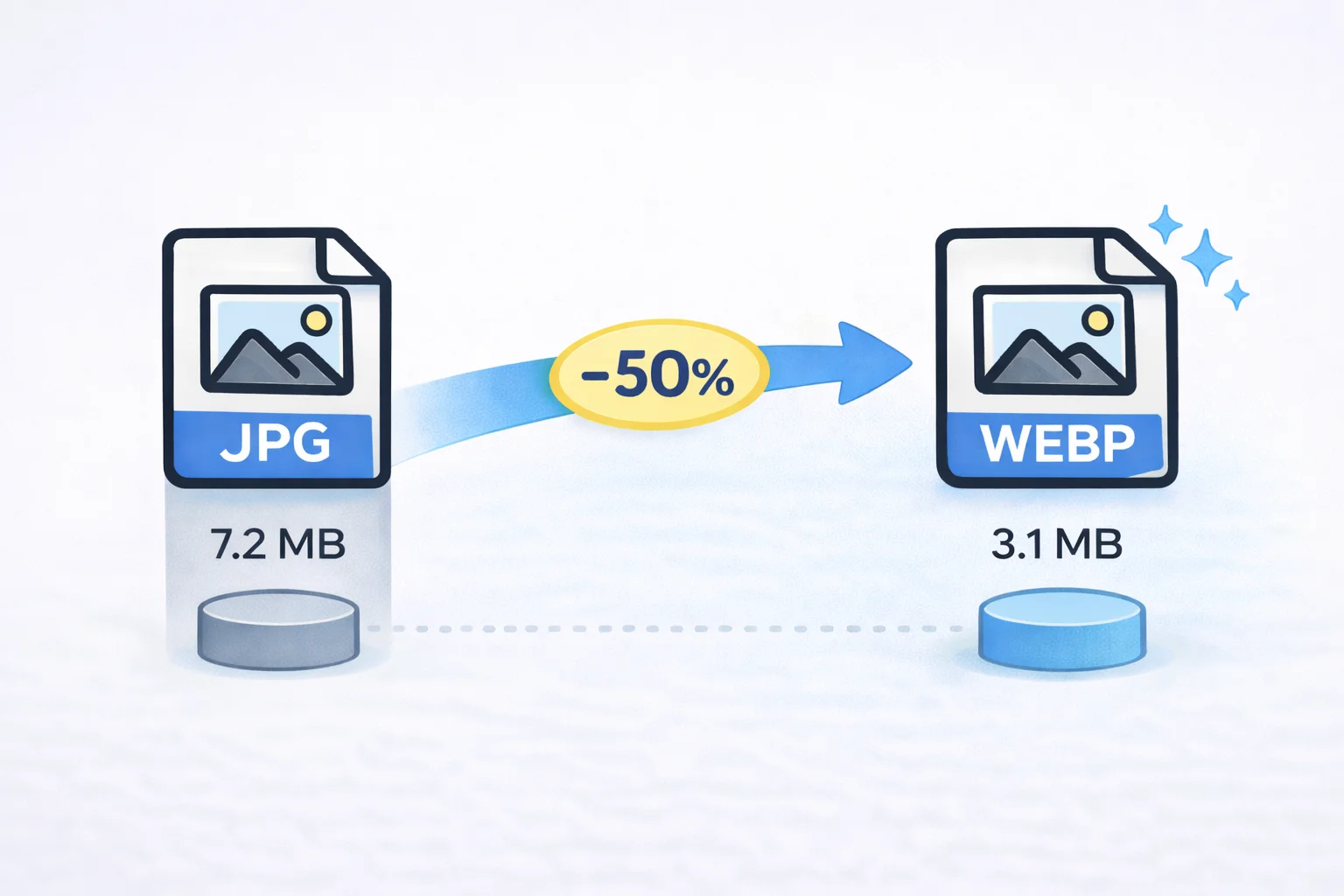
 Smaller file size
 Better for web upload
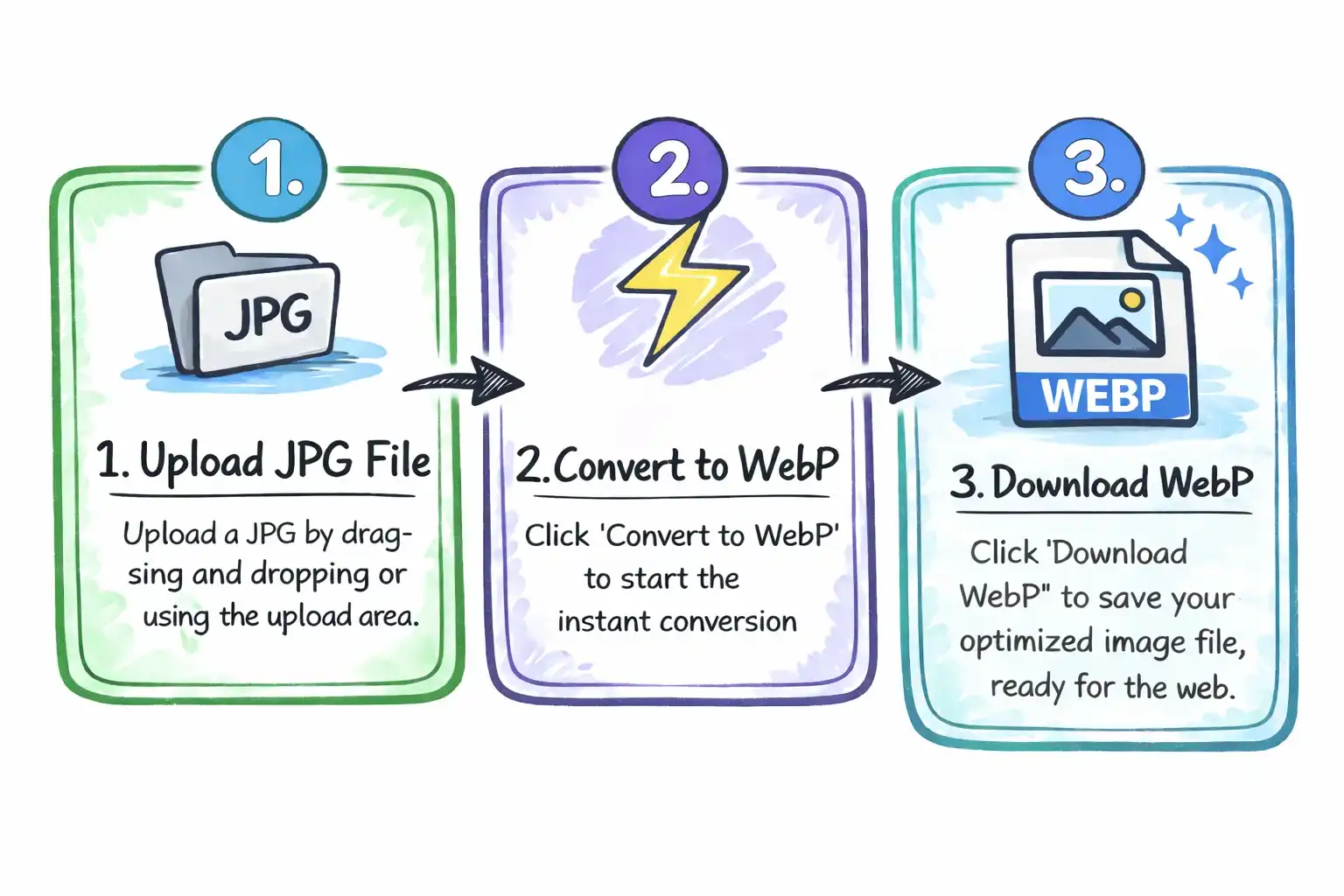
How to convert JPG to WebP
Upload JPG File
Click the upload area or drag and drop your JPG file from any device.
Convert to WebP
Click the "Convert to WebP" button and the conversion happens instantly in your browser.
Download WebP
Click "Download WebP" to save your optimized image file, ready for the web.
Why choose our JPG to WebP converter?
Smaller file sizes
WebP is tuned for the web, so it often delivers lighter image payloads than JPG for the same layout slot.

Private conversion
The file stays in the browser during conversion. No upload queue, no waiting for a remote server to finish.

Web-ready output
Ideal when you are preparing assets for websites, blog posts, portfolio pages, ecommerce, or SEO-focused content.

No setup needed
Drop a JPG, convert it, download the WebP. No apps, no account creation, and no extra export steps.
 Free to use, no feesNo signup requiredNo watermark addedUnlimited conversions
Frequently asked questions
Common questions about using this JPG to WebP converter.
Why convert JPG to WebP?
Will converting JPG to WebP reduce image quality?
How much smaller will a WebP file be?
Why is my converted WebP not much smaller?
Will WebP work everywhere?
Will my image be uploaded?
Do I need to install any software?
Is this JPG to WebP converter free to use?
Ready to convert JPG to WebP?
Reduce file size, speed up your pages, and get web-ready images in seconds.
Convert JPG to WebP NowAlso try PNG to WebP or Image Compressor.