
Free Negative Filter Online
Invert any photo's colors instantly — no editing skills needed.
Click to select an image
or drag and drop here
Supports JPEG, PNG, WebP • Maximum file size: 100MB
Key Features of Our Negative Filter
Everything you need to invert your image colors — fast, free, and private.
Instant Color Inversion
Select your photo and the negative effect is applied immediately. No waiting, no extra steps. Every color flipped to its opposite the moment your image loads.
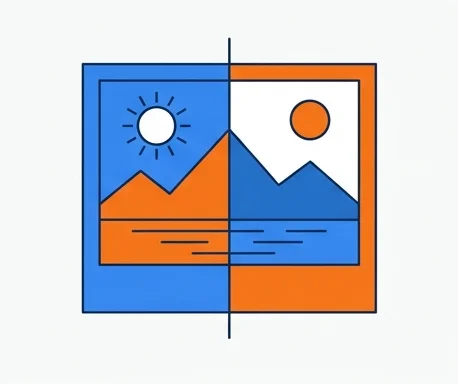
Side-by-Side Comparison
See your original and inverted image next to each other instantly. No guessing — the before and after are always visible at the same time.
100% Private
The negative effect is applied directly on your device. Your photos never leave your browser, making it safe for personal and confidential images.
No Quality Loss
The inverted photo is exactly as sharp and detailed as the original. We only flip the colors — nothing gets compressed, resized, or blurred.
Works on Any Device
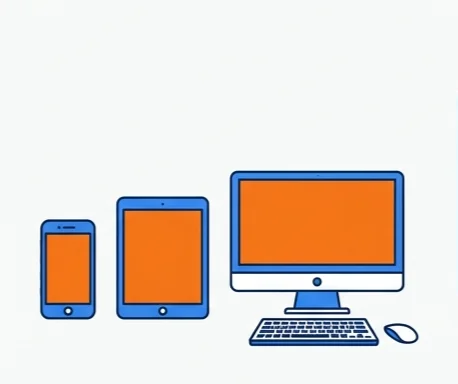
Phone, tablet, desktop — any modern browser. Apply a negative filter on the go or at your desk. No app to install, no software to download.
What Is a Negative Filter?
The classic color inversion effect and when to use it
A negative filter inverts every color in an image — turning bright areas dark, dark areas bright, and flipping each hue to its complementary opposite. The effect is named after photographic film negatives, where colors appear reversed before a print is developed. Our online negative filter processes your image entirely in the browser — no uploads, no cloud processing. Select your photo and the inverted result appears instantly — then download in high quality.

Creative art projects, graphic design, UI mockups, accessibility checks, surreal photo edits, dark-mode previews, scientific image analysis, and any image you want to transform with a striking visual inversion.
In Photoshop, you invert colors via Image → Adjustments → Invert (Ctrl+I). Our tool does it with one click — the inverted result appears instantly, no software to install, no account needed, and it works on any device.
How to Apply a Negative Filter
Invert your photo's colors in seconds. No software to install, no account needed.
Click to select or drag and drop any image. The negative filter is applied instantly.
See the original and inverted image side by side. Every color flipped to its exact opposite — no adjustments needed.
Hit Download to save your inverted image. No watermarks, no sign-up. Ready to share or use anywhere.
Why Choose Our Negative Filter
The fastest, most private way to invert your image colors online
Select your photo and the inverted version appears immediately. No waiting, no extra steps. Original and negative side by side, ready to download.
Download your negative photo directly. No watermarks added, no account required. Completely free with no limits on the number of images.
The filter runs entirely on your device. Safe for personal photos, client work, and confidential images.
Your photo keeps its original dimensions after the negative effect is applied. Download in full quality, ready for sharing or use in your projects.
Negative Filter FAQ
Common questions about our online negative filter tool
What is a negative filter?
What image formats are supported?
Is this negative filter free to use?
Are my images uploaded anywhere?
Can I use it on my phone?
What's the difference between a negative filter and desaturation?
Ready to Apply a Negative Filter?
Select your photo, download the inverted result. Takes seconds.