
Motion Blur Effect
Add a directional or rotational motion blur effect to any photo. Adjust the angle and distance, pick a preset, and download — all in your browser.
Click to select an image
or drag and drop here
Supports JPEG, PNG, WebP • Maximum file size: 100MB
Key Features of Our Motion Blur Tool
Three settings, four presets, and the result straight into your downloads folder.
Choose the Direction
Drag the angle slider anywhere from 0° to 360°, or jump straight to horizontal, diagonal, or vertical with one click. The blurred streaks follow the direction you pick, so a panning shot and a falling subject are one setting apart.
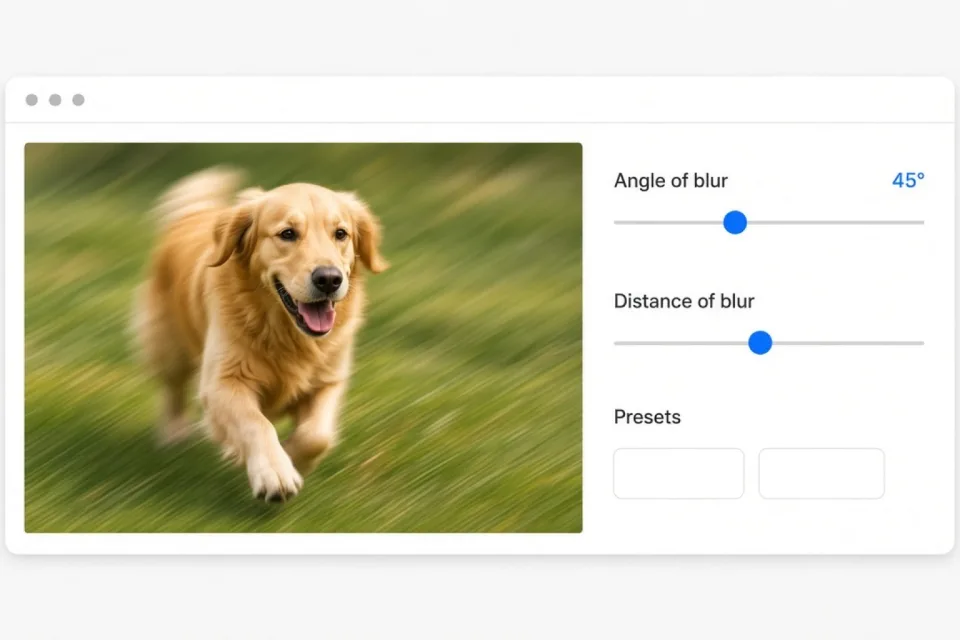
Set the Distance
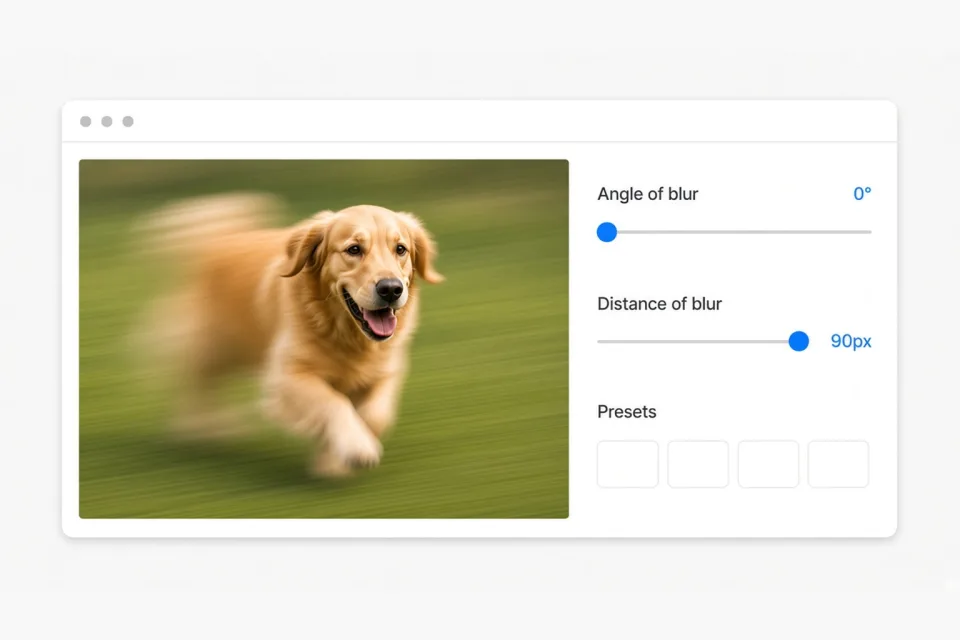
A motion blur effect only looks convincing when the streak length matches the subject. Distance controls how far the blur travels. A short distance keeps the photo recognisable with a subtle sense of movement; a long one turns it into a full speed streak. Anything from 1 to 120 pixels, measured on the exported image.
Rotational Blur
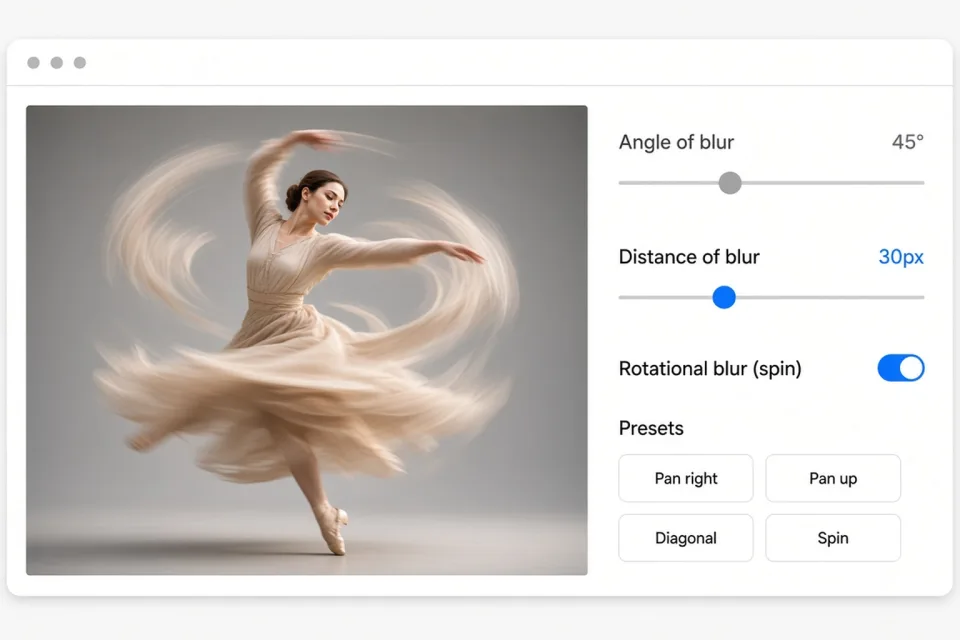
Flip the spin switch to blur in a circle around the centre of the photo instead of in a straight line. It is the classic way to make a subject look like it is spinning, turning, or falling through frame.
Ready-Made Presets
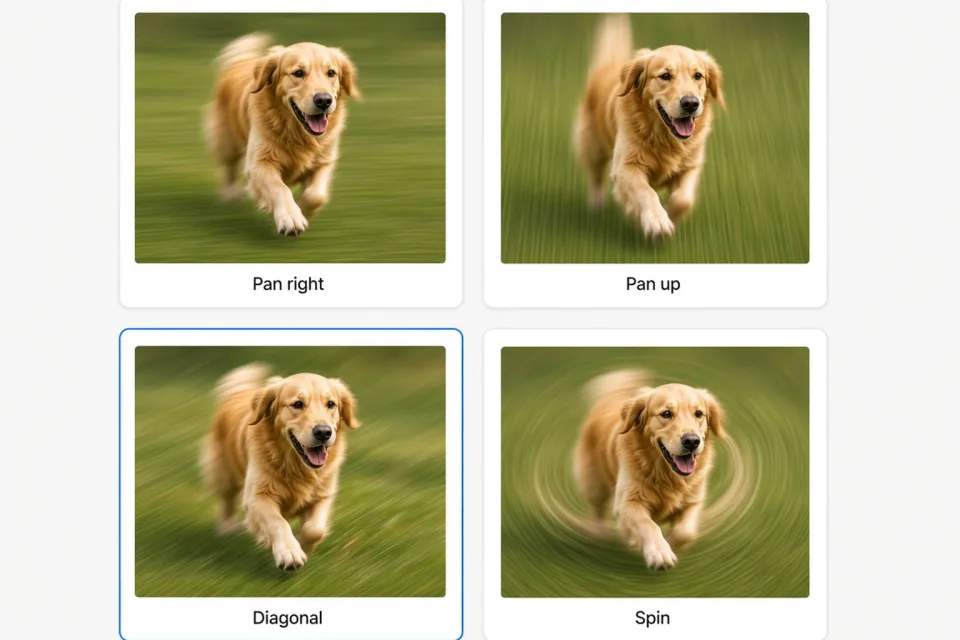
Not sure where to start? Pan right, Pan up, Diagonal, and Spin set the angle, distance, and mode for you. Apply one, then nudge the sliders until it looks right — no guessing which numbers produce a real motion blur.
Nothing Gets Uploaded
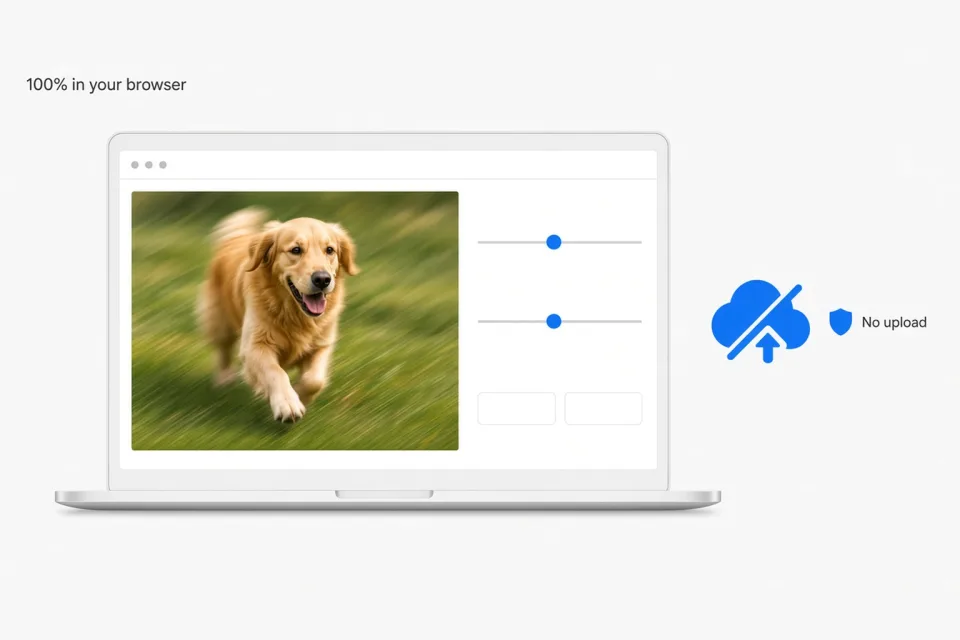
Every motion blur runs entirely in your browser. Photos are never sent to a server and never stored, there are no watermarks, no accounts, and no limits on how many images you run through the tool.
What Is a Motion Blur Effect?
The streaks a camera records when something moves while the shutter is open — reproduced on any photo, in seconds.
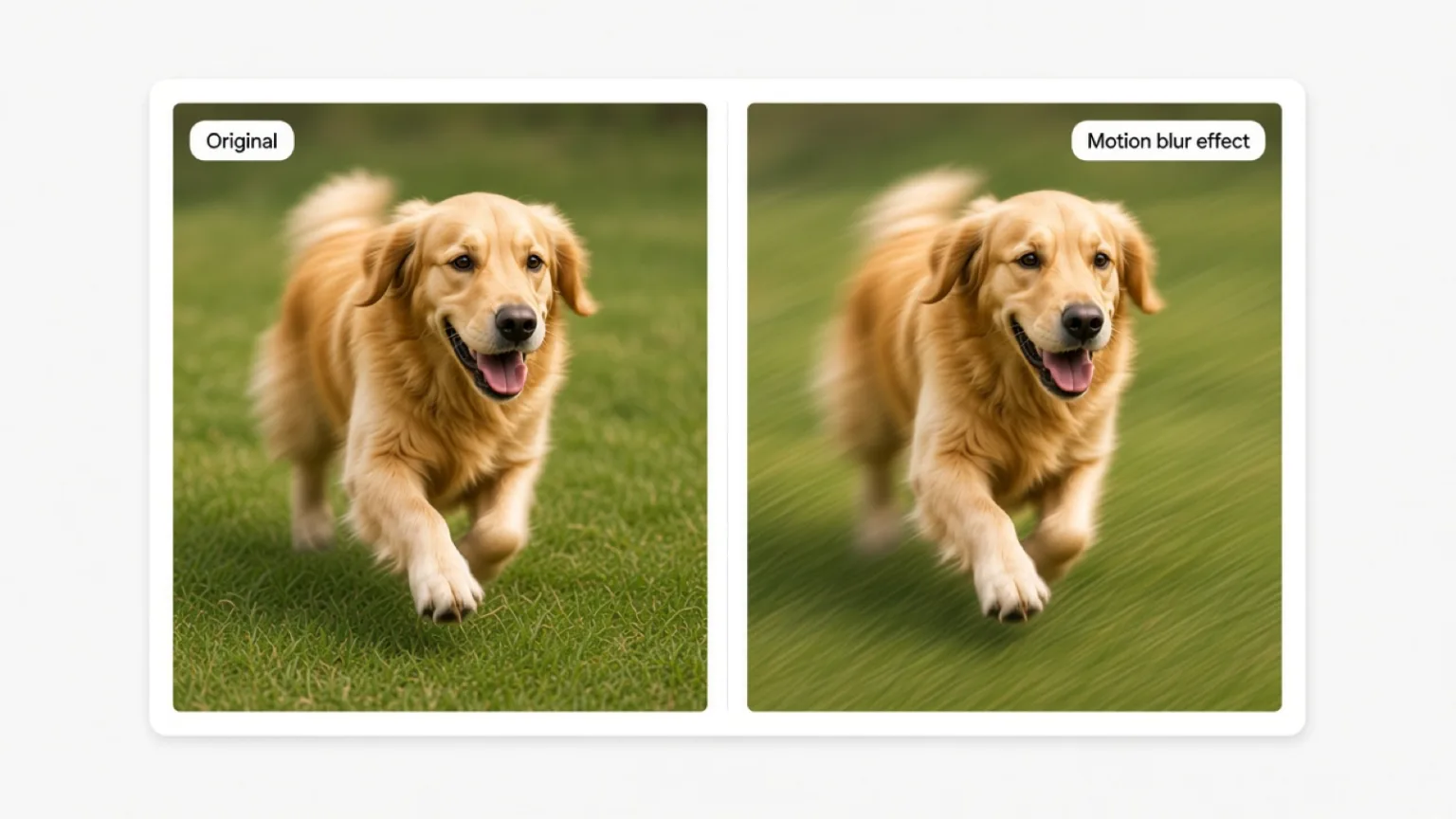
A motion blur effect is the streaking you see when a subject moves during the exposure. The shutter stays open for a fraction of a second, light from the moving subject lands on different parts of the sensor, and the result is a smear that points in the direction of travel. The same thing happens when the camera moves instead of the subject — that is how photographers pan a racing car and keep the body sharp while the background turns into speed lines. Our tool recreates that look on a photo that was shot perfectly still: pick an angle, pick a distance, and the image is averaged along that path.
Each pixel is blended with samples taken a few pixels away in the chosen direction, then averaged back together. Small distances read as speed and energy; long distances read as a full streak. The spin switch does the same thing along a circular path, so the blur curls around the centre of the frame.
Sports and action photos, cars and motorcycles, running or dancing subjects, video thumbnails that need movement, anime and gaming style speed lines, and social posts that need to pull the eye toward a subject. Motion blur is also the quickest way to fake a panning shot from a sharp photo.
How is it different from a Gaussian blur?
A Gaussian blur spreads each pixel evenly in every direction, so the image simply goes soft — that is the out-of-focus look. A motion blur spreads pixels along one path only, which keeps edges legible while still reading as movement. If you want the soft, depth-of-field version instead, use our blur image tool.
How to Add a Motion Blur Effect to a Photo
Three steps, no install, no account — processed in your browser.
Drag and drop an image, or click to choose a JPG, PNG, or WebP file from your device. The photo loads in the preview straight away — nothing is uploaded anywhere.
Pick a direction with the angle slider, choose how long the streak should be with the distance slider, and switch on rotational blur if you want the effect to curl around the centre. The motion blur re-renders as soon as you release a slider. Start from a preset if you would rather not tune it by hand.
The motion blur preview is rendered at screen size while you work. Download renders the same settings at the full original resolution and saves the file in its original format — no watermark, no sign-up, no server.
Motion Blur Effect FAQ
Common questions about our online motion blur tool